
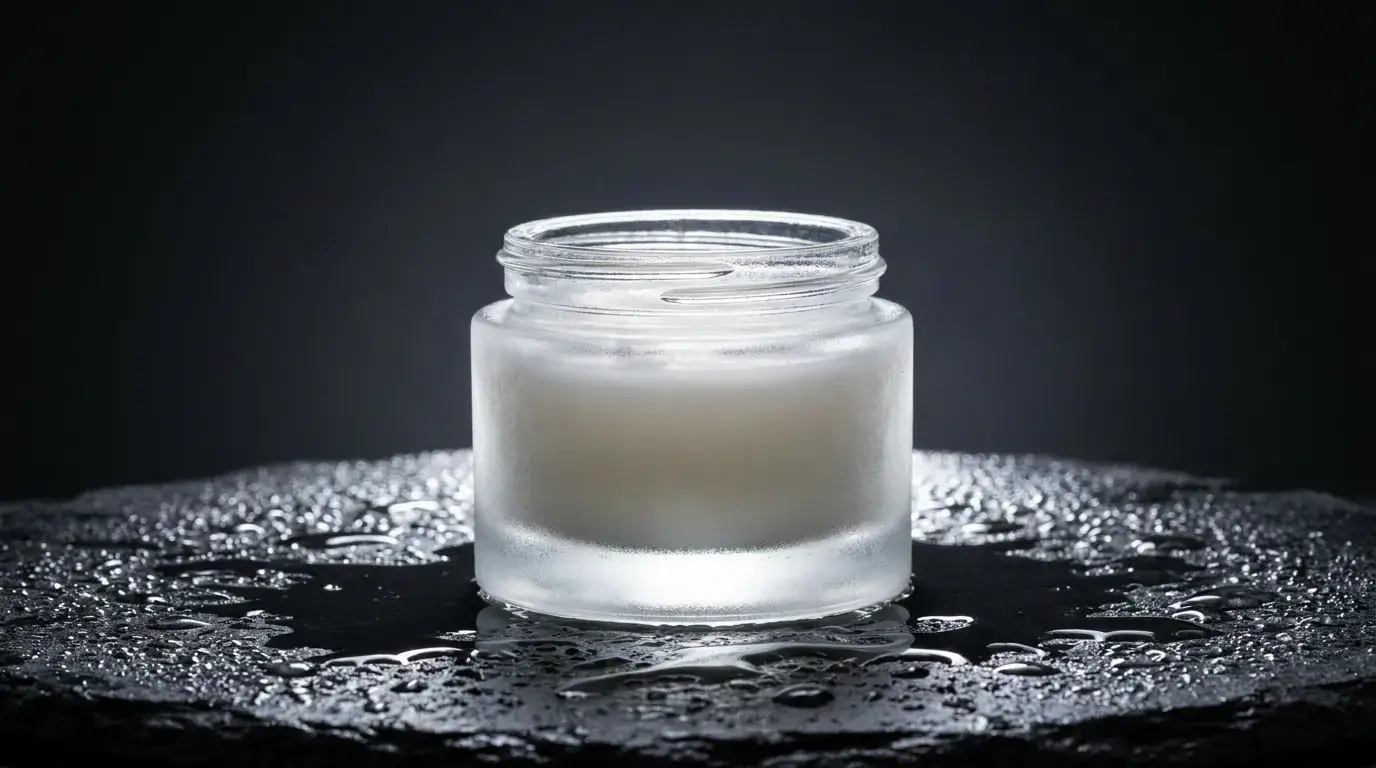
The three shots every product needs
E-commerce runs on a standard kit: a white-background catalog shot for the listing, a lifestyle shot that shows the product in use, and a hero shot with dramatic light for ads and landing pages. Prompt each differently — 'pure white seamless background, even soft light, crisp catalog detail' for the first; a real environment and human context for the second; hard rim light on a dark reflective surface for the third.
The STUDIO SOFTBOX preset carries the catalog and hero work: it bakes in the big-diffused-source look that makes glass, metal, and liquid read premium. For texture-forward products — leather, ceramics, knitwear — raking side light does more selling than any adjective.
Working from your actual product
When the product must be exactly your product — the real label, the real silhouette — upload a photo and work image-init. Nano Banana 2 rebuilds backgrounds, surfaces, and lighting around the object you gave it; Remove BG cuts a clean mask for marketplace listings; Relight changes the lighting mood of a shot you already like; and the Angles tool renders new camera angles of the same photo.
One honest caveat: fine label typography can drift when a scene is regenerated around it. Keep a close-up pass for label-critical frames, reach for Nano Banana Pro when text accuracy matters, and rerun any frame where the type went soft.
Lighting language that sells
Product photography is lighting with a product attached, and the vocabulary works directly in prompts: 'single hard rim light' traces edges on dark backgrounds; 'wet black slate with water droplets' adds specular sparkle for skincare and beverage; 'warm raking side light' pulls texture out of matte surfaces; 'soft gradient falling to black' isolates the hero.
Match the mood to the price point. Bright, even, shadowless light reads accessible and mass-market; low-key lighting with one sculpted highlight reads premium. Decide which shelf you're on before you prompt.
From still to short clip
The same product language extends to motion: a FULL ORBIT around the product on a dark reflective surface, or a CRASH ZOOM reveal for an ad opener. Video generations are short clips — a few seconds each, which is exactly the length product cuts run in feeds — so plan one move per clip.
A practical sequence: lock the hero still first, then use it as the start frame for image-to-video so the motion clip matches your art direction instead of re-rolling it from scratch.