
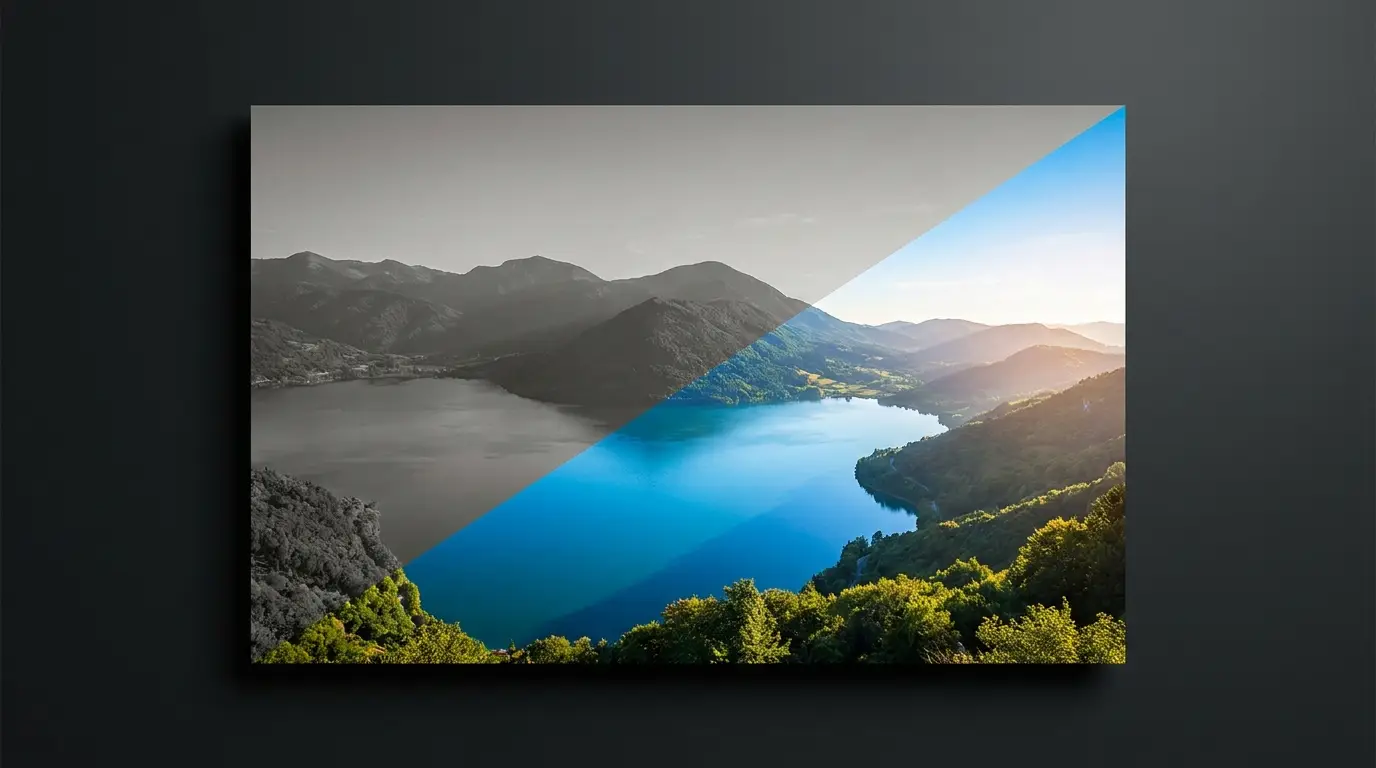
What relighting can and can't do
Because the model reasons about surface orientation, it can swing a key light from left to right, lift a face out of murky shadow, convert flat overcast light into directional drama, or shift white balance from clinical noon to honeyed evening. What it preserves is identity: it does not repaint faces or move objects — it changes how photons hit them.
The practical limit is information that was never captured: a face that's pure crushed black has no detail to re-illuminate. Slightly flat, evenly-lit sources are actually the best raw material — they carry maximum recoverable detail, and relighting supplies the drama.
The composite-matching workflow
Relighting's killer app is compositing. When you cut a subject out with the background remover and place them in a new scene, the giveaway is always light: the subject was lit from the left at 5600K, the scene glows from the right at 3200K. A relight pass on the subject to match the destination's direction and warmth is what turns 'pasted' into 'photographed there.'
Product teams use the same trick for consistency: shoot products whenever and wherever, then relight the whole set to one house lighting style so the catalog grid looks like a single studio session.
Fast recipes to steal
Golden hour rescue: took the photo at harsh midday? Warm the temperature, lower the apparent sun angle, and let long soft shadows do the rest. Moody portrait: kill the fill side, push a single warm key from 45 degrees, and you've got Rembrandt-style depth from a flat selfie.
Day-for-night: cool the scene, drop overall luminance, and keep one warm practical light dominant. Each of these took a lighting crew an hour on set; here it's one instruction and a re-render.