
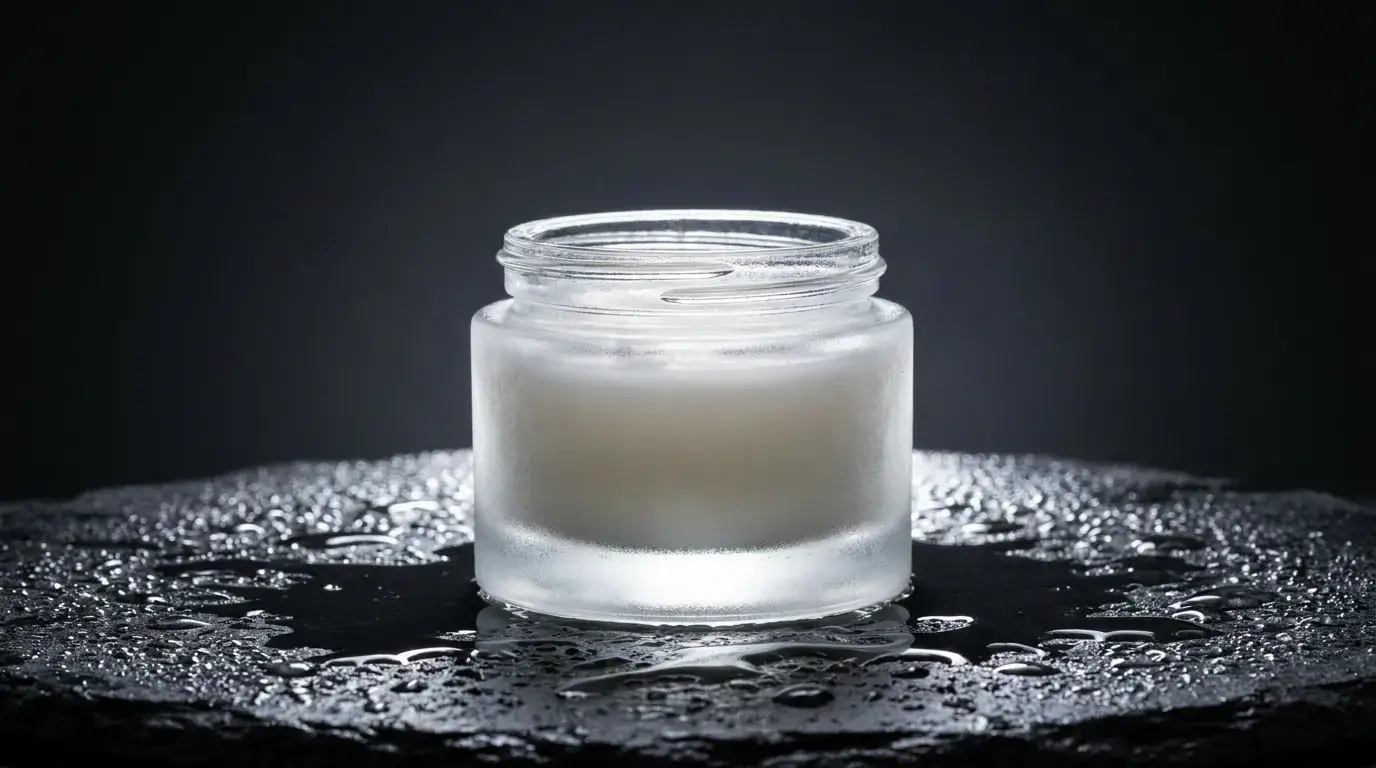
The three shots every product needs
The orbit: a smooth 360 that shows form and build quality — use the FULL ORBIT preset on a seamless backdrop prompt. The hero: a dramatic settled frame with directional light ("single hard rim light, dark gradient background") for ads and page headers. The lifestyle: the product in use in a desirable context — morning kitchen light, gym floor, studio desk.
Generate all three from one consistent product description block and you have a matched set for the product page, the ad campaign, and social.
Prompting materials so they read true
Materials sell products, so name them precisely: "brushed aluminum", "matte soft-touch plastic", "full-grain leather", "frosted glass". Then give the light something to do with the material — glass wants backlight and caustics, metal wants hard rim light, fabric wants soft directional window light that shows texture.
Keep the background one idea: seamless white for catalog, dark gradient for premium, a single believable environment for lifestyle. Two competing environments in one prompt is the most common cause of muddy product renders.
From listing photo to moving asset
The safest route for a real, recognizable product is image-to-video: start from your actual product photo so the label, proportions, and colorway stay exact, then add motion with an orbit or slow zoom preset. The product stays pixel-faithful while the clip adds the dimensionality stills can't.
E-commerce teams batch this — animate the top 20 SKUs' hero images with the same preset, and the whole catalog gains motion with one consistent look.