
Nidhogg
Log in

AI Product Photo Generator

A product shoot costs hundreds per SKU and days of turnaround. Nidhogg's product photo generator produces studio-grade shots — clean white-background catalog images, dramatic dark hero shots, and warm lifestyle scenes — from a text description, in seconds.

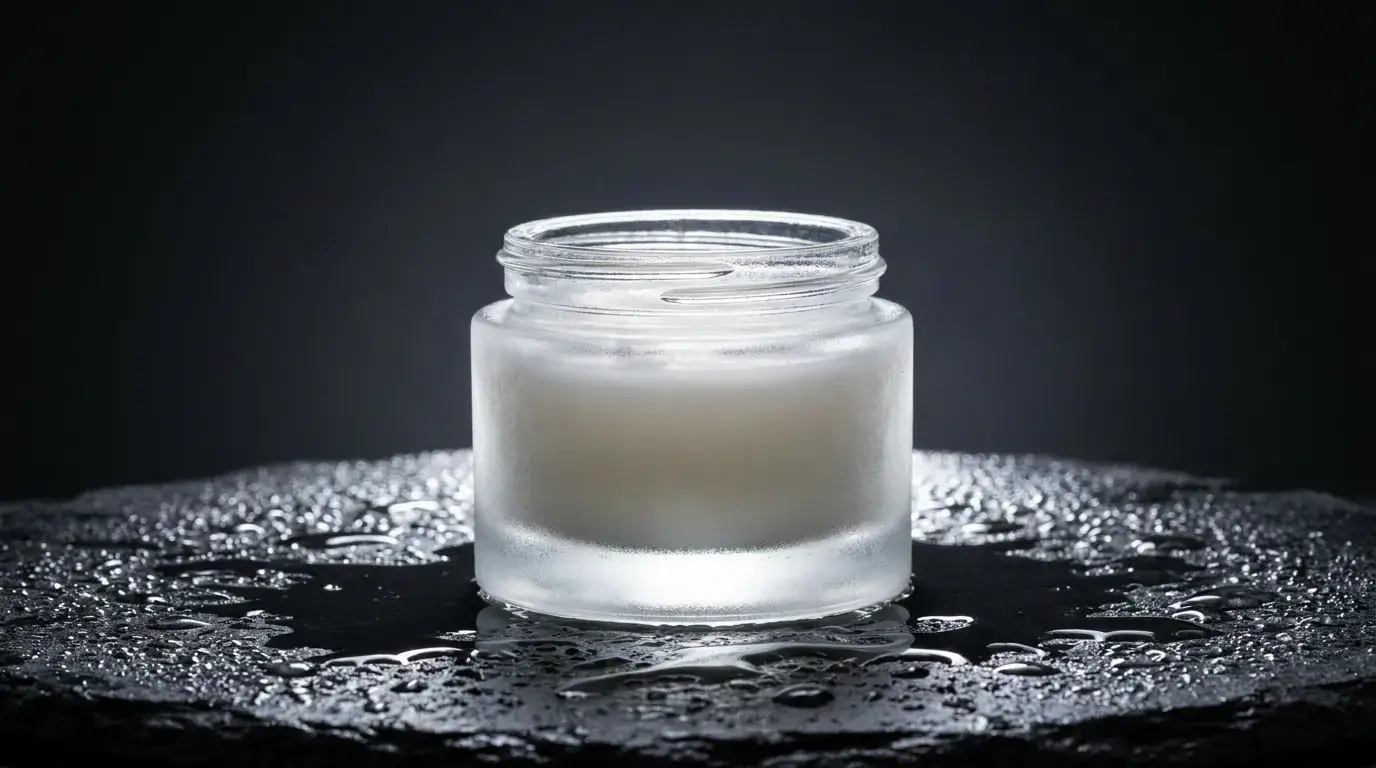
The difference between amateur and professional product photography is shadow and surface control, and that's precisely what you direct here: 'soft shadow falling right', 'wet black slate surface', 'rim light tracing the bottle edge'. FLUX Pro renders these physically believably.

Shoot your product
AI Product Photo Generator

The three shots every product needs

Catalog shot: 'product on pure white seamless, even soft lighting, subtle contact shadow' — marketplaces require it, and the contact shadow is what stops it looking pasted-on. Hero shot: 'dark gradient background, dramatic rim light, reflective surface' — this is your landing-page banner. Lifestyle shot: place the product in a believable scene with 'natural window light, shallow depth of field' so buyers can imagine owning it.

Prompt all three from the same product description and you have a complete listing set in one session.

Surfaces and light sell texture

Name the surface the product sits on — slate, oak, marble, brushed steel, linen — because reflections and shadow softness follow from it. Add environmental storytelling sparingly: a single water droplet on a skincare bottle or steam behind a coffee bag adds appetite appeal, while cluttered props steal attention. The STUDIO SOFTBOX preset applies a tested clean-studio lighting fragment when you want the safe default.

Who uses it

E-commerce sellers refresh entire catalogs seasonally without reshoots; DTC brands A/B-test hero visuals per campaign; agencies mock up packaging concepts before the physical product exists. Combine with Nidhogg's Remove BG and Relight editing tools to adapt one master shot to many placements.

FAQ

Can it match my actual product exactly?+

Text-to-image generates representative products; for shots of your exact item, upload a reference image and use Nidhogg's editing tools (Remove BG, Relight, Inpaint) to place and restyle it in generated scenes.

What makes a white-background shot look professional?+

The contact shadow. Always include 'subtle soft contact shadow beneath the product' — pure white with no shadow reads as a cheap cutout.

Which model is best for product photography?+

FLUX Pro is the workhorse for lighting realism and material rendering. Use Seedream v4.5 for lifestyle scenes involving people, and Nano Banana Pro for 4K hero banners.

Ready to try it?

Free credits on signup — no card required.

Shoot your product

Related