
The two shots every listing needs
The PDP shot: product on pure white seamless, evenly lit, filling most of the frame. Major marketplaces require a true-white background on the main image and prefer the product to occupy roughly 85% of the frame — the STUDIO SOFTBOX preset gets you that clean, shadowless commercial look in one click.
The lifestyle shot answers the question the white background can't: how big is it, where does it live, who is it for? A candle on a linen-draped nightstand at dusk converts differently than a candle floating in white space. Generate two or three context scenes per hero product and let your click-through data pick the winner.
Keeping a 200-SKU catalog consistent
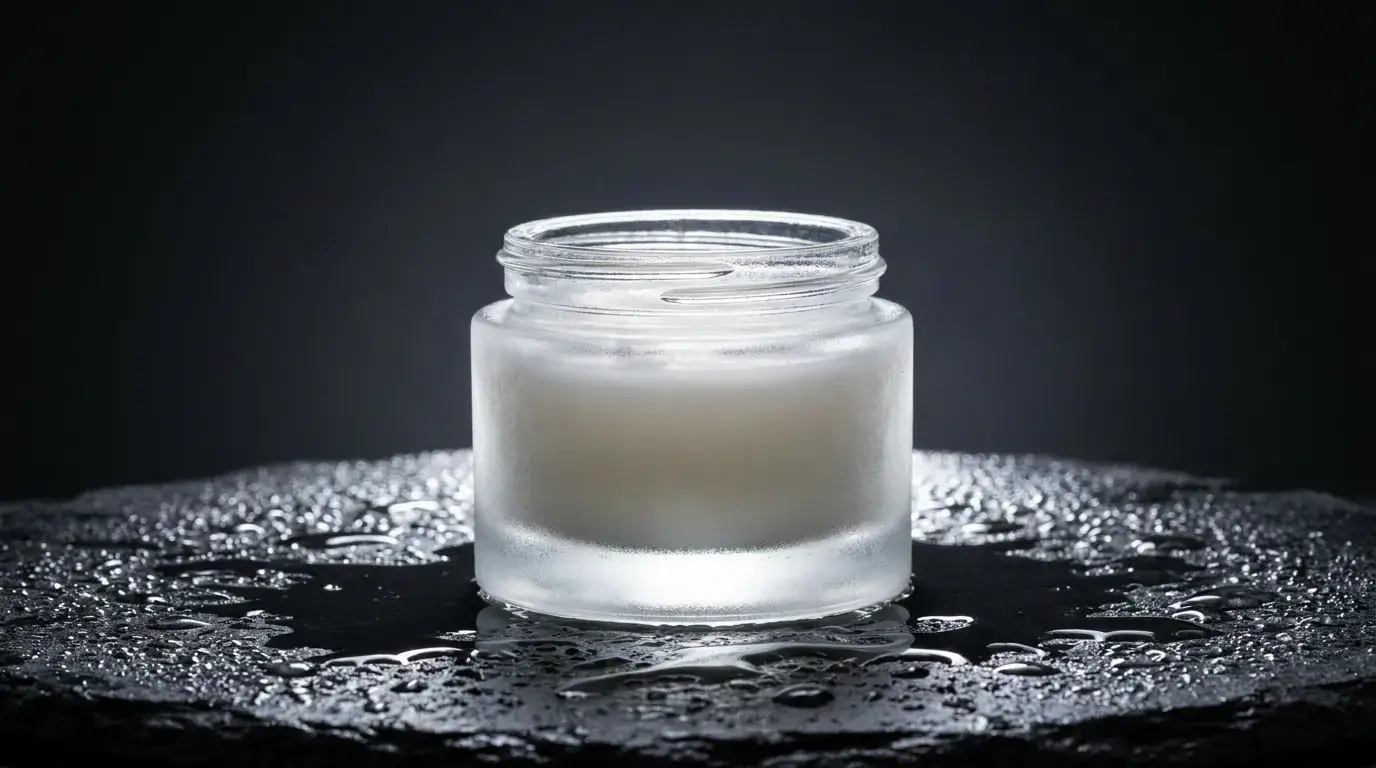
Inconsistent lighting across listings quietly signals "unprofessional store". The fix is a template prompt: lock the surface, camera angle, and lighting phrase — for example "three-quarter angle, soft even studio light, subtle front reflection" — and change only the product description per SKU. seedream-v45 is the photoreal specialist here; it renders convincing glass, fabric weave, and brushed metal when you name those materials explicitly in the prompt.
Beyond the product page
The same pipeline feeds everything around the listing: seasonal collection banners, category headers, email heroes, and ad creative. For anything going to print or large-format display, generate on nano-banana-pro or run Nidhogg's upscaler before export so the asset survives at size.
One workflow that pays for itself fast: before committing inventory to a new colorway, generate the product listing imagery first and run it as an ad. If nobody clicks the sage-green version, you just saved a purchase order.