
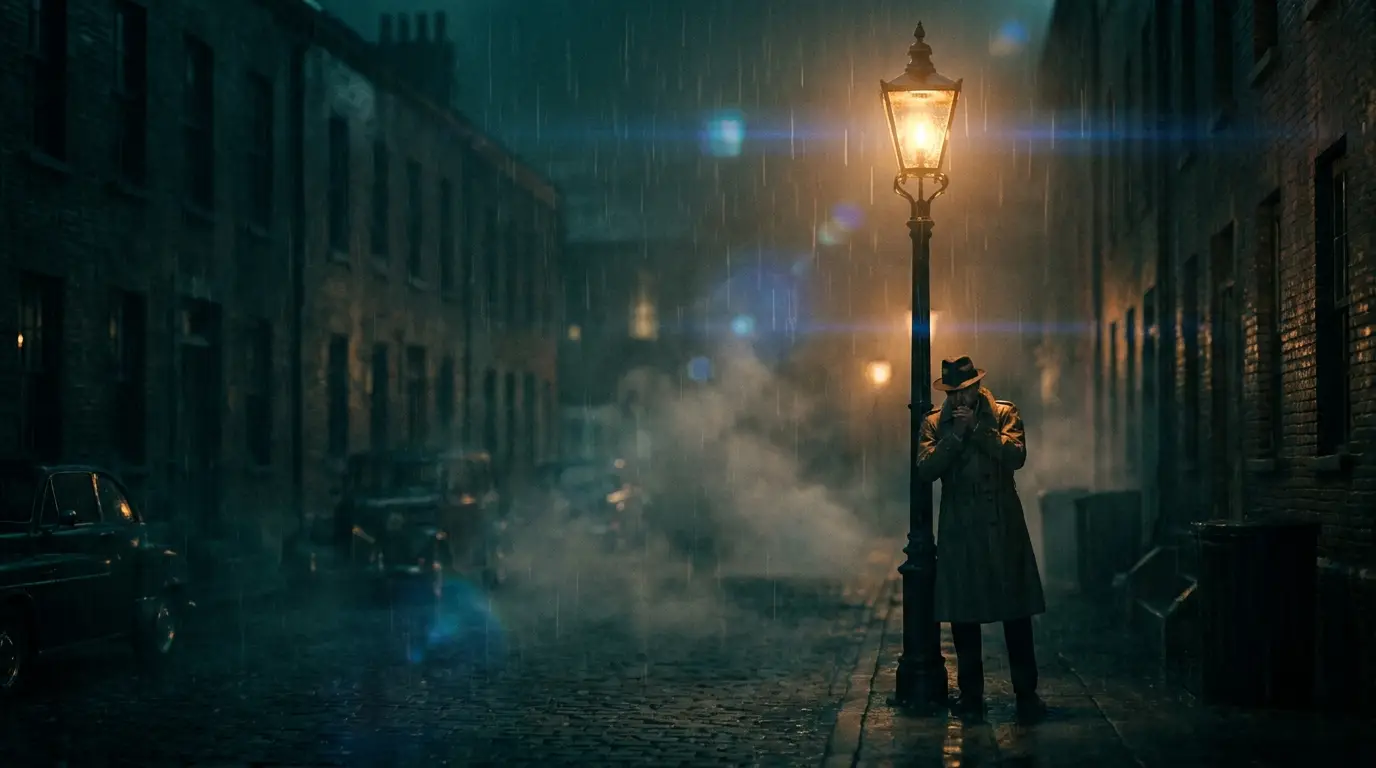
Why there's a 12-second ceiling (and why it's fine)
Video generation cost and error both compound with duration — small inconsistencies that are invisible across five seconds become obvious drift across sixty. Every credible model ships short clips because that's where quality lives. Tools promising one-shot long videos are either stitching clips behind the curtain or slideshowing stills; Nidhogg would rather hand you the stitching controls.
The good news: films were always built from short shots — the average shot in a modern feature lasts only a few seconds. A three-minute piece is 30-40 shots, which is a workload AI generation handles gladly, not a limitation.
Multi-shot generation: sequences in one run
Seedance 2 and Kling 3 generate multi-shot sequences: one prompt describing a scene returns several distinct shots — wide, medium, close — with the model maintaining character, wardrobe, and lighting continuity across the cuts. It's the fastest way to cover a scene, and continuity is handled exactly where it's hardest: between shots.
Prompt these like a director's scene description rather than a single image: who's there, what happens, and how the scene should be covered. 'A chef closing her restaurant at night: wide of the empty dining room, medium as she wipes the counter, close on the lights switching off.'
Frame-bridging: chaining clips into continuous action
To extend action past a single clip, use the last frame of clip one as the start frame of clip two: export the final frame, feed it to an image-to-video generation, and prompt the next beat. The join inherits identical subject, light, and framing, so a straight cut between the two clips reads as continuous footage.
Kling 3's end-frame control makes bridges even cleaner — you can steer clip one to end on a deliberate frame you've already designed as clip two's beginning, instead of taking whatever frame the model happens to land on.
Consistency at minutes scale
Over dozens of generations, style drift is the enemy. Fix the variables: one model for all hero shots, one style preset (say cinematic-teal or golden-hour) appended to every prompt, and identical character descriptions reused verbatim. Treat that combination as your production's lens kit and don't swap it mid-project.
Then assemble in your editor against your audio track, and run the finishing passes — video upscale for delivery resolution, Reframe for a vertical cut. The result is long-form AI video with no dishonesty in the pipeline: every second generated, every seam under your control.