
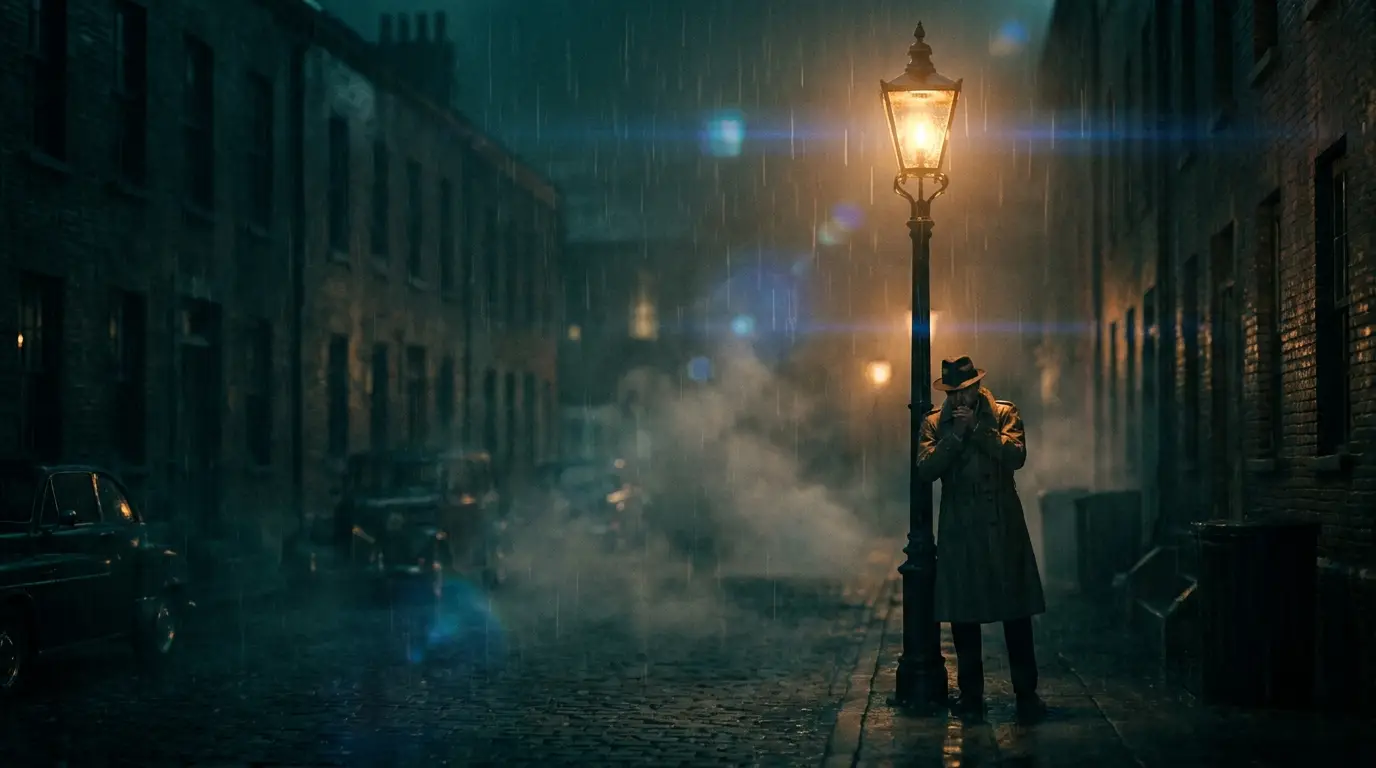
How AI video generation works on Nidhogg
Every generation starts from one of two inputs: a text prompt (text-to-video) or a source image you want animated (image-to-video). The model reads your description, plans the scene in latent space, and renders frames that stay coherent across time — consistent subject, consistent lighting, believable motion.
You shape the output with three levers: the model (each has a distinct personality — Kling leans cinematic and grounded, Seedance 2.0 leans imaginative), the prompt (subject + action + environment + light), and presets, which append proven camera or effect language so the motion reads like it was shot on purpose.
Prompting tips that actually change the output
Write shots, not stories. One clip = one action in one location: "a fisherman's boat cutting through morning mist on a glass-calm lake, slow dolly in" will beat a three-scene plot summary every time. Name the light source (golden hour, neon signage, single spotlight) — lighting words move the needle more than adjectives like "beautiful" or "epic".
Percussive camera moves — crash zooms, whip pans, punch zooms — read best as 5-second clips; slow builds like a creeping dolly or crane rise earn longer durations. If a result is close but not right, change one variable and regenerate rather than rewriting the whole prompt.
What people make with it
Marketers generate product reveals and ad hooks in an afternoon instead of booking a studio. Filmmakers previsualize shots before committing to a location. Creators feed short-form channels daily without ever running out of b-roll. Musicians cut entire visualizers from prompt lists.
Because every clip starts from text or a single image, iteration is nearly free — generate five takes of the same shot, keep the best, and move on. That loop is the real workflow change, not any single output.