
Break the script into a shot list
Go through the script and mark every visual beat — roughly one per sentence or clause of narration. Each beat becomes one generation: a subject, one action, a camera move, a lighting mood. A 60-second explainer usually breaks into 8-12 shots, and writing that list first is the highest-leverage ten minutes of the whole project.
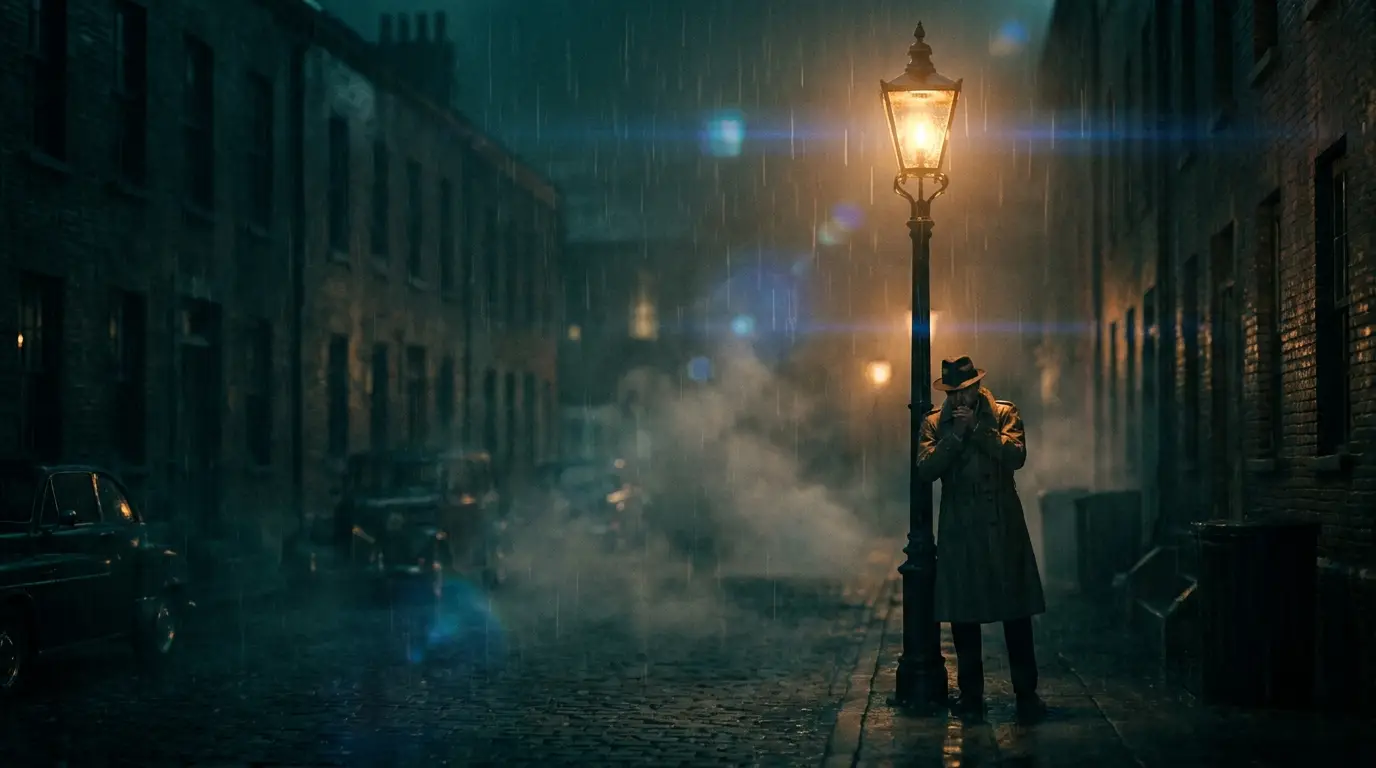
Keep a style line you append to every shot prompt — 'clean 3D render style, soft studio light, pastel palette' — or a shared preset like cinematic-teal, so shots generated hours apart still look like one production.
Generate scenes, singles and sequences
Simple beats are one text-to-video generation each; Seedance Pro is the workhorse for volume. When consecutive beats share a character or location — a cold open, a mini narrative — use multi-shot generation on Seedance 2 or Kling 3: one prompt returns a connected sequence of shots with continuity handled by the model.
For beats where the exact visual matters — the product, the founder, the interface — go image-first: lock a frame with an image model, then animate it with image-to-video. Expensive shots should never start from a text-only gamble.
Voice and faces
Generate the narration from your script with Nidhogg's TTS voices — four engines with preset voices, priced by length. Record it section by section rather than as one long take, so a wording change means re-rendering one paragraph instead of the whole track.
If the script calls for someone on camera, InfiniTalk turns a single portrait into a talking avatar performing your audio, and the lipsync tools redub an existing clip to a new read. That covers spokesperson shots without a shoot.
The assembly, honestly
The final cut happens in your editor — CapCut, Resolve, Premiere, anything that stacks clips over an audio track. Lay the voiceover down first, then place each generated shot against its beat; because you generated to a shot list, the edit is mostly assembly, not surgery.
Before export, Nidhogg's video tools cover the finishing passes: video upscaling for delivery resolution, and Reframe when the same piece needs both a 9:16 vertical and a 16:9 master.