
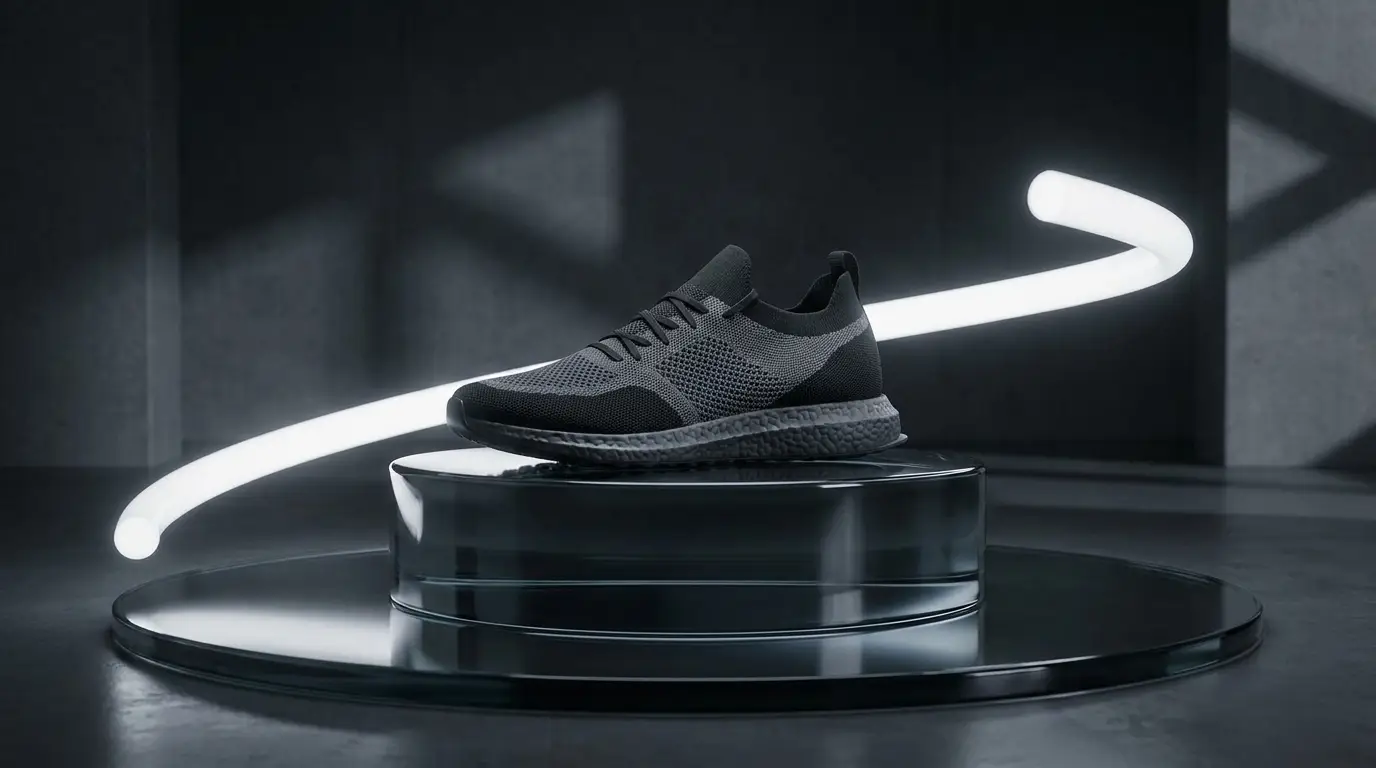
The table-top look, on demand
Table-top is the craft of making products cinematic: condensation beading on a cold bottle, sauce ribboning over a dish in slow motion, a watch face catching a sweep of hard light. It's traditionally the most expensive day in advertising — high-speed cameras, stylists, rigging. It's also precisely the imagery video models render best, because it's pure material and light.
Prompt it like a director of photography: name the material ('condensation', 'molten chocolate', 'brushed titanium'), the light ('single hard rim light', 'dramatic backlight'), and the surface ('wet black slate', 'seamless dark backdrop'). Specificity here is the difference between an ad and a stock clip.
Commercial motion grammar
Commercials move differently from films: harder, faster, more rhythmic. The camera presets carry that grammar — crash-zoom slams into the product, speed-ramp freezes the hero moment then releases it, full-orbit circles the product like a jewelry case, bullet-time holds an explosion of droplets mid-air.
One move per shot. The classic beginner mistake is prompting three camera behaviors into one clip and getting mush; a real spot cuts between distinct moves instead. Generate the crash-zoom and the orbit separately, then cut them.
Multi-shot: a mini spot from one prompt
Seedance 2 and Kling 3 can edit within a generation — wide product-in-context, punch to macro detail, land on the hero angle — when you write the prompt as a shot list. For 6-15 second spots, that can deliver a genuinely edited-feeling piece from a single generation.
For longer spots, storyboard the beats and generate them individually; Kling 3's end-frame control lets you pin the final frame of one beat as the opening of the next for clean handoffs. Keep one lighting recipe across all beats so they grade as one shoot.
Finishing: voice, music, supers
The announcer read comes from the text-to-speech studio — preset voices across four engines, with enough range for hype reads and warm brand tones. Straight talk: they're preset voices, not clones, and there's no voice cloning on the platform.
Type, supers, and the end-card lockup belong in your editor, where they'll be pixel-perfect — so when you generate, prompt for clean negative space where the offer text will sit. Music and sound design are also an edit-suite job; Nidhogg supplies the footage that earns them.