
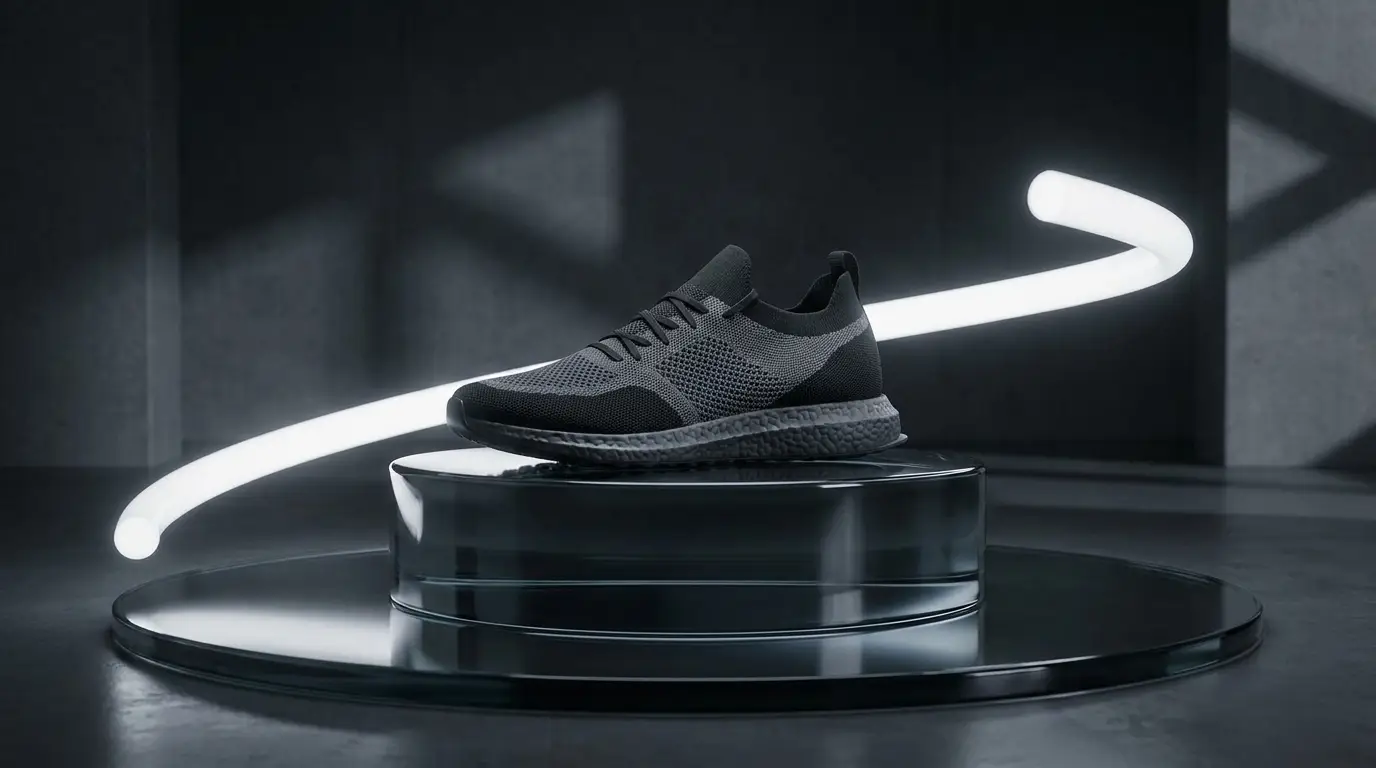
Anatomy of a generated ad clip
Structure every ad around three beats. Hook (0–1s): the pattern interrupt — a crash zoom, a smoke reveal, something mid-action. Body (1–4s): the product doing its job in a desirable context, prompted with commercial lighting language ("dramatic studio lighting, reflective dark surface"). Resolution (4–5s+): a settled hero frame with clean composition, leaving room for your logo and CTA overlay in the edit.
Generate each beat as its own clip rather than asking one generation to do all three — you get more control, and you can recombine beats across variants.
Hook variants are the whole game
Media buyers know creative fatigue kills campaigns; the fix is a constant stream of fresh hooks. Keep the body and resolution constant and regenerate only the opener: crash zoom on the bottle, smoke parting to reveal it, embers swirling around it, the bottle towering over a city street via GIANT SCALE. Each variant is one prompt edit away.
This is where AI changes ad economics: hook testing at generation cost instead of shoot cost. Teams that were testing 2 creatives a month can test 20.
Prompting products convincingly
Name the material and the light together — "matte black bottle, single hard rim light, dark gradient backdrop" — because product photography is really lighting photography. Keep backgrounds simple; busy environments steal attention and make composites harder.
For image-to-video workflows, start from your actual product photo and add motion with an orbit or crash zoom preset: the product stays pixel-faithful while the camera sells the drama. This is the most brand-safe route for recognizable packaging.