
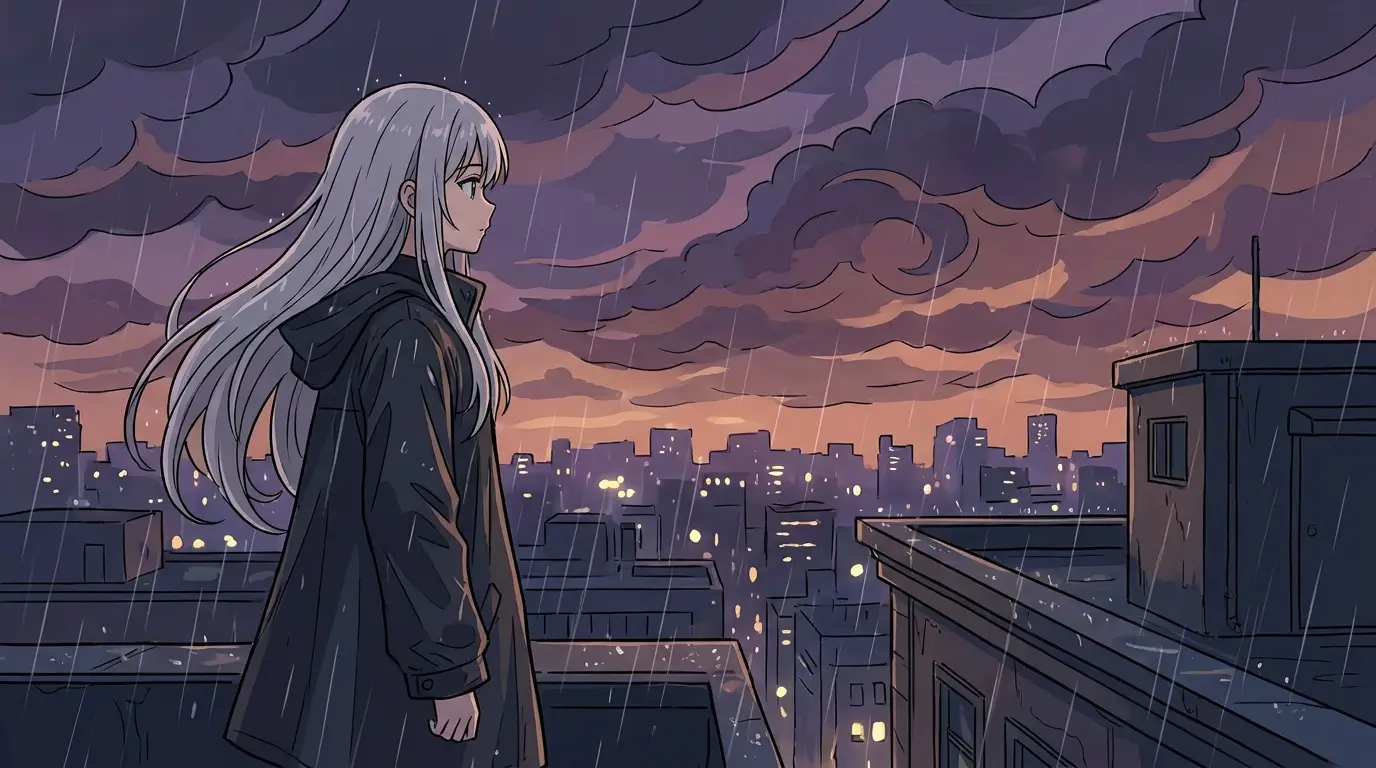
The style stack: decide, then prompt
Every recognizable cartoon style is a handful of explicit choices. Line: 'bold clean outlines' versus 'no outlines, shape-based.' Shading: 'flat cel shading' versus 'soft airbrush.' Palette: 'limited warm palette, five colors.' Proportion: 'big head, small body chibi' versus 'lanky rubber-hose limbs.' Stack those four decisions in the prompt and the model stops averaging every cartoon it has ever seen.
FLUX 2 is the pick for illustrated and anime-leaning cartoons with expressive linework; Recraft V4.1 excels when you want flat, graphic, vector-style results — sticker packs, mascots, and merch art that has to survive printing at any size.
Cartoon yourself (or anyone) from a photo
Feed a photo into an image-init model like Nano Banana 2 or FLUX 2 with a style prompt, and it redraws the subject as a cartoon while keeping the likeness cues that matter — hair shape, glasses, the smile. Front-lit, uncluttered photos convert best; the model can't preserve a likeness it can barely see.
Nidhogg's apps wrap the popular versions as one-tap workflows: anime-me for the anime treatment, toon-3d for the rounded animated-movie look, and pet-superhero for the dog. Same engine underneath, zero prompt-writing.
One character, many poses
The classic cartoon problem is consistency: you need the same character waving, sitting, and celebrating. Lock a tight character description — 'freckled girl, round glasses, green hoodie, bold outlines, flat cel shading' — and reuse it verbatim in every prompt, changing only the pose and scene. Verbatim matters; synonyms invite redesigns.
Generate a reference sheet early (front, side, and three-quarter view in one image) and keep it open while you iterate. When a generation drifts, compare it against the sheet and tighten whichever trait wandered — usually the hair or the palette.
And then it moves
Once the character exists as stills, image-to-video animates them: upload the cartoon as a start frame and prompt one gesture — a wave, a jump, a blink-and-smile. Cartoon-styled frames animate surprisingly well, because flat shading gives the model unambiguous shapes to track.
For full cartoon motion work — traditions, loops, sequences — the AI animation generator and cartoon video pages linked below go deeper.