
Nidhogg
Log in

AI Anime Art Generator

Nidhogg's anime art generator produces clean, style-consistent anime illustrations — from soft 90s OVA nostalgia to razor-sharp modern digital painting. The trick isn't asking for 'anime style'; it's anchoring the specific era and technique you want, and our prompt templates bake that in.

Describe your character, pick a style anchor, and generate. Rerun with the same style words to keep a whole set of images visually coherent — the foundation for character sheets, webtoon panels, and social art drops.

Generate anime art
AI Anime Art Generator

Style anchors: the secret to consistent anime output

'Anime' alone is too vague — models average across decades of styles and return mush. Anchor with era and technique: 'cel shading, clean line art, flat colors' gives you classic TV anime; '90s OVA style, film grain, muted palette' gives retro melancholy; 'modern digital anime illustration, soft gradient shading, detailed eyes' gives contemporary key-visual polish.

Keep a fixed 'style block' at the end of every prompt and only change the subject in front of it. That's how you generate ten images that look like one artist drew them.

Character detail that actually sticks

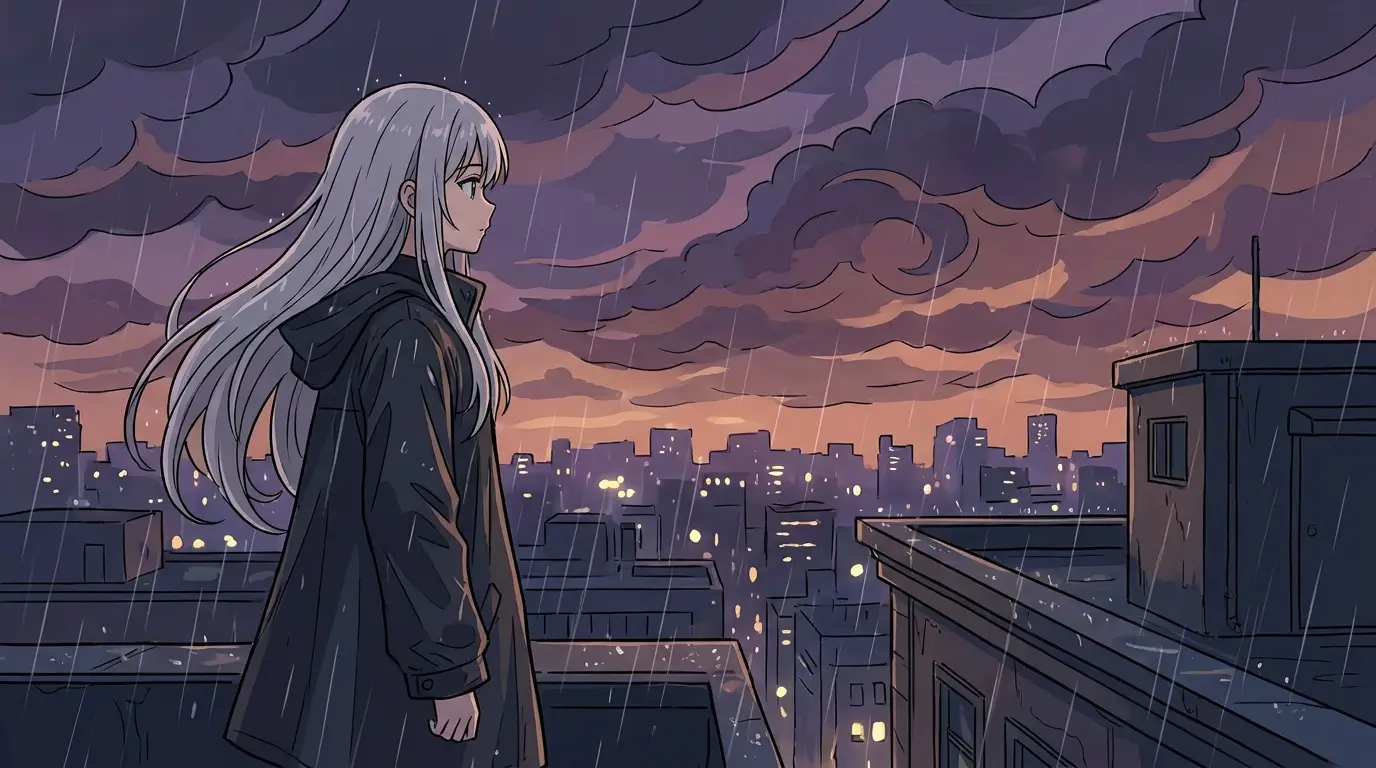
List the traits that define recognizability: hair color and cut, eye color, one signature accessory, and outfit silhouette. Three strong identifiers beat ten weak ones. For scenes, add cinematic direction — 'rainy rooftop at dusk, dramatic sky, wind-blown hair' — because anime models respond strongly to atmosphere cues.

What creators build with it

Webtoon artists rough out panels and backgrounds; VTubers and streamers commission-quality reference art for their personas; writers visualize characters for pitch decks; fans produce original characters (OCs) with full expression sheets. Pair results with Nidhogg's video models to animate a finished still into a short clip.

FAQ

Can I keep the same character across many images?+

Lock a detailed character description (hair, eyes, accessory, outfit) plus a fixed style block, and reuse both verbatim while changing only pose and scene. This produces strong consistency across a set.

Which model should I use for anime?+

FLUX 2 handles line art and cel shading crisply and is our recommended starting point; Grok Imagine is a fun alternative for looser, more painterly anime scenes.

Can I animate my anime art?+

Yes — take any generated still into Nidhogg's video generator as a reference and use motion presets to create a short animated clip.

Ready to try it?

Free credits on signup — no card required.

Generate anime art

Related