
The shots that make car footage feel expensive
Three setups carry almost every car film. The rolling shot — car sharp, road motion-blurred — is the classic; prompt 'motion-blurred asphalt, crisp body panels' and pair it with the LOW TRACK or LATERAL DOLLY camera preset. The studio orbit sells stance and proportions: FULL ORBIT around the car on a dark reflective floor with one hard rim light. And detail inserts — a wheel filling the frame, rain beading on a hood, headlights igniting — give your edit rhythm between the wide shots.
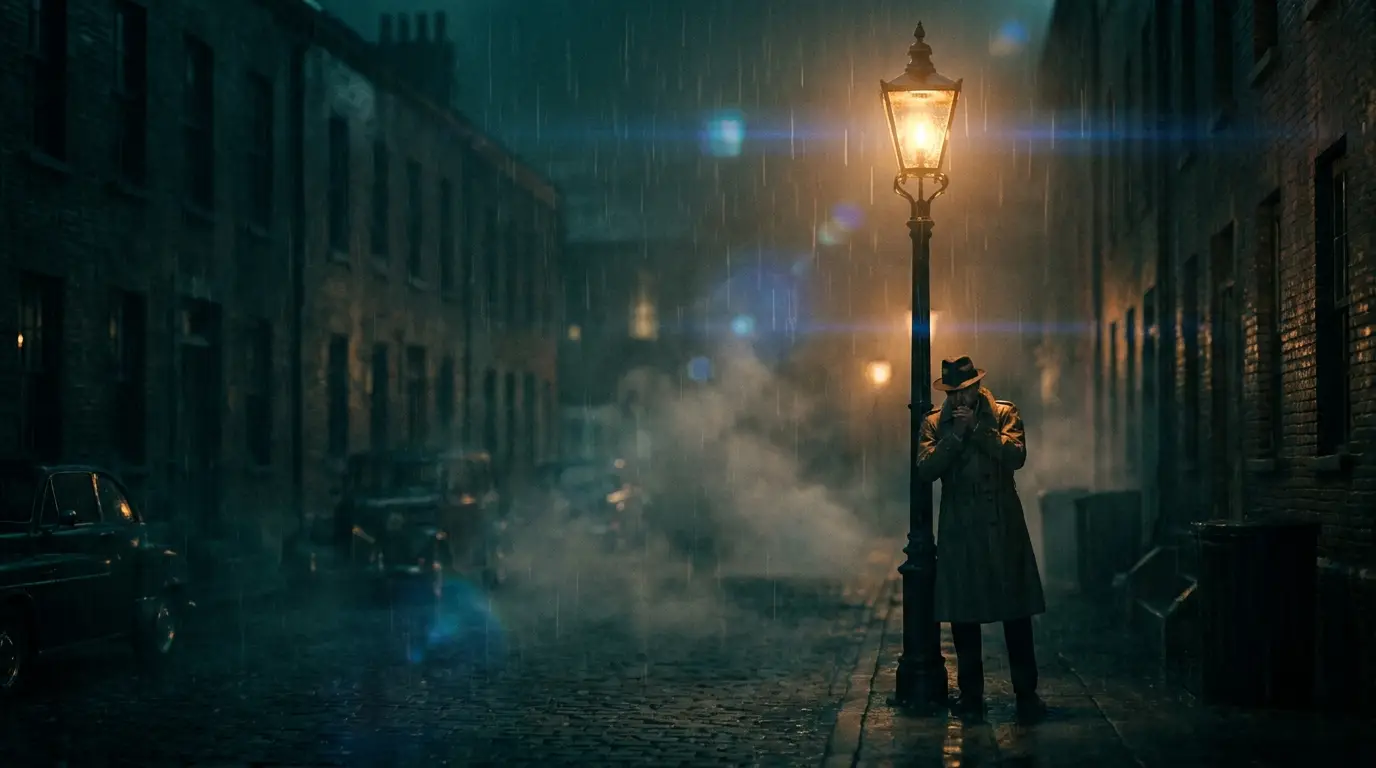
Light does the rest of the work. Wet asphalt at night doubles every light source into the frame, dusk puts gradient sky reflections across the roofline, and low golden sun rakes across body lines. Prompt the surface conditions explicitly — 'wet street reflections', 'dusk sky mirrored in the paint' — because reflections are what separate a car commercial from a car screensaver.
Text-to-video vs. starting from a photo of your car
Pure text-to-video invents a car, which is ideal for concept work, spec ads, and mood films where any convincing vehicle will do. If the video needs to show a specific car — your build, your client's model — upload a photo as the start frame instead. Image-to-video models like Kling 3 and Seedance Pro animate outward from that frame, so the exact trim, color, and wheels come from your photograph rather than the model's imagination.
Kling 3 also accepts an end frame, which is useful for controlled A-to-B moves: start on a detail of the grille, end on the full front three-quarter view, and let the model interpolate the camera path between them.
Model and preset picks
Kling 3 is the flagship choice for car work because it holds reflections and hard body lines through motion — the two places cheaper generations fall apart. Veo 3.1 renders the most photoreal paint and environments when the clip has to pass as live action, and Seedance Pro is the fast, inexpensive option for blocking out an edit before you spend credits on finals.
On the preset side, LOW TRACK and LATERAL DOLLY cover rolling shots, FULL ORBIT covers the studio turntable, SPEED RAMP adds the accelerate-then-slow cut that dominates short-form car edits, and FPV DIVE or CRASH ZOOM bring the aggressive social-clip energy.
From single clips to a finished car edit
A tight car edit needs surprisingly few shots: one establishing wide, two rolling shots from different sides, three or four detail inserts, and a closing hero frame. That's eight generations. Cut them on the beat, and the piece feels like a production day. For connected sequences inside one generation, the multi-shot models — Seedance 2 and Kling 3 — can move between angles within a single clip.
Finish with the built-in video tools: video upscale sharpens the final export, and reframe converts your 16:9 master into a 9:16 vertical without re-generating, so the same shoot covers YouTube and Reels.