
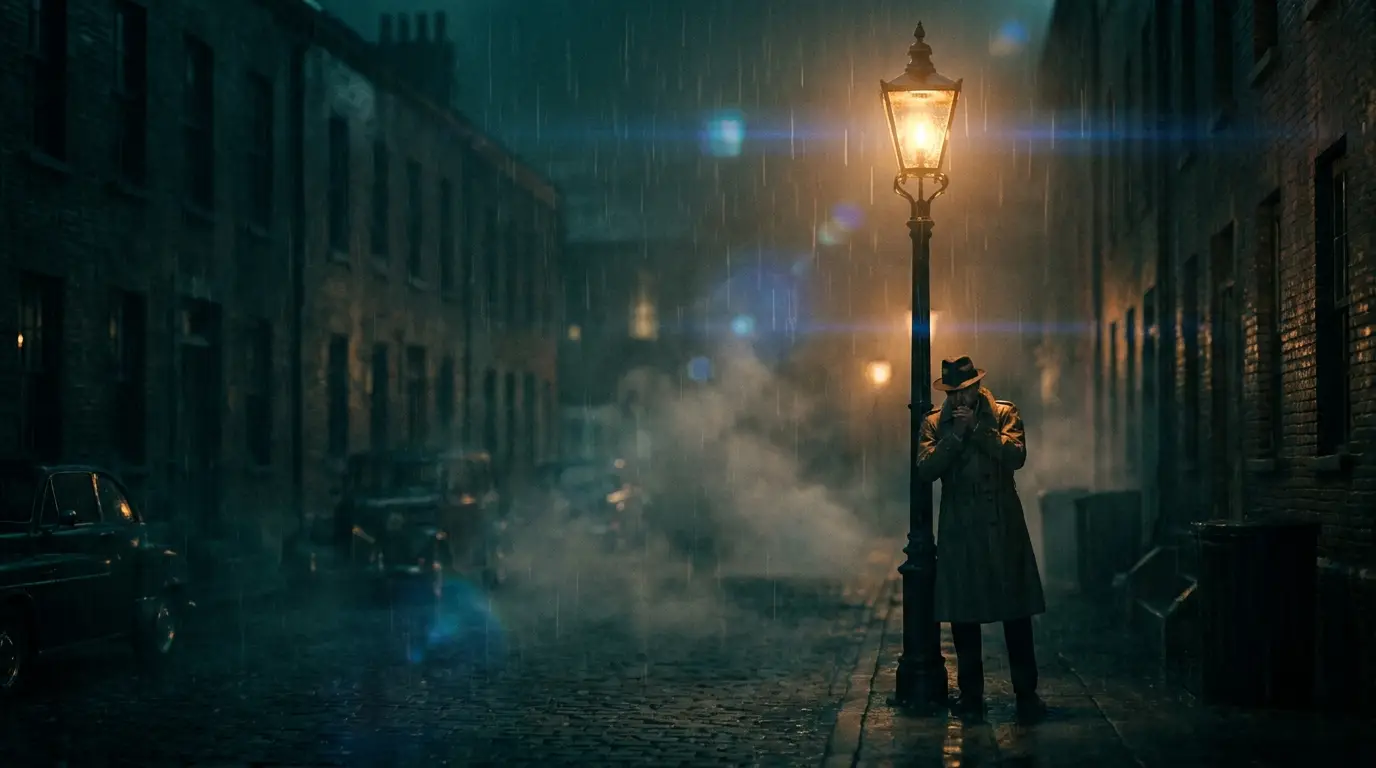
The b-roll brief: match, don't impress
Good b-roll is deliberately unremarkable — it supports the a-roll instead of competing with it. Match three things to your main footage: color temperature (warm interior vs. cool daylight), energy (locked-off and calm vs. handheld and urgent), and world (if your speaker is in a home office, generate home-office cutaways, not corporate towers).
Prompt for the detail, not the scene: "close-up of hands pouring coffee into a ceramic mug, morning window light, shallow focus" cuts in far better than "a cozy kitchen". Details are what editors actually cut to.
Camera presets for invisible motion
Use STEADICAM GLIDE for smooth movement that adds production value without drawing attention, LATERAL DOLLY for slow sideways drift past objects, LOCKED OFF when the subject itself moves (steam, traffic, typing), and SLOW ZOOM for gentle emphasis under a key sentence of narration.
Avoid percussive moves entirely — a crash zoom in the middle of an explainer yanks the viewer out. The best compliment b-roll gets is that nobody noticed it.
Building a reusable b-roll library
Batch-generate around themes you cover repeatedly: workspace details, city establishing shots, hands-doing-things, nature breathers. Tag and keep everything — a clip that missed for this video fills a gap in the next one, and your personal library compounds with every project.
For YouTube and course creators, a standing library of 50–100 owned clips in your own visual style is a genuine competitive asset: no licensing worries, no "I've seen that stock clip before" moments.