
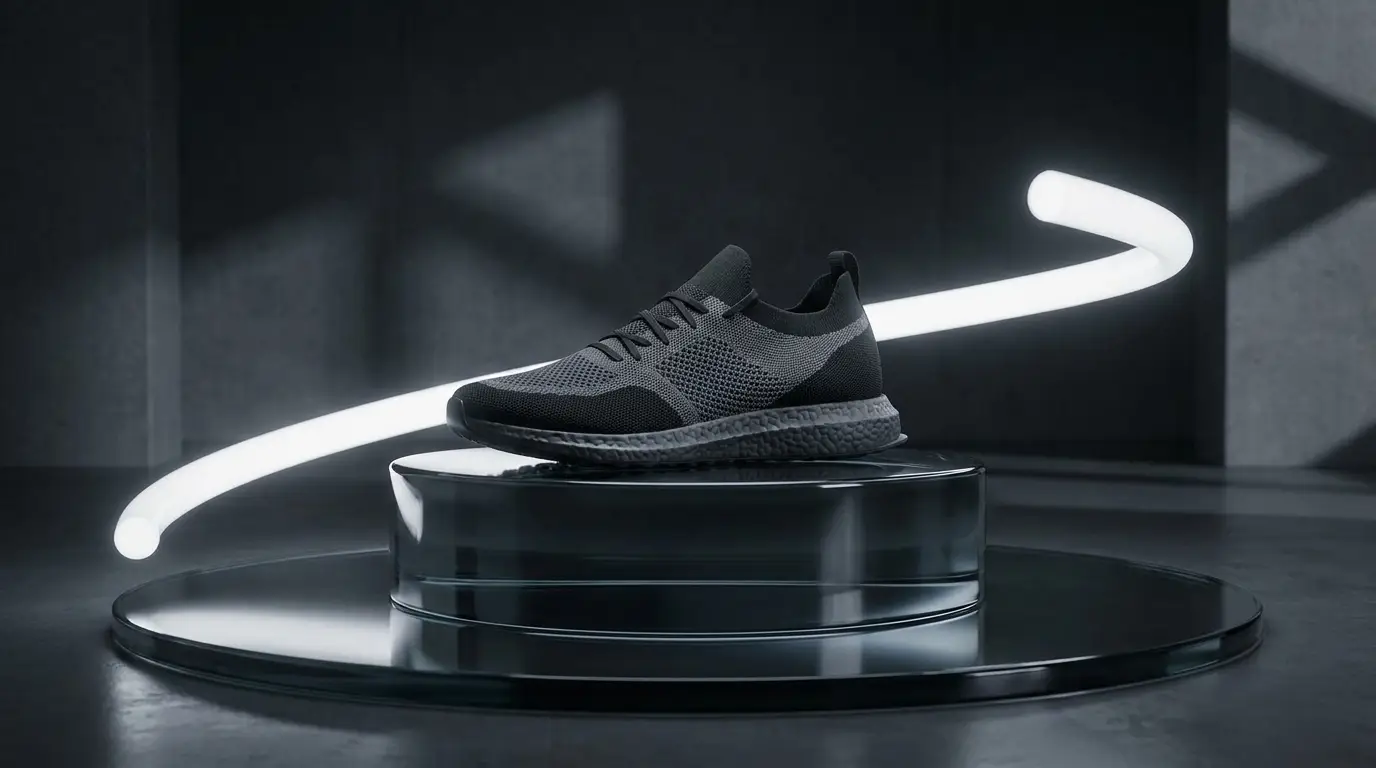
Start from your actual product
Generic footage doesn't sell your product; footage of your product does. Upload a clean product photo and use image-to-video: the model animates from that exact frame — a slow push-in on your bottle, steam rising off your dish, light sweeping across your packaging — so the clip is unmistakably yours, not a lookalike.
For best results, start from a strong still: shoot the product against a simple background, or generate a styled scene around it first with an image model, then animate the winner. The two-step — perfect the frame, then add motion — gives you far more control than gambling on a text-only prompt.
The lengths business video actually needs
Marketing folklore says you need long videos; placement reality says otherwise. Bumpers are six seconds, story ads are fifteen, a website hero loop is whatever plays before the visitor scrolls. Nidhogg's 4-12 second generations map directly onto these slots — and the multi-shot models (Seedance 2, Kling 3) can cut between angles inside a clip when a single take feels flat.
When you genuinely need longer — a 30-second promo, a mini brand film — generate the beats separately and assemble them in an editor. It's the same shot-by-shot process an agency uses, minus the crew day.
Voiceover and presenters, honestly scoped
Nidhogg's text-to-speech studio adds narration with preset voices across four engines — enough range for an announcer read, a warm explainer tone, or an energetic promo. To be direct: these are preset voices, not clones of you or your CEO; voice cloning isn't offered.
For a face on camera, the avatar tools animate a still portrait into a talking presenter synced to your audio — useful for a founder welcome on the homepage when nobody wants to be filmed. Pair the generated visuals and voiceover in your editor for the finished cut.
Ready-made workflows in Apps
If prompting from scratch feels like a hurdle, the Apps library has business templates that pre-fill the craft: product hero shots, six-second ads, ad reels, flash-sale banners, launch teasers, and headshot generators for the team page. Pick one, drop in your specifics, and generate.
A practical rhythm for a small team: draft variations on a fast, cheap model like Seedance Pro, pick the strongest, and rerun that exact prompt on a premium model like Veo 3.1 Lite for the final asset. You spend heavy credits only on the clip you'll actually publish.