
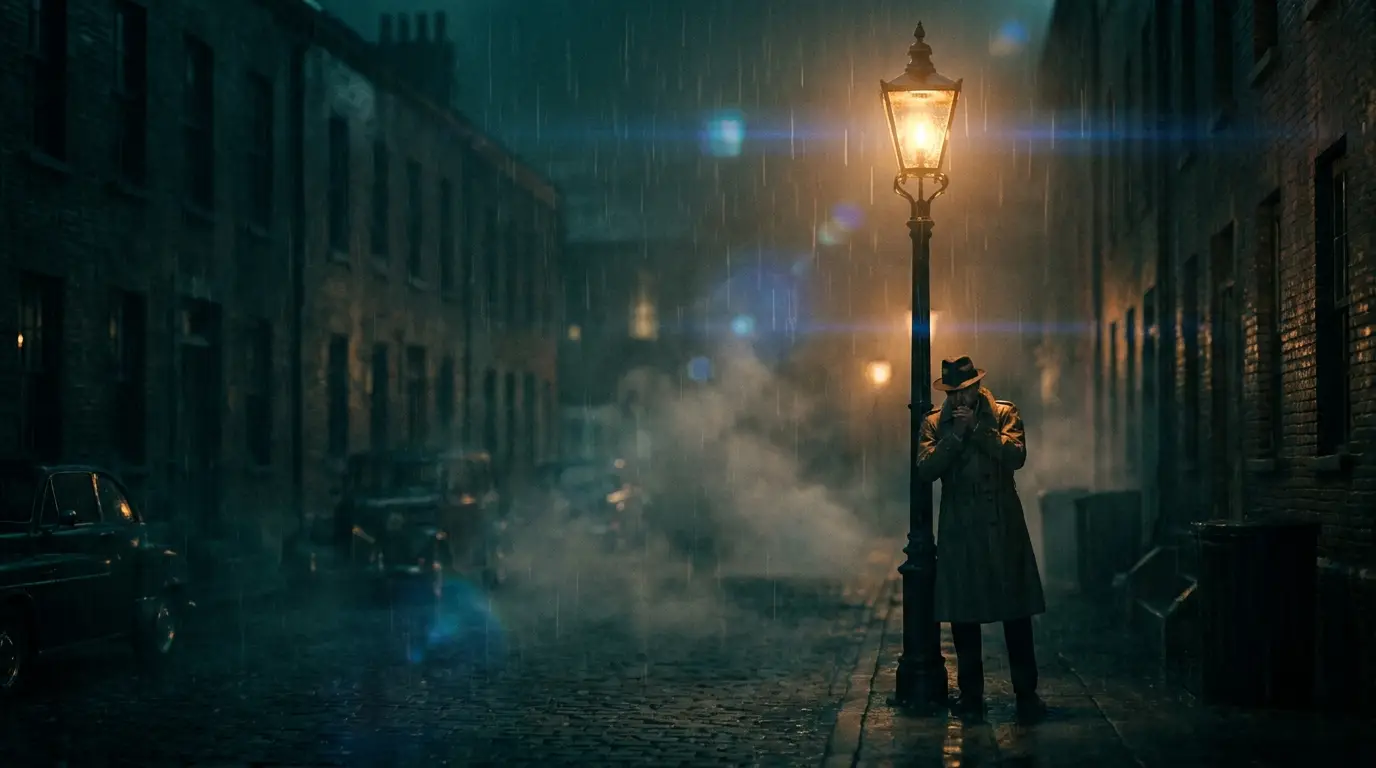
Script-to-scene mapping
Break the script into 5–10 second thoughts and give each one visual — literal when possible (the VO says "your data lives in one place", the visual is a single glowing archive in a dark room), metaphorical when the concept is abstract (tangled threads untangling for "we simplify the process").
Resist visual cleverness that needs its own explanation. The viewer's attention budget belongs to the voiceover; the picture's job is to make the words stick, not to compete with them.
A style bible in one paragraph
Before generating anything, write a style block that every prompt shares: palette ("soft gradient backgrounds, one accent color"), lighting ("even, soft studio light"), mood ("clean, minimal, optimistic"), and framing ("centered composition, generous negative space"). Paste it into every scene prompt unchanged.
Negative space is functional in explainers — it's where captions, diagrams, and UI callouts go in the edit. Prompt for it explicitly and your motion graphics layer drops in without fighting the footage.
Motion that doesn't distract
Under narration, camera movement should be felt, not noticed: LOCKED OFF for scenes where the subject moves, SLOW ZOOM for gentle emphasis on a key line, LATERAL DOLLY for transitions between ideas. Save any percussive move for the one moment the script actually pivots.
Consistent motion grammar scene-to-scene matters as much as consistent style — if scene three suddenly goes handheld, viewers feel a tonal lurch they can't name. Pick two or three moves for the whole piece and rotate them.