
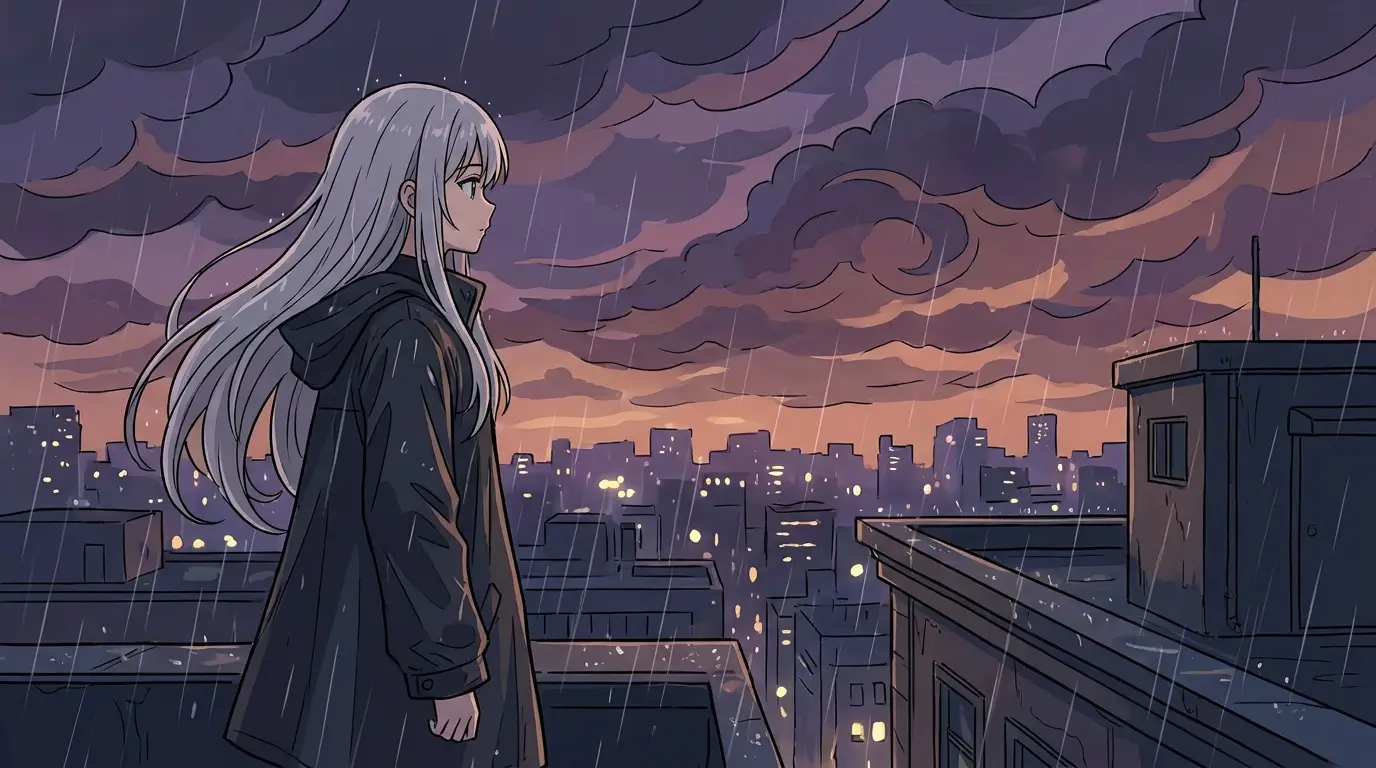
Prompting anime that looks like anime
Anime is a set of concrete visual conventions, and naming them is what separates a screenshot-quality render from mush. 'Cel shading' and 'clean line art' establish the rendering; era cues like '90s OVA look, film grain' versus 'modern digital anime, soft gradient shading' set the vintage; and hair, eyes, and costume deserve their own clauses because they carry most of a character's identity.
Borrow shot language from the medium itself. Low-angle hero shots, dutch tilts for tension, golden-hour backlight through a train window, wind-blown hair on a rooftop — these are anime staples, and prompting them directly produces frames that feel pulled from an episode rather than posed.
Characters you can keep
The hard problem in AI anime isn't one good image — it's the same character in the next image. Start by iterating a design until it's right: lock the hair shape and color, eye color, signature outfit, and one memorable accessory, and keep that description verbatim while you generate the character from several angles and expressions.
Keep that exact description in a text file and paste it verbatim into every new prompt — same wording, not a paraphrase. Generate a reference sheet early (front, side, and three-quarter view in one image) so you can compare later generations against it and catch drift in the hair or palette before it compounds.
From stills to anime in motion
A strong still can become a moving shot. Generate your keyframe, then feed it to an image-to-video model as the start frame — Kling 3 handles character-driven shots with controlled camera moves, and Seedance Pro is the fast option for quick motion tests. For stylized text-to-video energy, Seedance 2.0 with the ANIME BURST preset delivers. Each generation is a short clip of a few seconds: a scene, not an episode.
For sequences, multi-shot models like Seedance 2 and Kling 3 can cut between angles within one generation — an opening-titles feel rather than a single held shot. The Anime Opening app packages exactly that workflow if you'd rather start from a template.
Model notes for anime work
FLUX 2 is the anime default: it holds line confidence and flat color fills without drifting into semi-realistic rendering, and it accepts an input image when you want to restyle or refine an existing frame. FLUX Schnell is the sketchpad — cheap enough to explore ten character variants before committing.
For poster-grade key art — a wallpaper, a print, a title visual — run the final prompt on Nano Banana Pro for 4K native detail, or upscale a FLUX 2 render. Detailed eyes and hair highlights are where the extra resolution visibly pays off.