
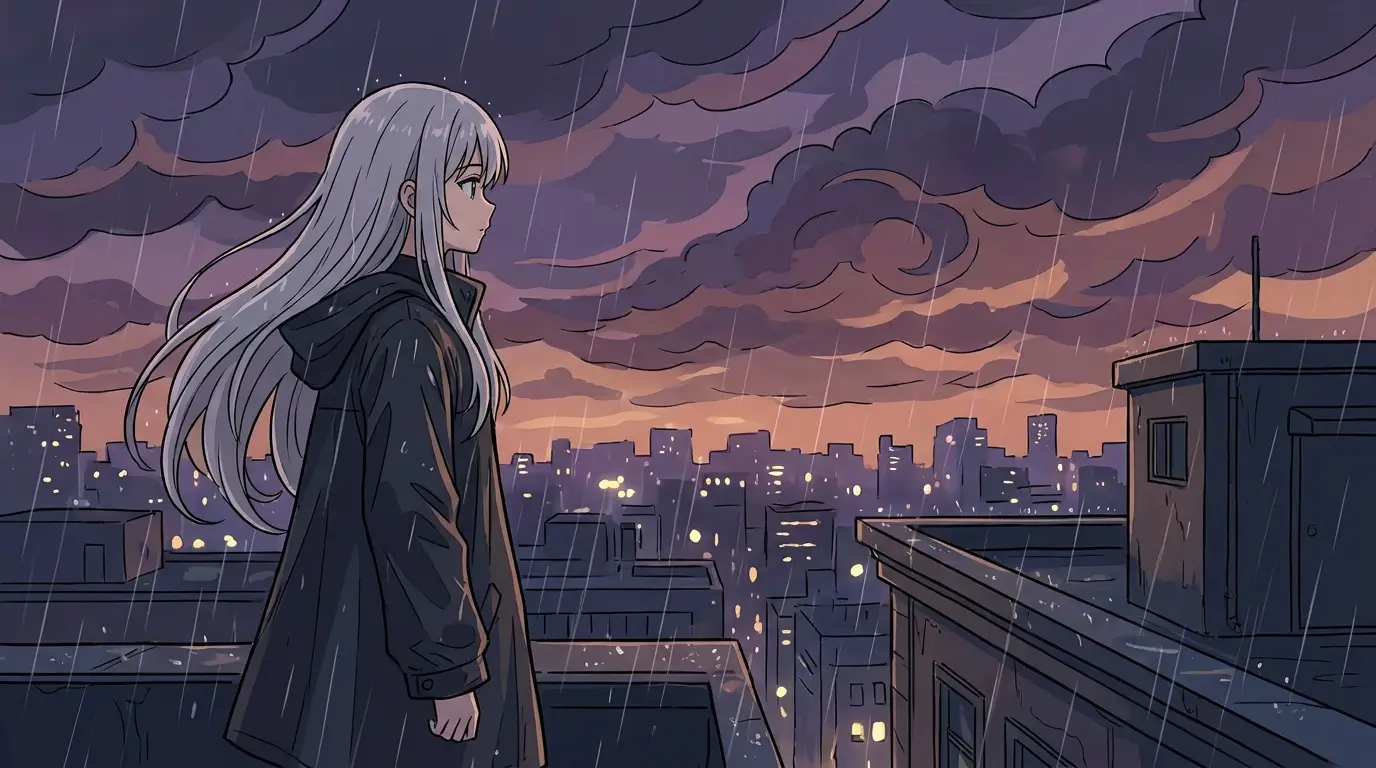
Prompt like an art director, not a search engine
The gap between 'a cool dragon' and a piece you would frame is specificity. Structure art prompts in four beats: subject and action, then medium ('gouache on rough paper', 'oil with thick impasto', 'flat vector illustration'), then palette ('warm amber and teal', 'limited three-color'), then composition ('low horizon with a big sky', 'centered subject, negative space above'). Each beat is a lever the model actually pulls.
Craft words beat quality words. 'Visible brushstrokes' changes a render in a way 'masterpiece' never will; 'loose gestural linework' and 'tight controlled rendering' produce visibly different pieces from the same subject. If a result feels generic, the fix is rarely more adjectives — it's more concrete studio language.
Which model for which kind of art
FLUX 2 is the default for stylized work — illustration, painterly scenes, anime, graphic looks — and it accepts an input image, so you can restyle an existing picture instead of starting from zero. FLUX Pro is the all-rounder when a piece mixes realistic subjects with stylized treatment, and Grok Imagine leans into surreal, imaginative scenes with dramatic scale.
A workflow that saves credits: explore five to ten compositions on FLUX Schnell, the fastest and cheapest model, then rerun the winning prompt on FLUX 2 for the finished piece. If the destination is a large print, generate on Nano Banana Pro for native 4K detail or run the final through the built-in upscaler.
Keeping a series consistent
A gallery wall, an album campaign, or a book's interior art needs pieces that clearly belong together. The reliable technique is a reusable 'style block' — the exact medium, palette, and lighting wording — that you keep verbatim across prompts while swapping only the subject. Consistency comes from consistent language.
Nidhogg's aesthetic presets do the same job with one click: applying a preset like PASTEL DREAM or MONOCHROME INK to every prompt in a series locks the palette and mood, so ten different subjects come back looking like one artist made them.
What people actually make
Musicians generate album and single art that matches a record's mood; authors commission-quality chapter illustrations; tabletop players render the scenes their party just survived; and plenty of people simply make wall art for their own rooms — described exactly, printed large.
Because every piece starts from text, nothing is one-off. The same concept can be regenerated in a new palette for a seasonal drop, a new medium for a variant cover, or a new aspect ratio for a poster, all by editing a few words.