
Prompting in anime vocabulary
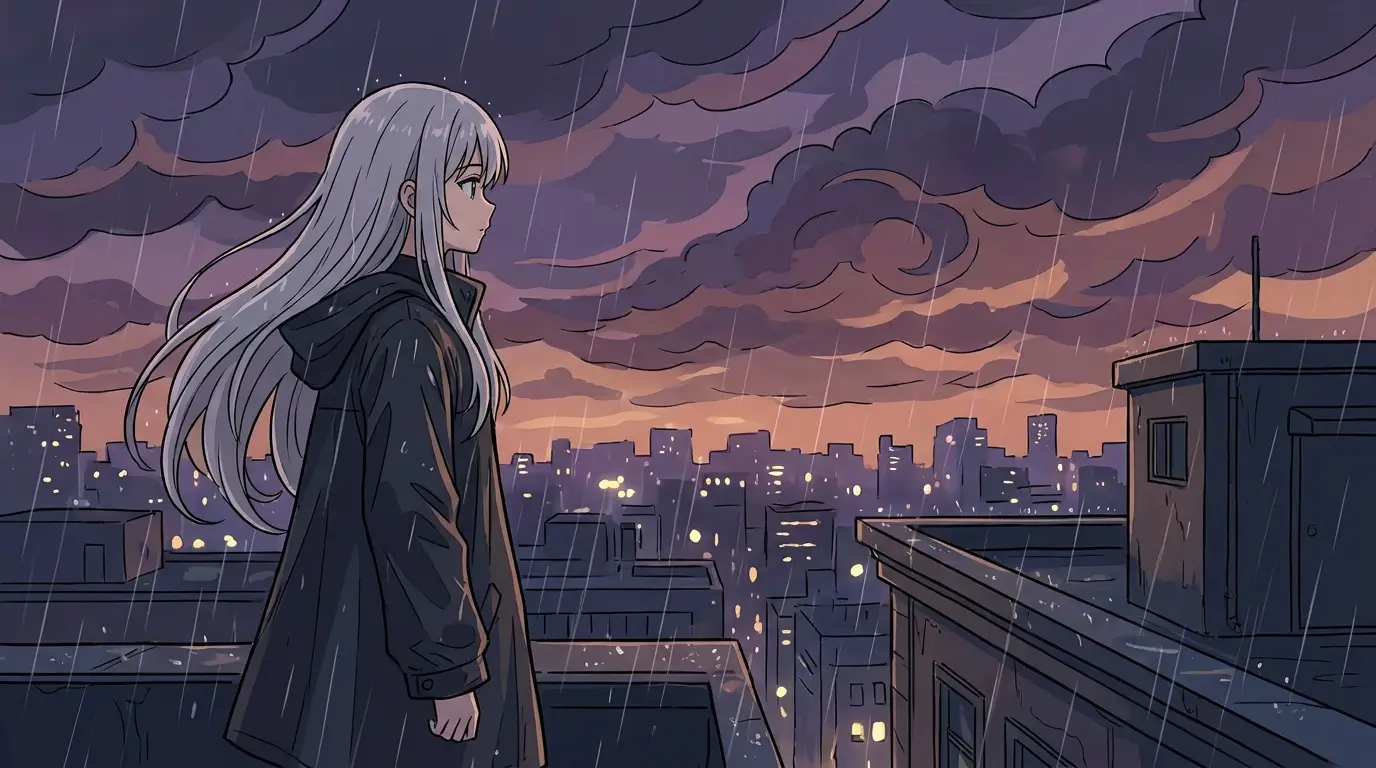
Generic prompts produce generic anime. Use the style's own terms: "cel-shaded", "clean line art", "sakuga-quality action", "impact frames", "dramatic hair and coat blowing in the wind". Name the sub-style when it matters — 90s retro anime with film grain reads completely differently from modern digital production with bloom lighting.
Anchor each clip on one action beat: a sword draw, a jump between rooftops, a slow turn to camera as cherry blossoms swirl. Anime timing loves a held moment followed by explosive motion, and short clips capture exactly that rhythm.
Presets that do the heavy lifting
The ANIME BURST effect preset appends speed lines and impact-frame language automatically — it's the single biggest quality jump for action shots. SAKURA STORM wraps your scene in a swirling pink petal storm for emotional beats and endings.
Pair effects with the right camera: a CRASH ZOOM sells a shocked reaction, an ORBIT around a mid-air pose recreates the classic hero shot, and a LOCKED OFF frame lets a windswept character moment breathe. Run the same character prompt through different combos to build a full scene's worth of coverage.
What creators build with it
AMV-style edits cut from generated action beats, original-character showcases for artists who want their OCs moving, anime-style intros for channels and streams, and mood loops — rain on a Tokyo street, a train window at sunset — for lo-fi and ambience content.
Because Seedance 2.0 handles imaginative, physics-light scenes especially well, it's the recommended model here: floating islands, giant mecha, magic circles and energy auras all stay coherent where realistic models would fight you.