
What changes and what stays
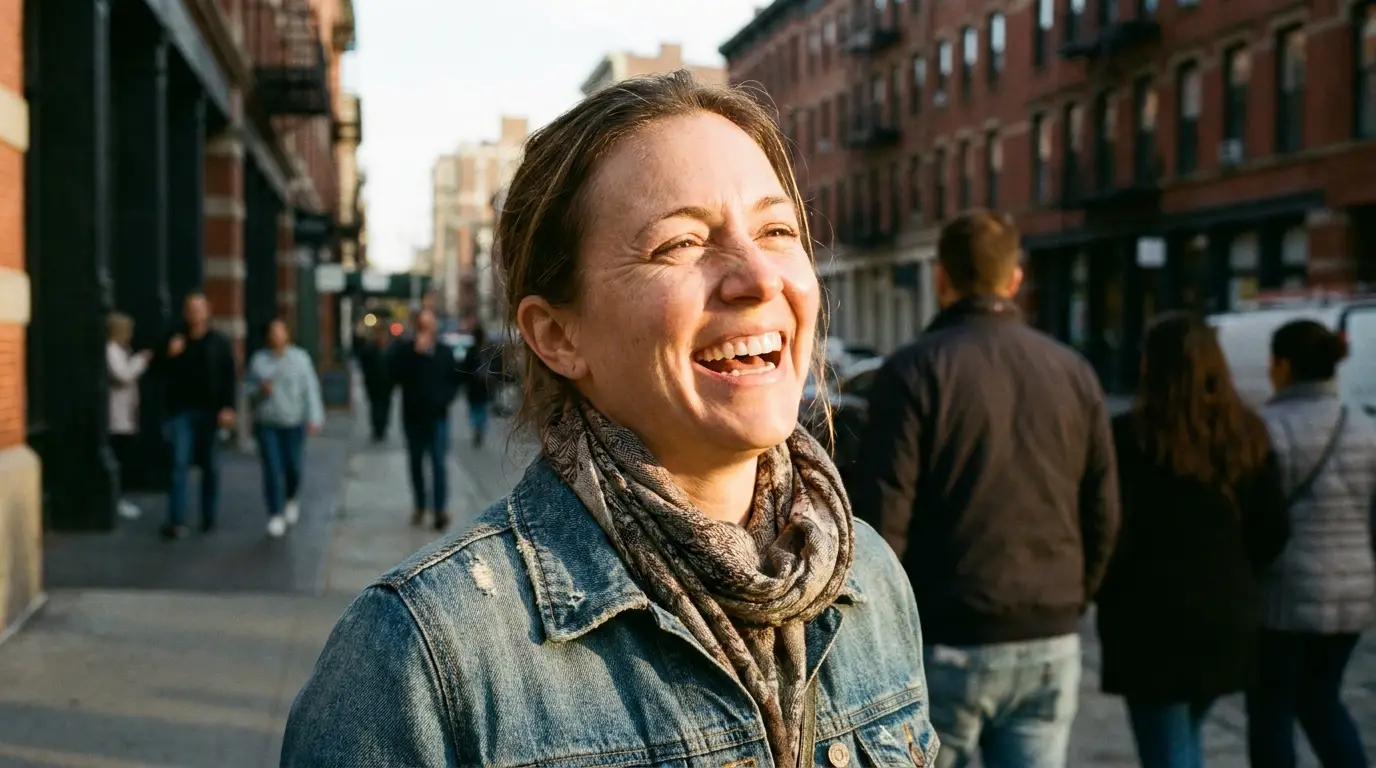
A convincing age edit is selective. Bone structure, eye spacing, and the geometry of a smile stay fixed — they're what identity reads from. What moves are the age-linked layers on top: skin texture and lines, hair color, hairline and density, the soft-tissue volume of cheeks and jaw, and small cues like eyebrow thickness.
Instruction models handle this split well because you can say it directly: 'age this person to their mid-sixties, keep the expression and identity, natural grey hair, realistic skin texture, same lighting.' The 'keep' clauses matter as much as the 'change' ones.
Getting a convincing result
Source photo quality decides most of the outcome. Use a sharp, front-facing portrait in even light — no sunglasses, no heavy beauty filter. A filtered source has already erased the skin information the model needs in order to age the face plausibly.
Name a decade rather than an adjective: 'mid-sixties' produces a calibrated result where 'old' produces a caricature. And moderate jumps read more believable than extreme ones — 25-to-60 lands cleanly; 5-to-95 turns into guesswork.
What this is — and isn't
This is a creative visualization, not a forensic prediction. Real aging depends on genetics, sun exposure, weight, and thirty years of choices no model can see in one photo. The edit shows a plausible older version of a face, not the older version.
That framing is exactly what makes it useful: for costume and casting reference, story development, family fun, and time-lapse-style content, plausible is the bar. For anything that needs to be right — legal, medical, missing-persons work — it's the wrong tool, and we'd rather say so.
Era shifts: aging the photo, not just the face
Sometimes the better effect is moving the whole image through time. The restyle workflows on /apps — Nineties Yearbook, Eighties Glam, Victorian Tintype — keep your face current but re-shoot it in another decade's film stock, wardrobe, and studio conventions.
Combining both reads like time travel: age the subject forward and let the photo style stay modern, or de-age them and drop the frame into a seventies album. Two edits, run in sequence.