
Nidhogg
Log in

AI Portrait Generator

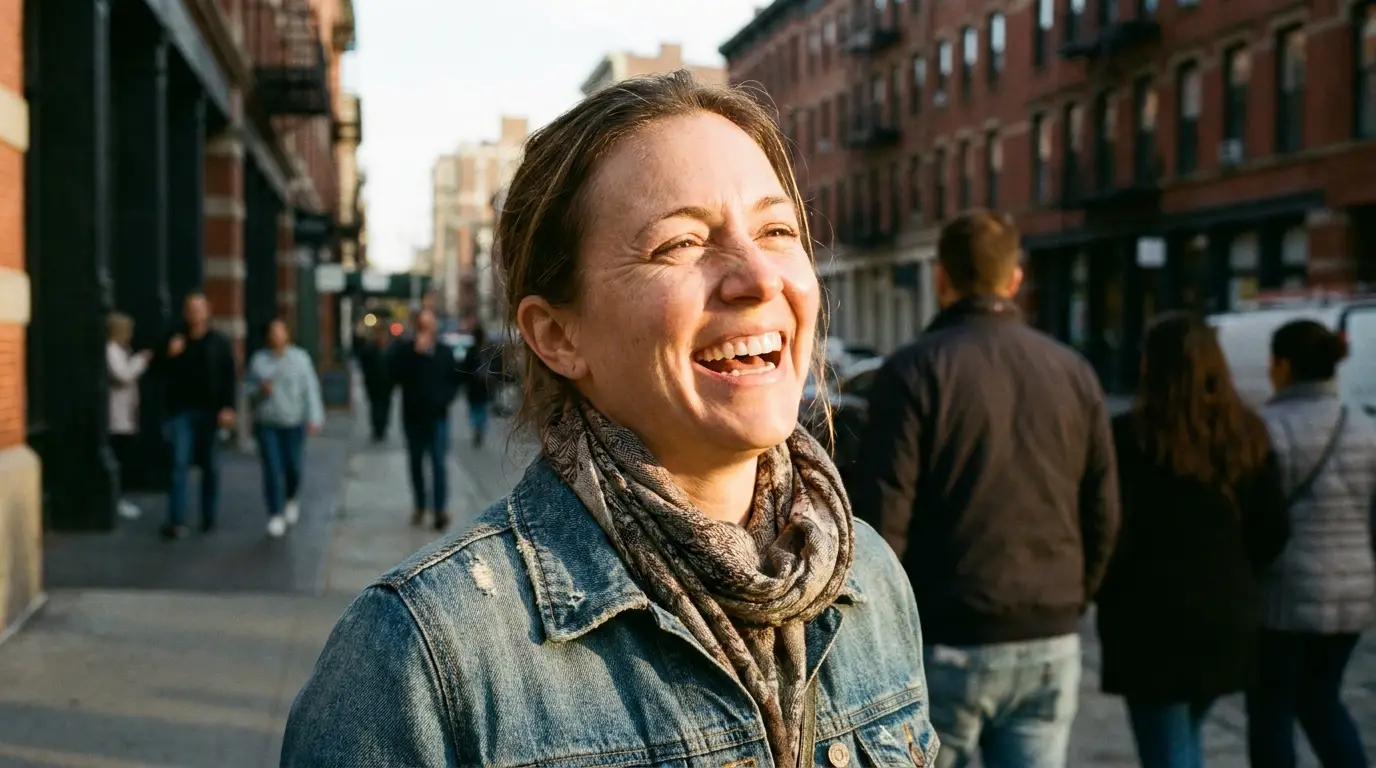
A great portrait is 80% lighting, and that's exactly what Nidhogg lets you control with words. Our portrait-tuned Z-Image model understands classic lighting patterns — Rembrandt, butterfly, split, rim — plus lens behavior, so 'shot on 85mm at f/1.4' actually produces the compressed features and creamy background that lens is famous for.

Type a description of the person, pick a lighting look (or apply one of Nidhogg's aesthetic presets like REMBRANDT LIGHT or GOLDEN HOUR), and get gallery-grade portraits in seconds — no studio, no strobes, no retouching session.

Create a portrait
AI Portrait Generator

The lighting patterns that matter

Rembrandt lighting (a triangle of light on the shadow-side cheek) reads as painterly and serious. Butterfly lighting (light directly above, small shadow under the nose) is the classic beauty look. Rim or backlight separates hair from the background for drama. Naming the pattern in your prompt is far more reliable than saying 'dramatic lighting' — the model has seen millions of examples labeled with these exact terms.

Nidhogg ships these as one-click aesthetic presets too: REMBRANDT LIGHT, BACKLIT GLOW, WINDOW LIGHT, and STUDIO SOFTBOX each append tested prompt fragments so you don't have to memorize the vocabulary.

Lens and framing choices

For flattering headshot proportions, prompt for an 85mm or 105mm lens — wide lenses distort faces at close range. Specify framing explicitly: 'tight head-and-shoulders crop', 'waist-up', or 'environmental portrait with visible background'. Adding 'shallow depth of field' keeps eyes sharp while melting the backdrop.

From dating profiles to editorial spreads

People use the portrait generator for profile photos, character portraits for novels and games, memorial and gift portraits, and editorial-style imagery for personal brands. Because you can rerun the same face description across different lighting presets, it's also the fastest way to build a varied portrait set with one consistent mood board.

FAQ

Which model is best for portraits?+

Z-Image is Nidhogg's portrait specialist — it renders skin, eyes, and hair with unusual fidelity. FLUX Pro is a strong alternative when the portrait includes a complex environment.

Can I control the exact lighting?+

Yes. Name the pattern in your prompt (Rembrandt, butterfly, rim light) or apply an aesthetic preset like REMBRANDT LIGHT or GOLDEN HOUR — presets append professionally tested lighting fragments automatically.

How do I get a black-and-white editorial look?+

Add 'high-contrast monochrome, sculptural light' to your prompt, or use the MONOCHROME INK or FILM NOIR preset for an instant editorial grade.

Ready to try it?

Free credits on signup — no card required.

Create a portrait

Related