
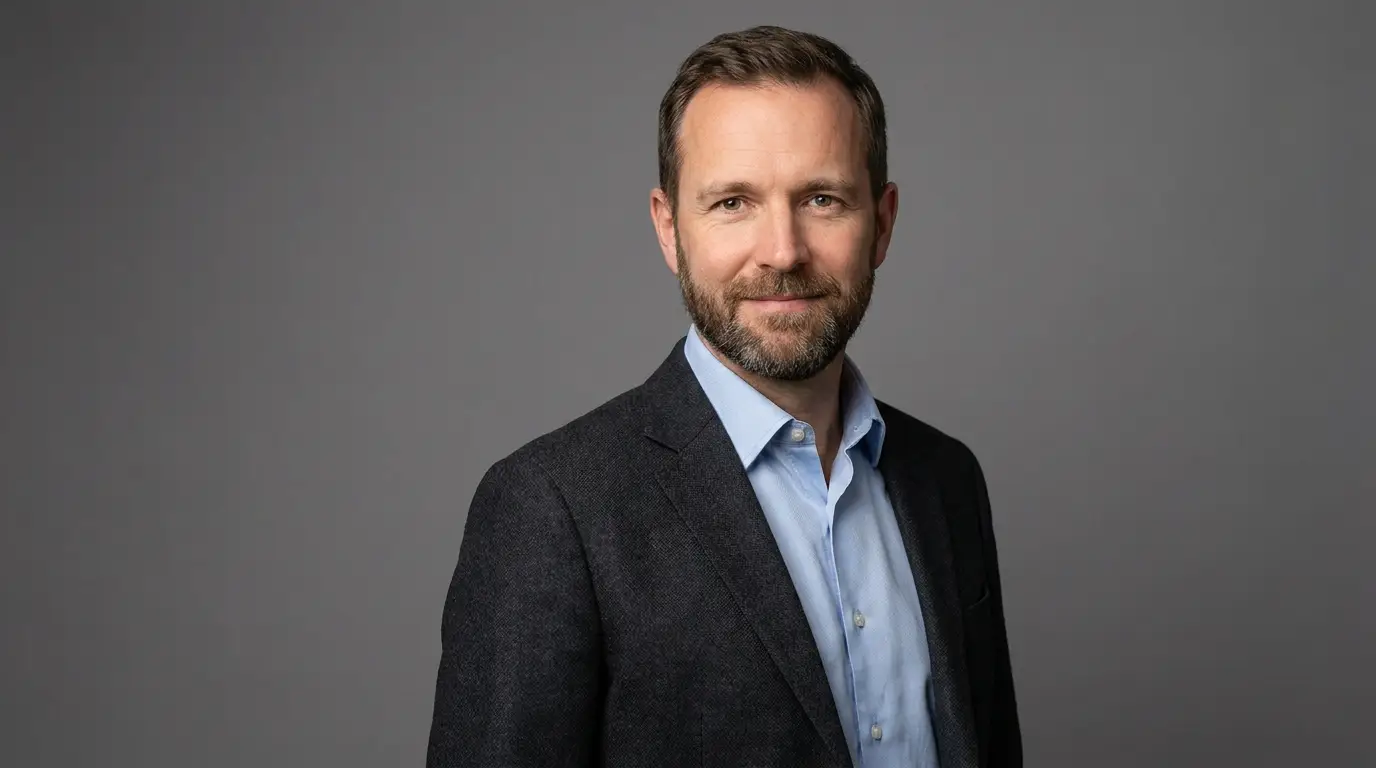
What makes a PFP read at thumbnail size
Three rules do most of the work. First, crop tight — head and shoulders at most, eyes near the upper third. Second, force contrast between subject and backdrop: a warm-lit face against a deep teal or charcoal field survives shrinking far better than a busy street scene. Third, pick exactly one signature element — glasses, a hair color, a rim-light hue — because at 64 pixels, one detail is all anyone registers.
Prompt for the circle, too. Platforms crop the corners away, so keep the face dead-center and avoid putting anything important near the edges. A line like 'face centered for circle crop, plain dark backdrop, soft rim light' handles most of it.
One identity, every platform
The same face wants different treatments per platform. For LinkedIn or a company site, generate photoreal with Z-Image or Seedream v4.5 plus the STUDIO SOFTBOX preset — blazer, seamless backdrop, natural smile. For Discord, Twitch, or gaming profiles, FLUX 2 renders clean stylized and anime looks with bold outlines that pop at small sizes.
If you'd rather not re-prompt each variant, the /apps library has ready-made workflows — LinkedIn Headshot, Creator PFP, Gaming PFP, Discord Avatar — that package the crop, lighting, and style decisions into one click.
Use your real face or invent one
To keep your actual likeness, start from a selfie: image-init models like Nano Banana 2 restyle a photo while preserving the features that make you recognizable. Run the same selfie through a few different style prompts to build a matching set across platforms.
For pseudonymous accounts, skip the upload entirely and describe the avatar you want. Text-to-image gives you a face that's memorable, consistent enough to regenerate from a saved prompt, and attached to no one.
Finishing passes worth doing
Run the winner through Upscale before uploading — platforms compress aggressively, and starting sharper means ending less mushy. If you want the same portrait on multiple backdrop colors, Remove BG gives you a clean cutout to composite anywhere.
Test the final image at actual size before committing: shrink it to 64 pixels and check that the silhouette, the expression, and your one signature detail are still legible. If they're not, tighten the crop, raise the contrast, and rerun.