
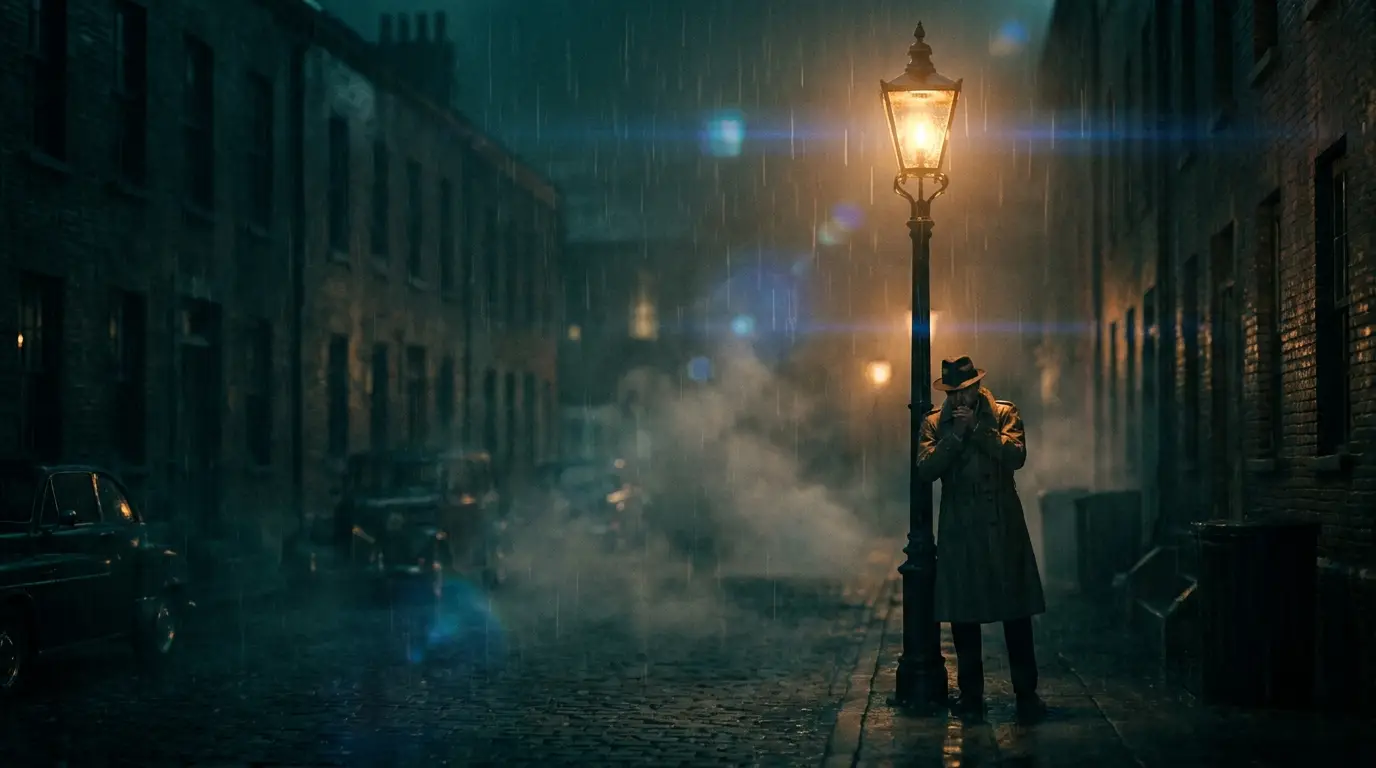
The five-slot prompt formula
Fill these in order: (1) Subject — be visually specific: "a lighthouse keeper in a yellow oilskin coat", not "a man". (2) Action — one verb phrase: "climbing a spiral staircase". (3) Environment — where and when: "inside a storm-battered lighthouse at dusk". (4) Light — the highest-leverage slot: "warm lantern glow, cold blue window light". (5) Camera — "slow dolly in" or just attach a camera preset.
A full example: "a lighthouse keeper in a yellow oilskin coat lighting the lamp at dusk, storm clouds gathering outside the glass, warm lantern glow, slow dolly in, cinematic." Every word earns its place; there are no filler adjectives.
Common text-to-video mistakes
Mistake one: prompting a plot instead of a shot. Models render five to ten seconds — "she wakes up, gets dressed, and drives to work" collapses into mush. Split multi-beat ideas into separate generations and cut them together. Mistake two: stacking contradictory styles ("photorealistic anime watercolor") — pick one visual register per clip.
Mistake three: leaving motion unspecified. If you don't say how the camera or subject moves, the model guesses, and guesses are timid. Even two words — "locked off" or "handheld run" — dramatically change the energy of the result.
From one prompt to a full sequence
Working creators treat prompts as a shot list. Write the master prompt once, then vary only the camera slot across generations: dolly in for the intro, orbit for the middle, drone pullback for the ending reveal. Because subject and lighting language stay identical, the clips cut together like coverage from a single shoot.
Keep a personal prompt library. When a phrasing produces a look you love, save it — reusable lighting and style fragments compound faster than any other habit in AI video.