
What makes a good source image
Three properties predict success. Clear subject separation: one obvious focal point with visual breathing room around it animates cleanly; cluttered frames confuse motion. Headroom for the move: if you plan a dolly in, the subject shouldn't already fill the frame. Directional light: images with a readable light source (window light, golden hour, a single spotlight) keep their look as frames evolve.
Resolution matters less than composition — a sharp, well-composed phone photo beats a noisy 4K frame. Avoid heavy text overlays and watermarks; models try to animate them and it rarely ends well.
Matching the motion to the image
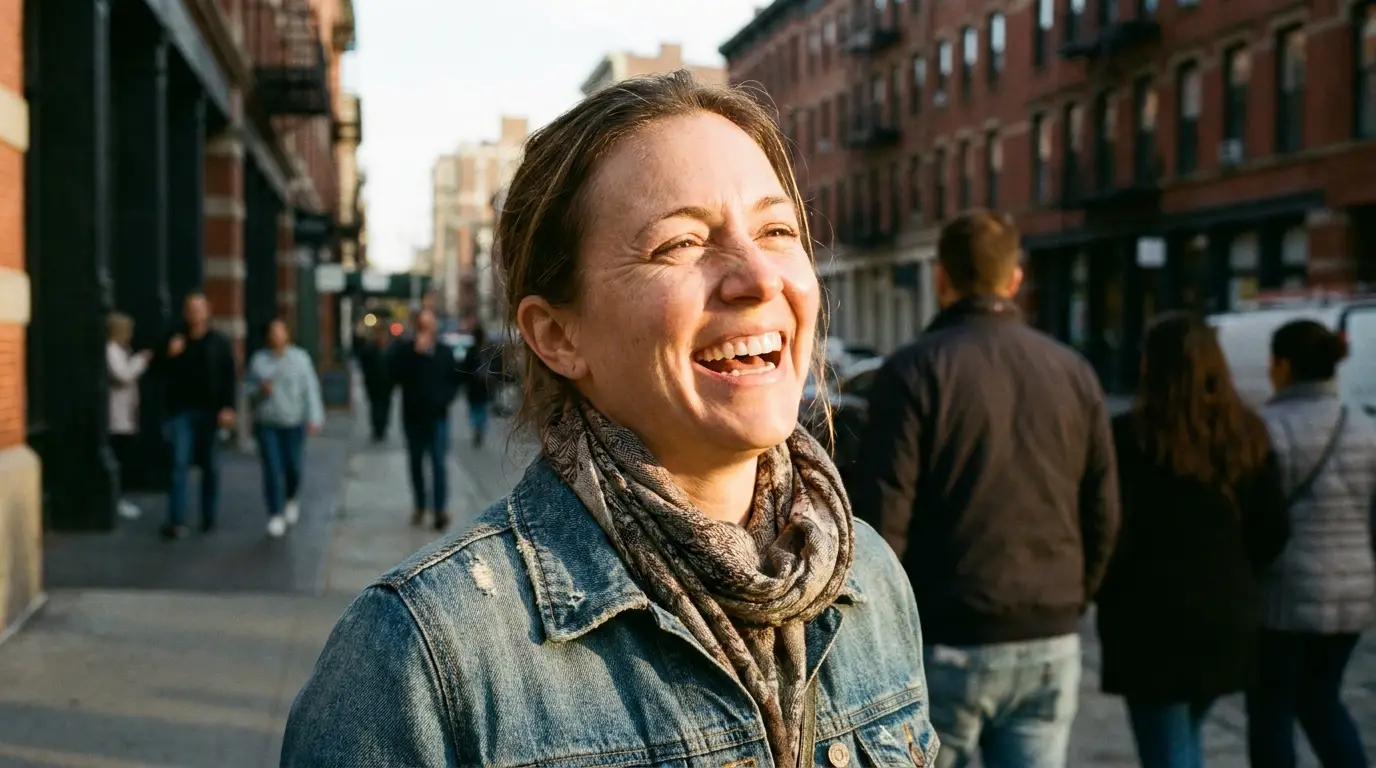
Portraits reward subtle moves: a slow dolly in or a gentle orbit adds presence without warping the face. Landscapes and interiors love reveals — drone pullback, crane up, or a flythrough that travels into the depth of the frame. Product shots shine with orbits, which show dimensionality a still never could.
Describe subject motion separately from camera motion in your prompt: "steam rising from the cup, camera slowly pushing in" tells the model two distinct things to animate. If you only want the camera to move, say the subject holds still — otherwise the model may invent movement you didn't ask for.
Workflows that start from a still
The two-step pipeline is the most reliable way to make AI video today: generate or select the perfect still first (cheap, fast to iterate), then animate the winner. You spend your video credits only on compositions you've already approved.
Teams use this for consistency, too — animate five crops of the same brand image with different camera presets and you get a matched set of clips that obviously belong to one campaign.