
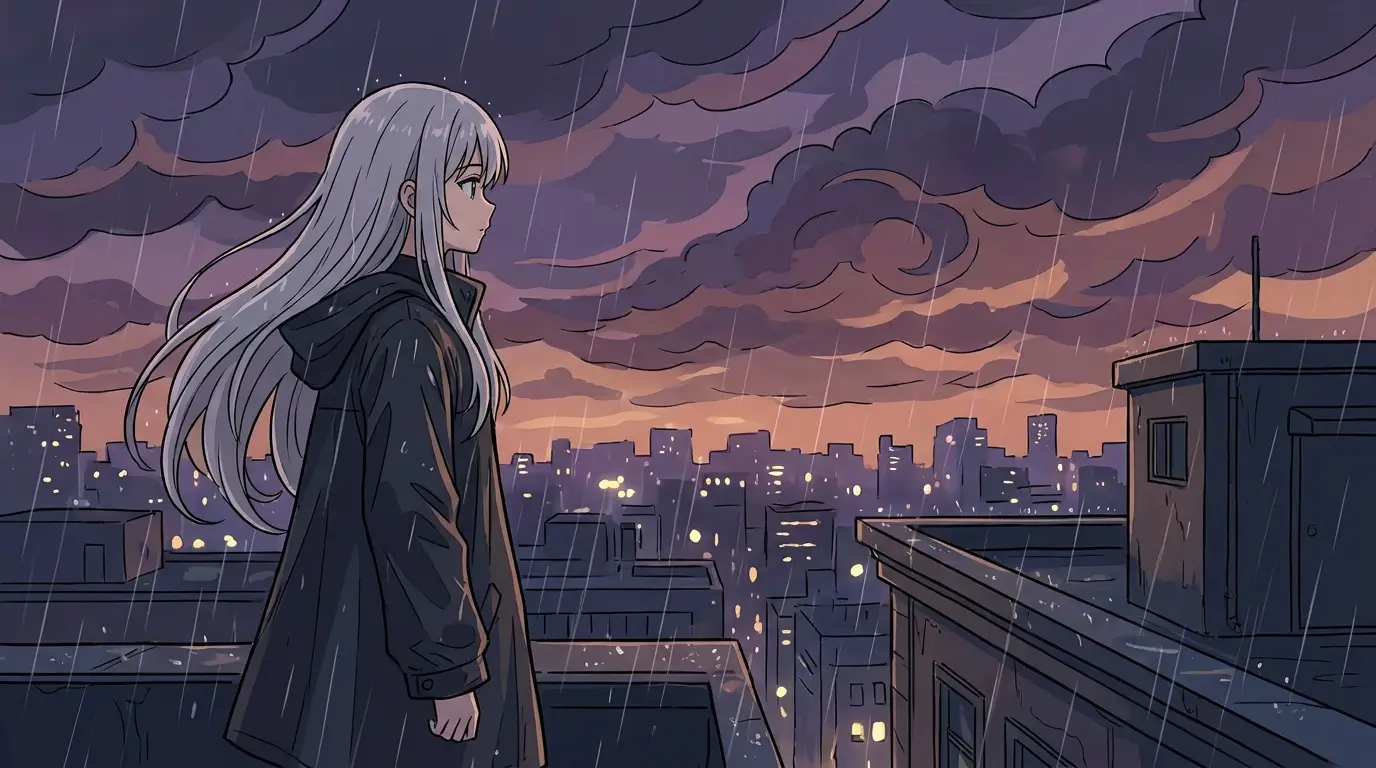
Route one: animate the drawing itself
Upload the sketch as the start frame for Kling 3 or Seedance Pro and describe the motion: 'the ink line of the skyline extends as the camera drifts right, clouds drawn in as they appear.' The model keeps the hand-drawn texture and moves within it — line-art clouds crawl, sketched rain falls, a doodled character blinks.
Clean, high-contrast scans animate best. Photograph the page flat in even light, or bump the contrast so lines read clearly; faint pencil on grey paper gives the model too little structure to track. A prompt that names the medium — 'ink sketch style, paper texture preserved' — tells it the sketchiness is intentional, not noise to fix.
Route two: render first, then animate
When the sketch is a plan rather than a look, run it through an image model with image-init support — FLUX 2 for stylized frames, Nano Banana 2 or Seedream v4.5 for photoreal — with a prompt describing the finished scene. The model keeps your composition and turns loose shapes into rendered surfaces: your thumbnail of a canyon chase becomes a finished keyframe with your exact staging.
Then send that render to a video model as its start frame. This two-step is how storyboard artists and previz teams use Nidhogg: every camera setup gets drawn in thirty seconds, rendered in one image generation, and animated in one video generation — a moving previz without a pipeline.
Motion that suits drawn material
Sketches carry no real depth information, so parallax-heavy camera moves can shear a drawing apart. Favor moves that respect the picture plane — lateral-dolly, slow-zoom, tilt-reveal — over full orbits, and let most of the animation happen inside the frame: characters gesturing, weather moving, lines extending themselves.
For stylized results, effect presets pull sketches toward specific animation traditions: paper-world for cutout collage motion, comic-halftone for graphic-novel energy, ink-bloom for wet-media spread. Stick to one preset per clip so the style stays coherent.