
From listing photos to walkthrough
Start with your best wide shots — the ones already composed to make rooms look their size. Feed each to image-to-video with STEADICAM GLIDE and the room gains a slow, inviting push-in; sequence the clips in natural tour order (approach, entry, living, kitchen, bedrooms, outdoor) and you have a walkthrough without a single new photo taken.
Keep the motion slow and level. Fast or floaty camera movement in property video reads as disorienting — buyers are mentally measuring rooms, and the camera should give them time.
The shots that sell square footage
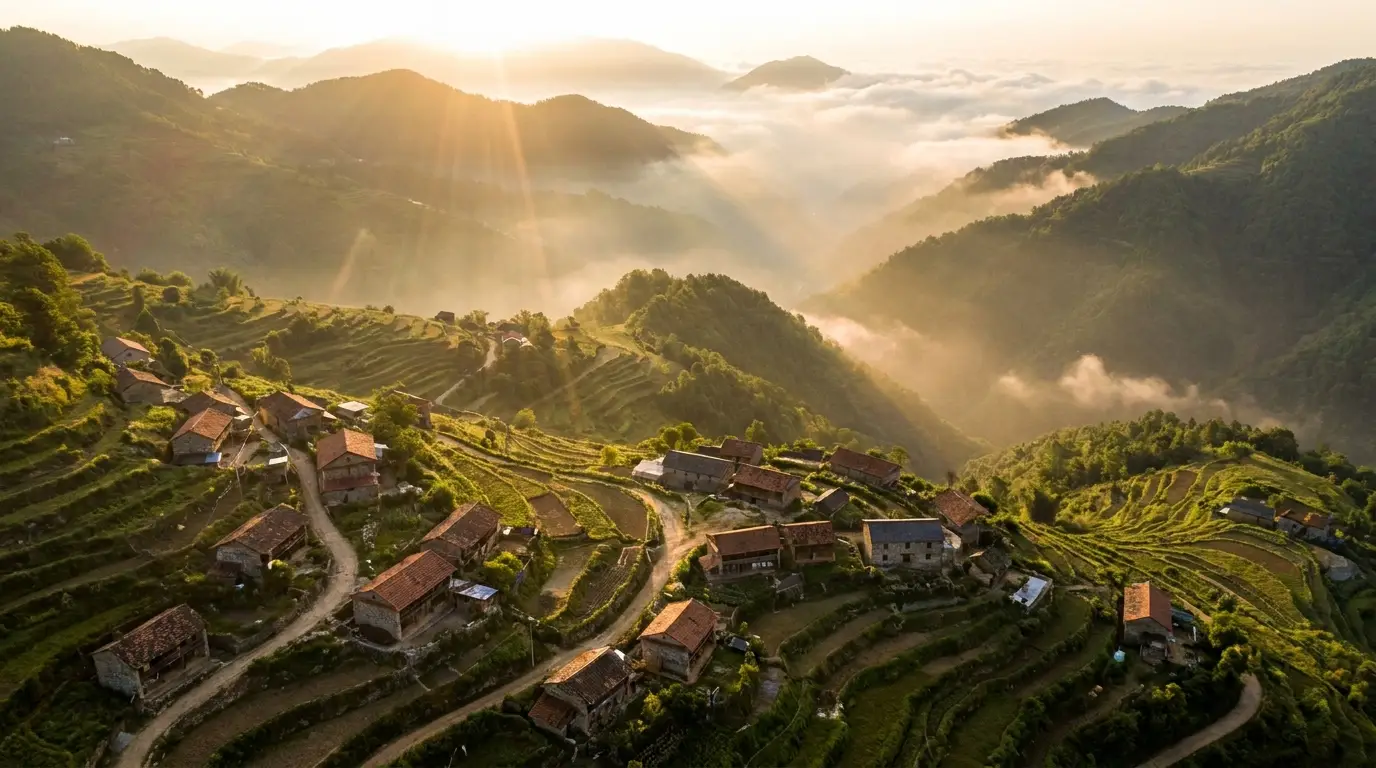
Three generated shots consistently lift a listing. The aerial approach: a drone-style descent toward the property that establishes neighborhood context — impossible without a licensed pilot, trivial with a prompt. The golden-hour exterior: the facade in warm evening light with windows glowing, regardless of when the photos were taken. The lifestyle beat: morning light across the kitchen island, steam rising from a coffee cup — the emotional frame that makes buyers project themselves in.
Light sells space: prompts specifying "bright natural light through floor-to-ceiling windows" consistently render rooms at their most generous.
Scaling across a whole portfolio
The economics compound at portfolio scale: a brokerage that videos every listing — not just the premium ones — presents a consistently higher-end brand. Batch the workflow: same presets, same pacing, same title style per listing, so the office's video presence looks like a series, not scattered experiments.
For developments still under construction, generation goes further: finished-state visualizations from renders, seasonal exterior variants, and amenity shots before the amenities exist. Always label visualizations as such — it builds trust rather than spending it.