
Timelapse vs. hyperlapse: pick the right tool
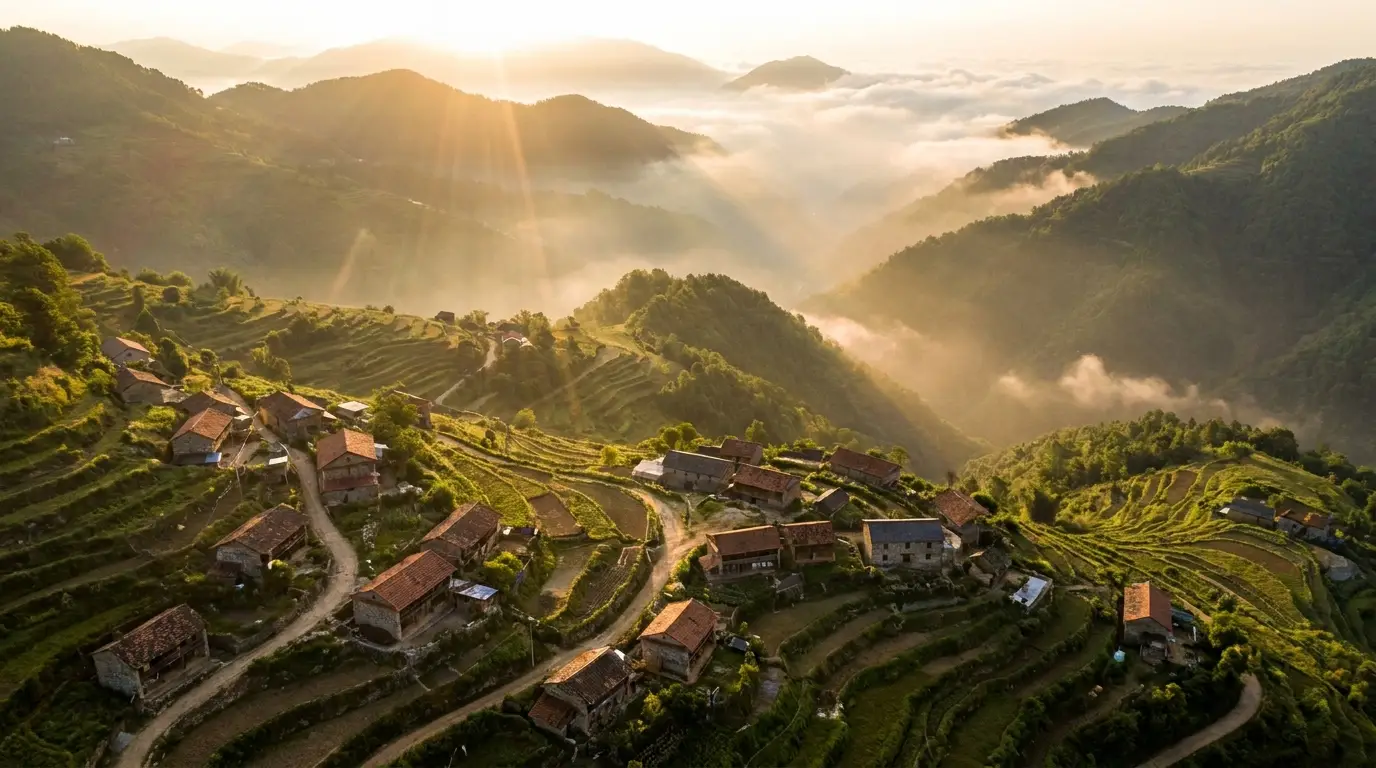
A timelapse holds the camera still and compresses time — best for skies, tides, shadows sweeping across a valley, a flower opening. A hyperlapse moves the camera through space while time compresses — best for cities, corridors, and any shot where architecture should rush past. The motion of the camera is the difference between contemplative and kinetic.
In prompts, name what compresses: "clouds streaking overhead", "crowds blurring into rivers of motion", "day turning to night, windows lighting up one by one". The model needs to know which elements race and which hold.
The elements that sell compressed time
Great timelapses layer fast and slow: streaking clouds over a motionless mountain, blurred crowds around a still street performer, traffic light-trails past parked cars. That contrast — some things racing, one thing anchored — is the entire visual grammar of the form. Prompt the anchor explicitly.
Light transitions are the premium move: golden hour collapsing into blue hour, city lights flickering on, dawn breaking over a skyline. "Day to night transition" in a prompt produces the shot photographers camp overnight for.
Where generated timelapses earn their keep
Openers and transitions: a 5-second hyperlapse is the strongest scene-change device in documentary-style editing. Backgrounds: sky timelapses behind title cards and quotes add motion without demanding attention. Impossible subjects: a city aging a century, seasons cycling over one park bench, a nebula blooming — time compressions no camera could capture.
Travel and real-estate editors keep a folder of generated hyperlapses as connective tissue — the shots that make separately-filmed material feel like one journey.