
The destination reel formula
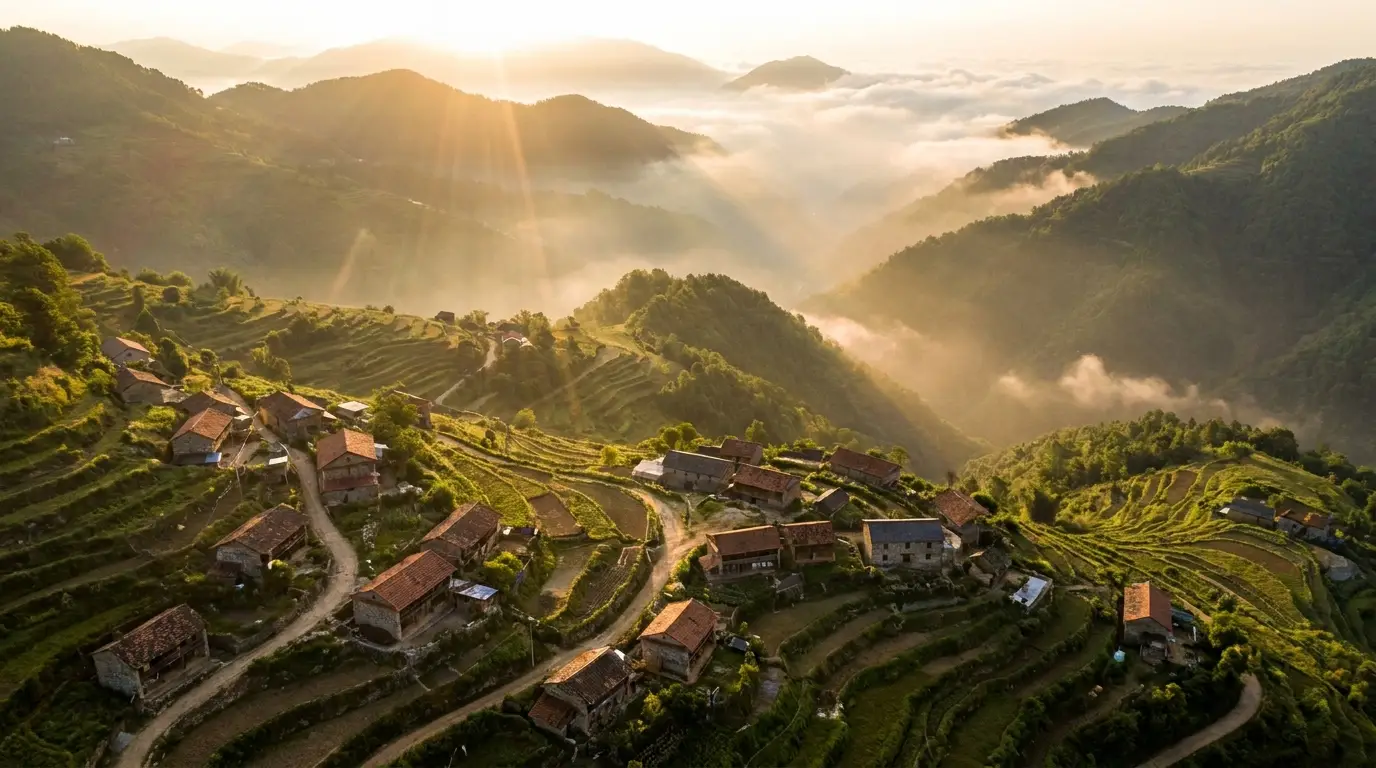
Working travel editors cut to a repeatable structure: one aerial establishing shot (drone pullback or flythrough), two or three place-defining wides (the skyline, the coastline, the old town), a handful of human-scale details (food, hands, markets, faces in doorways), and a closing shot with motion into the distance — a road, a boat, a path. Generate to that list and the edit assembles itself.
Time of day is your continuity device: pick golden hour or blue hour and hold it across the reel. Mixed lighting is the tell of assembled footage; consistent light reads as one glorious day.
Prompting places with specificity
Generic beauty produces generic travel content. Prompt the texture that makes a place itself: "terraced rice fields catching morning mist", "laundry lines strung between ochre buildings", "izakaya lanterns reflected in wet pavement". Named details beat superlatives — skip "breathtaking" and describe what's actually in frame.
Weather is free in generation: the fog that never came, the storm light photographers chase for years, fresh snow on the pass. Prompt the conditions the location deserves rather than the ones you'd have gotten.
Real trips, augmented
The pragmatic use case: you came home with 80% of a great video. Generation fills the gaps — the aerial you couldn't fly, the golden-hour shot the clouds stole, the transition between cities. Match your real footage's look in the prompt (lens feel, color cast, time of day) and generated connective tissue cuts in cleanly.
Tourism boards and travel brands use the same technique at campaign scale: concept films for destinations before committing to a shoot, seasonal variants of one campaign, and shots of protected sites where filming permits are impossible.