
The three aerial archetypes
The establishing pullback: start tight on a subject and pull back and up until the landscape swallows them — the classic 'end of the movie' shot, one DRONE PULLBACK preset away. The FPV dive: first-person racing motion plunging toward or past terrain, kinetic and modern, the signature of action sports edits. The flythrough: forward travel that passes close to objects — through a canyon, between buildings, over a ridge line into the reveal.
Pick the archetype by what you're revealing: pullbacks reveal scale, dives reveal speed, flythroughs reveal geography.
Prompting convincing altitude
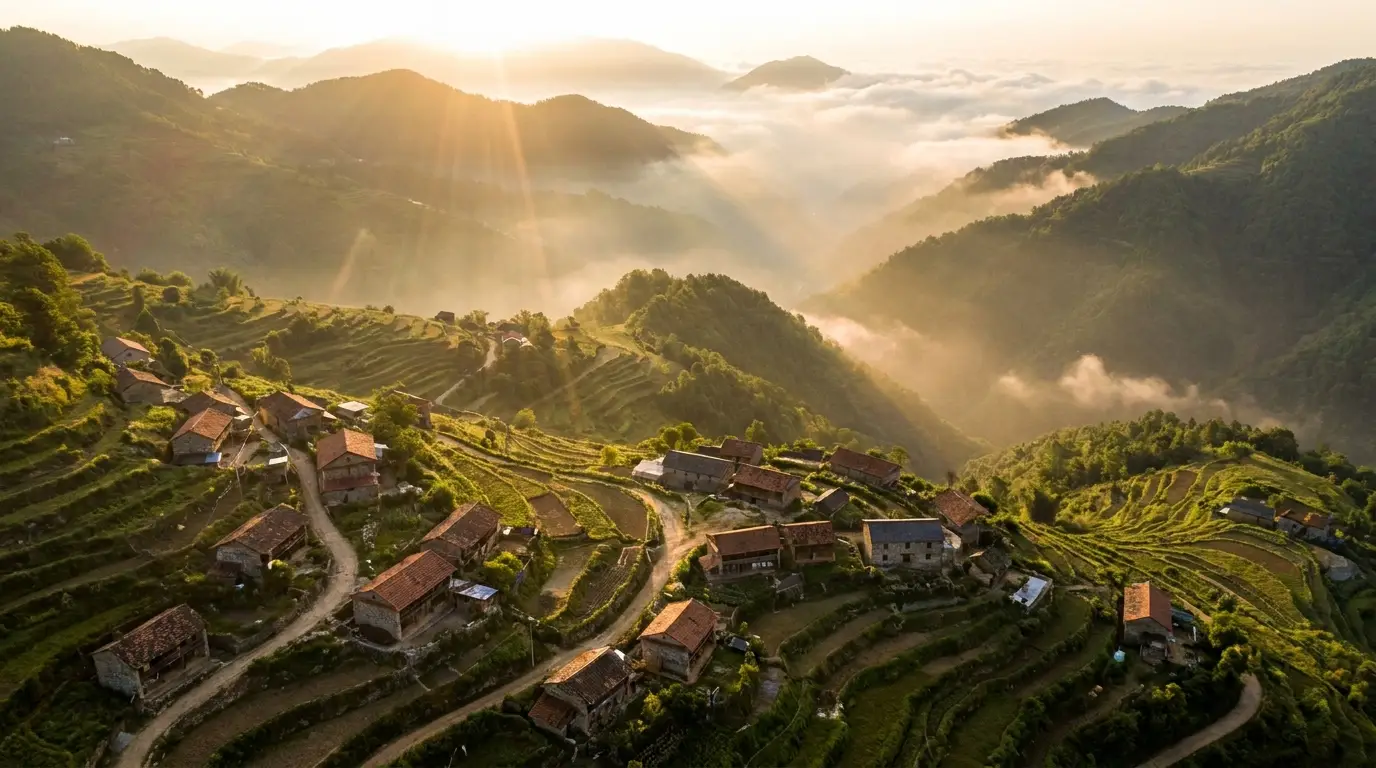
Altitude is communicated by what's in frame: rooftops and car-scale detail read as low drone height; ant-scale roads and full coastlines read as high altitude. Say it explicitly — "low aerial pass 30 meters above the treeline" versus "high aerial view, entire coastline visible".
Atmosphere sells distance: haze layers between camera and mountains, long shadows at golden hour, cloud shadows moving across terrain. Real aerials are never optically perfect — a touch of atmospheric depth is what separates convincing from video-gamey.
Shots real drones can't fly
Generated aerials aren't limited by physics or regulation: dive through a waterfall and continue underwater, pull back from a candle flame out through a window into a night sky, fly a corridor rush through a fantasy citadel. Impossible transitions — interior to exterior in one move — are where generation beats capture outright.
For travel, real estate, and title sequences, combine aerial archetypes: open on a flythrough, cut to ground coverage, close on a pullback. Two generated aerials bracketing normal footage upgrades an entire edit.