
Motion that wants to loop
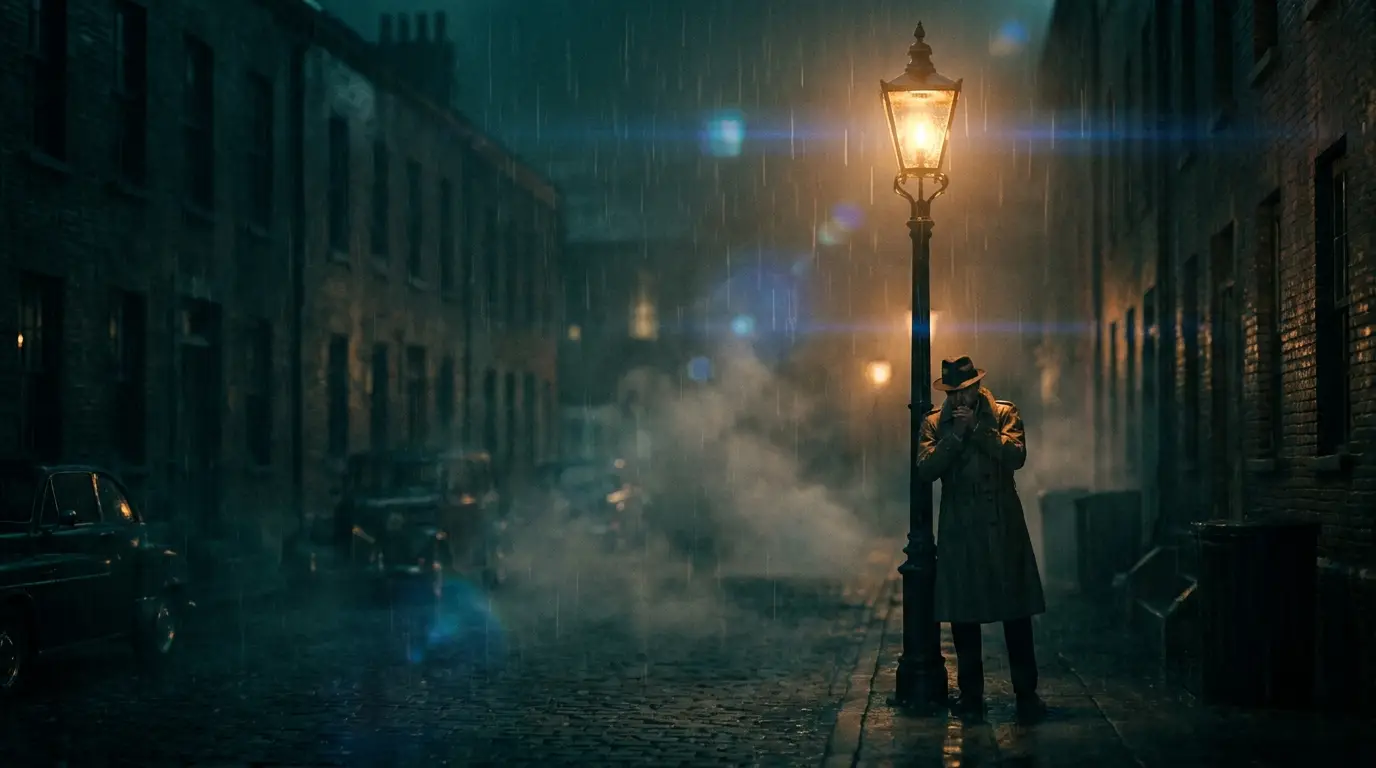
Three motion families loop naturally. Orbits: a FULL ORBIT around any subject returns home by definition — the most reliable loop on the platform. Cycles: rain falling, snow drifting, embers rising, waves rolling — continuous particle motion with no beginning or end. Drifts: slow ambient movement (fog, floating dust, gentle water reflections) where the eye can't locate a seam.
Avoid one-way narratives — a person walking somewhere, a pour that finishes, light that changes. Anything with visible progress will visibly reset.
Designing for the seam
Even non-perfect loops hide their seam with technique: keep overall brightness and composition constant across the clip so the cut back to frame one doesn't flash; favor subjects with stable anchors (a centered object, a fixed horizon) and moving atmospheres around them; on social, cutting the clip a beat before the action resolves makes the restart feel intentional.
In an editor, the crossfade-to-self trick — overlapping the clip's tail onto its head with a short dissolve — rescues near-loops. But motion chosen well upstream needs no rescue.
Where loops earn their keep
Website heroes: an ambient loop (drifting fog over mountains, slow neon reflections) adds life to a landing page at a fraction of autoplay-video weight when kept short. Events and streams: looping backdrops for stages, booths, and OBS scenes that run for hours without a visible repeat. Ambience channels: rain-on-window and fireplace-style content is literally an economy of loops.
On TikTok and Reels, the invisible loop is a growth mechanic: viewers who don't notice the restart watch twice, and completion-rate math does the rest.