
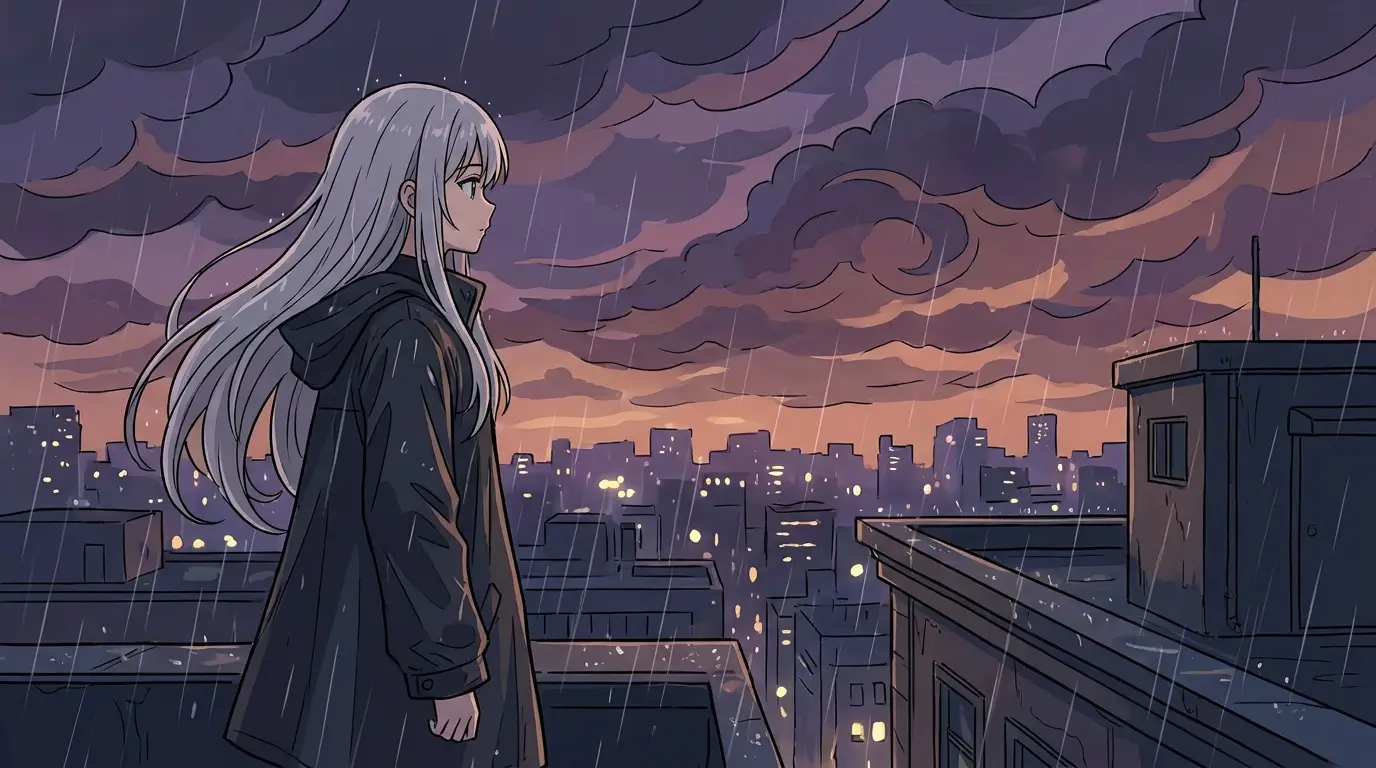
Prompt the constraints, get the authenticity
The vocabulary that separates real-looking pixel art from 'photo with big pixels': 'pixel art' plus a grid reference ('16x16 sprite style', '32x32', '64x64 detailed'), a palette limit ('limited 16-color palette', 'Game Boy 4-shade green'), and an era anchor ('SNES JRPG style', '8-bit NES look', 'modern indie hi-bit'). Add 'crisp pixels, no anti-aliasing' to keep edges honest.
Smaller stated grids force bolder, more iconic designs; larger grids allow painterly detail. Match the grid to how the asset will be displayed.
Sprites, tiles, and scenes each want different prompts
Character sprites: 'full body, centered, plain background' — then Remove BG for a clean asset. Environment tiles and backgrounds: 'side-scroller background, layered parallax depth, repeating-friendly composition'. Full illustrative scenes (for posters, capsule art, or covers): treat it like cinematography with pixels — 'pixel art scene, dramatic sunset palette, silhouetted figure on a rooftop'.
Game jams, indie devs, and retro lovers
Jam teams generate placeholder-to-final art within a weekend's deadline; solo devs mock up complete visual directions before committing to an art style; streamers and communities make retro-styled emotes and banners. And plenty of people simply love the aesthetic — pixel portraits and cityscapes make superb wallpapers and prints.