
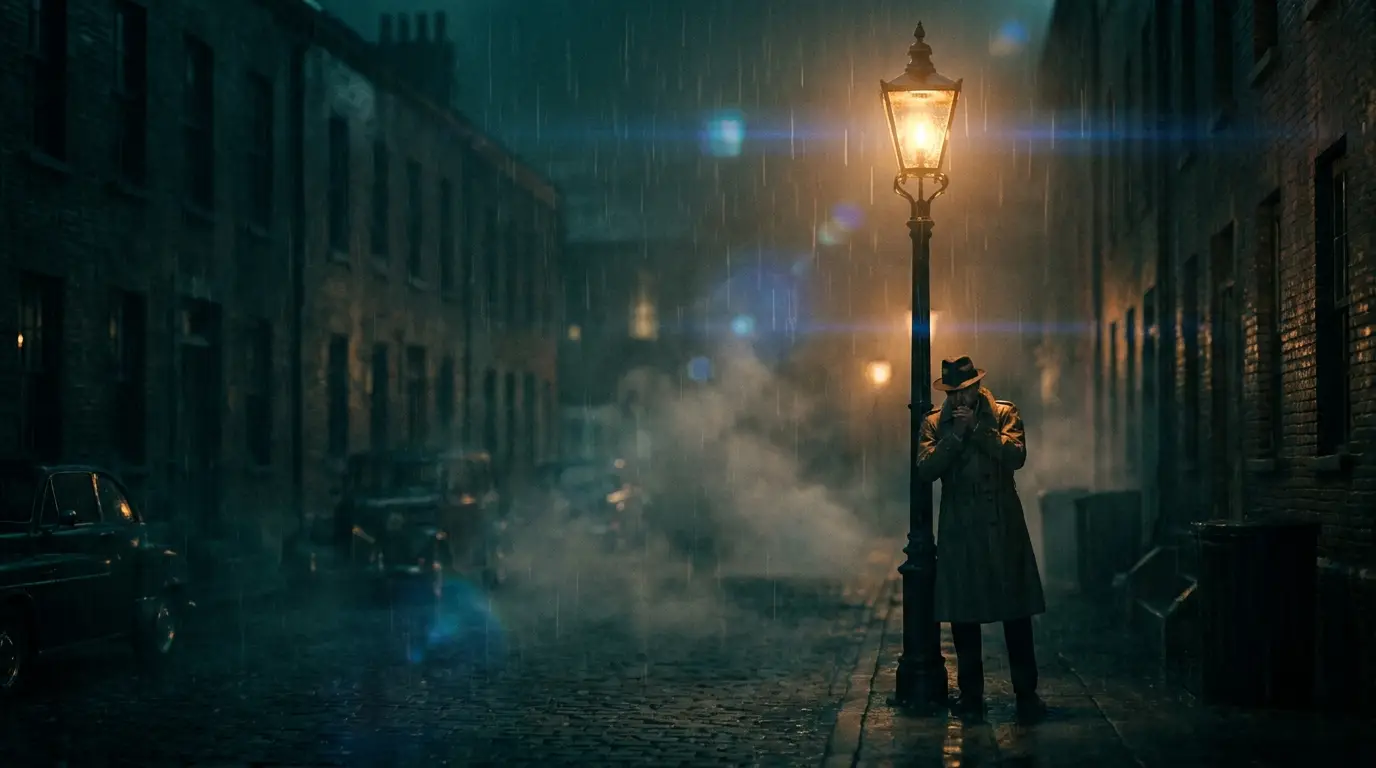
Scenes, not slideshows: how multi-shot works
Most AI video tools give you one continuous take per generation. Nidhogg's multi-shot models — Seedance 2 and Kling 3 — can cut inside a single clip: a wide establishing shot, then a medium, then a close-up on the reaction, edited the way a scene in a film actually plays. Write your prompt like a shot list ('wide: the diner at 2am; medium: she slides into the booth; close: his hand stops mid-pour') and the model stages the coverage.
That difference matters because movie feel comes from editing rhythm as much as image quality. A single slow pan reads like stock footage; a cut from establishing wide to tight insert reads like cinema. Use multi-shot for dialogue beats, reveals, and any moment where the audience needs to look at two things in sequence.
Keeping the same character in every scene
Continuity is what separates a film from a mood reel, and it's the hardest thing to get from a generative model. Nidhogg gives you two tools for it: Kling 3 accepts Elements reference images so a face, outfit, or prop persists across generations, and Seedance 2 takes reference images for the same job. For a recurring lead without a reference photo, lock a precise text description and reuse it verbatim in every prompt.
The other continuity lever is image-to-video. Generate a keyframe still of your character in the exact costume and location, approve it, then animate that frame. Because the video starts from a locked image, the scene opens exactly where you decided it should — and Kling 3 can take an end frame too, so you control where it lands.
Directing the camera like a DP
Camera movement is meaning: a slow dolly-in says 'pay attention', a crane-up says 'this world is bigger than the character', a dutch angle says something is wrong. Nidhogg ships these as one-click camera presets — dolly-in, crane-up, slow-zoom, speed-ramp, dutch-angle, steadicam-glide and dozens more — so you choose the move instead of hoping the model improvises one.
Layer lens language into the prompt for the photographic texture: 'anamorphic lens flare', '35mm film grain', 'shallow depth of field', 'volumetric haze'. The camera preset handles the move; the prompt vocabulary handles the glass. Browse the full set on the camera controls page before you shoot.
From generated scenes to a finished cut
Be clear about the honest scope: each generation is a scene of roughly four to twelve seconds, not a feature. A watchable short is a stack of these — storyboard the beats first with a fast image model like FLUX Schnell, generate each scene as a clip, and assemble the cut in your editor, exactly the way real productions build from dailies.
Keep the connective tissue consistent: same aspect ratio across scenes, one color grade (an aesthetic preset like cinematic-teal applied everywhere does this for free), and recurring establishing angles. Ten disciplined scenes cut together read as one film; ten stylistic experiments read as a showreel.