
Motion that doesn't compete with your content
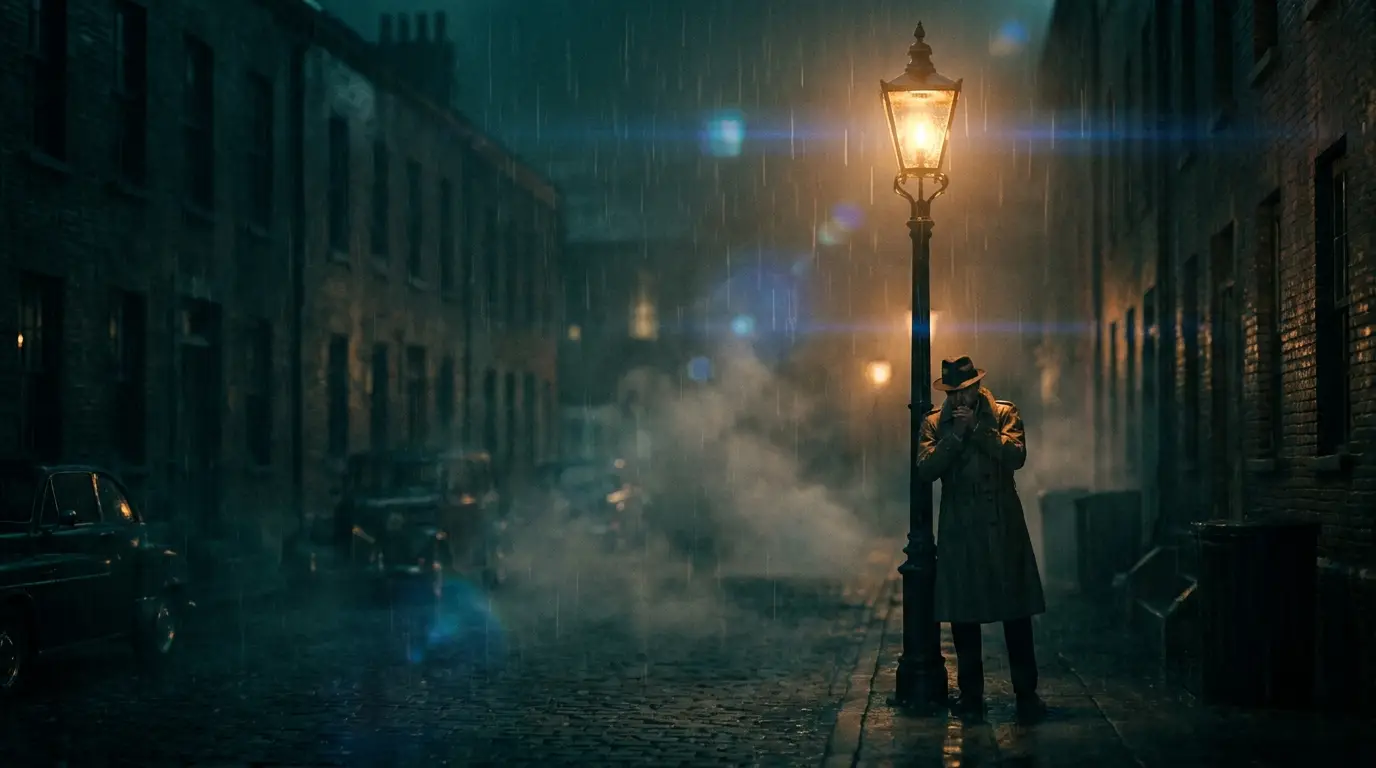
Prompt for slow, continuous, directionless motion: drifting fog, rising steam, falling snow, rippling water, embers, rain on glass. Avoid anything with a beginning and end — a person walking exits the frame, a wave crashes and is over, and the loop seam shows. Cyclical subjects hide their own repetition.
Lock the camera. The locked-off preset keeps the frame static so the only motion is in the scene — which is what you want when text or UI sits on top. Save the camera moves for videos that are the content, not behind it.
Getting clips to loop cleanly
Two honest techniques. First, choose self-similar motion — fog, rain, embers, water. When every second looks statistically like every other second, the cut point is nearly invisible, and a short crossfade at the seam in your editor erases what's left.
Second, use Kling 3's start-and-end-frame control: feed the same still as both the first and last frame, and the generated motion returns to where it began — a genuinely closed loop. It's the most reliable route when the placement, like a hero header or signage screen, will loop thousands of times.
One generator, many placements
Website heroes want dark, muted clips with obvious copy space — prompt the negative space explicitly ('calm empty upper half'). Stream backdrops and music-loop canvases can run richer: neon rain, ember storms, aurora veils. Event and signage screens want slow grandeur — clouds, landscapes, abstract gradients in motion.
The Apps library has ready-made recipes for several of these: ember loop, rain atmosphere, music loop canvas, vibe loop, billboard loop. Start there and adjust the palette words to match your brand.
Plan for the text on top
A background exists to be covered, so compose for the overlay from the start: prompt low-contrast zones where headlines will sit, keep the palette to two or three hues, and skip high-frequency detail that fights small text. 'Soft gradient sky, subtle motion, generous empty center' is a background prompt; 'epic detailed cityscape' is not.
If the clip needs to run on a large screen, pass it through the video upscaler before delivery — backgrounds get judged at full-bleed sizes, and the upscale pass keeps gradients smooth at that scale.