
Plan clips by song structure
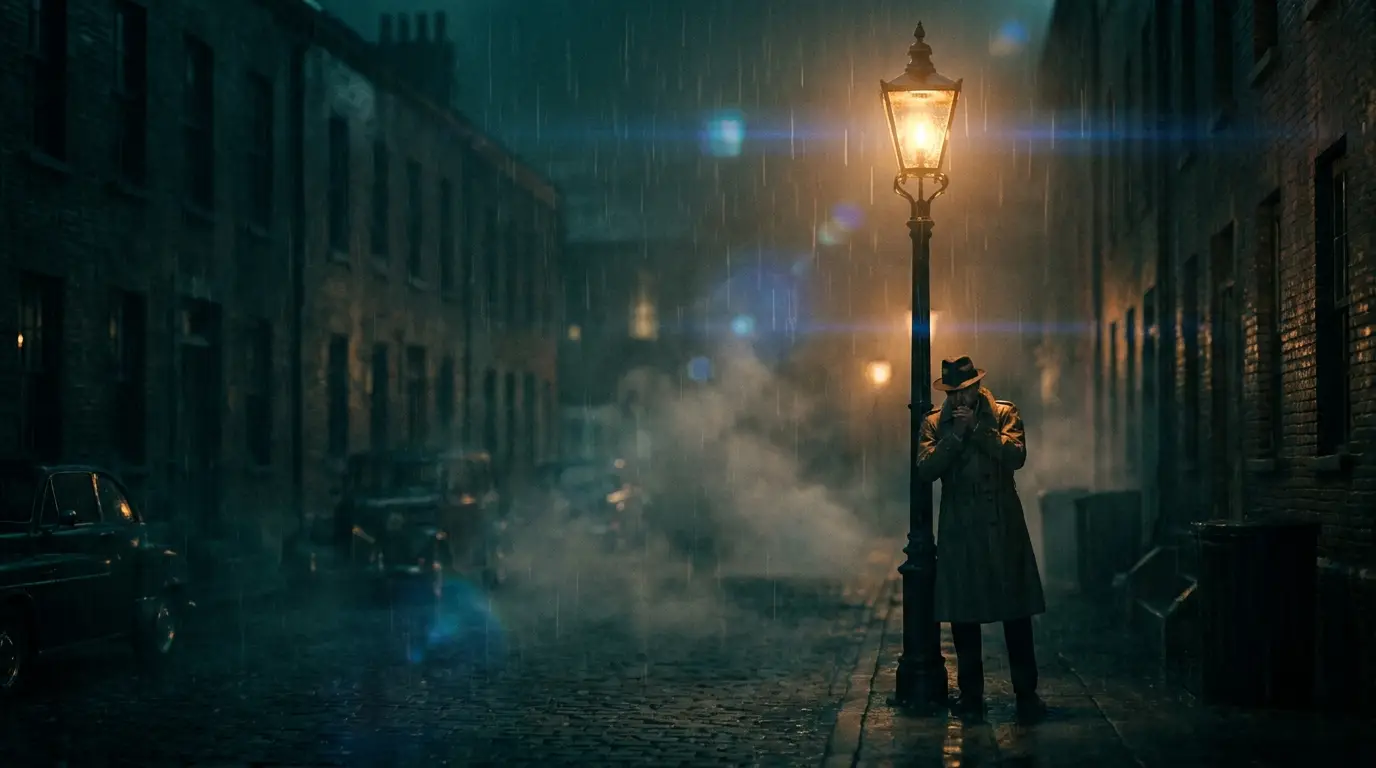
Break the track into sections — intro, verse, chorus, bridge, outro — and assign each a visual intensity. Verses take slower, moodier shots (slow zoom, steadicam glide, midnight rain); choruses take the aggressive moves (zoom punch, crash zoom, speed ramp). The energy of the camera should mirror the energy of the arrangement.
Keep one visual anchor constant across every section — the same performer description, the same color world, the same effect preset — so the video feels authored rather than assembled. Change the camera and location, keep the subject and palette.
Generating shots that cut on the beat
At 120 BPM a bar lasts two seconds, so a 5-second clip covers about two and a half bars — plan your edit around that math. Percussive presets are duration-capped at 5 seconds on Nidhogg because that's the length at which they read as intentional hits rather than drawn-out gimmicks.
Generate more takes than you need: four takes per section gives your edit options, and AI generation is cheap enough that over-shooting — the oldest music-video trick — finally costs almost nothing.
Looks that work for music
Performance-style prompts ("a singer under a single spotlight on an empty stage, smoke drifting") give you the classic centerpiece. Narrative b-roll — neon streets, dancers in subway stations, cars on wet coastal roads — fills verses. Effect presets like NEON CITY, EMBER STORM, and GLITCH WAVE function as your art department.
For electronic tracks, lean into GLITCH WAVE and CRT SCANLINES; for ballads, GOLDEN DUST and MIDNIGHT RAIN; for hip-hop, hard flash-style lighting language with confident, locked poses. The genre conventions you already know translate directly into prompt words.