
Nidhogg
Log in

AI Ad Generator

Ad creative dies of scarcity: the platform wants ten variations to test and the production pipeline delivers two. Nidhogg's AI ad generator fixes the supply side — static product heroes, flash-sale banners, and short video hooks, generated from prompts in minutes, so testing breadth stops being the bottleneck.

The honest scope: image models produce finished static creative, including rendered headline type when you use a typography-strong model; video models produce clips of a few seconds — which happens to be exactly the length paid-social cuts run. Logos, captions, and end cards get added in your editor, where they stay editable.

Generate ad creative
AI Ad Generator

Static ads: let the visual carry it

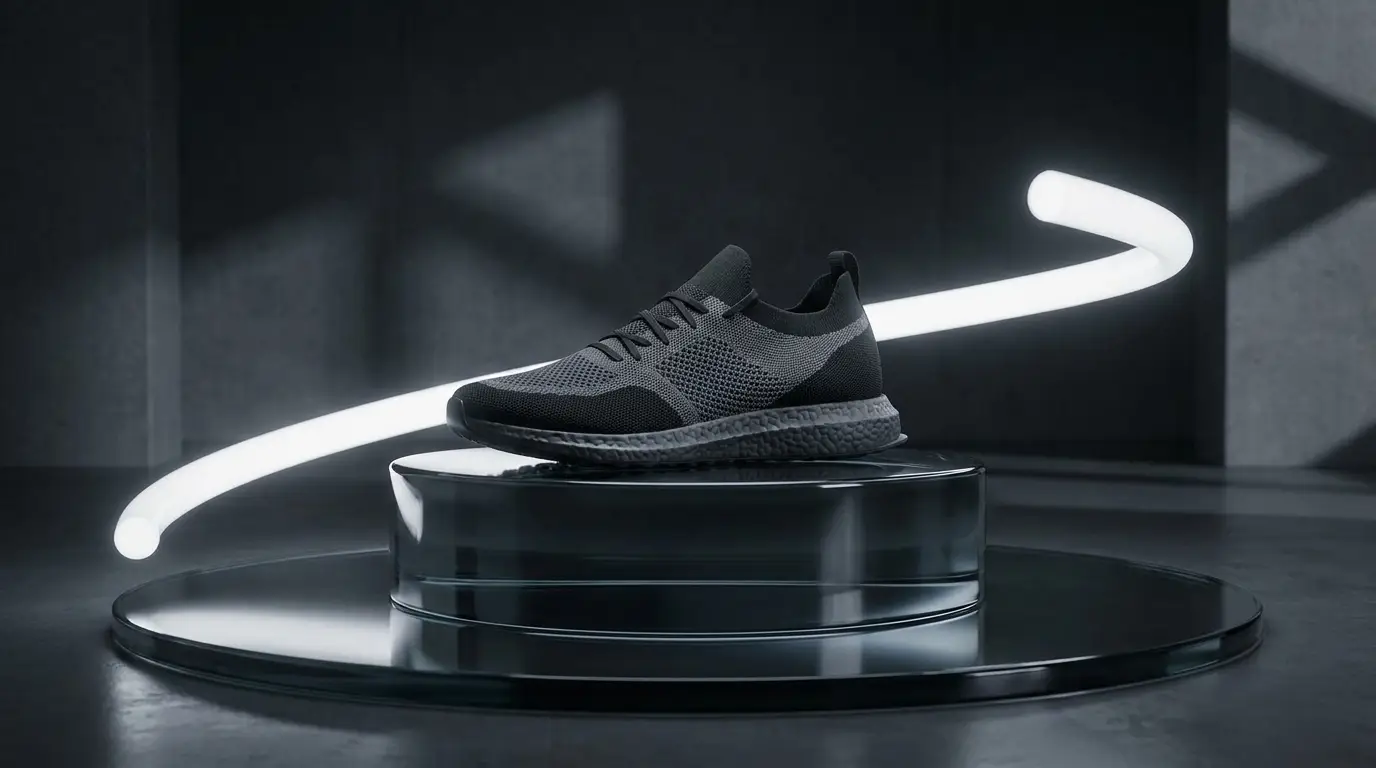
The workhorse formats are the product hero — dramatic light, dark reflective surface, one product — and the promo banner with bold color blocking and clean copy space. Prompt the copy space explicitly ('clear empty space on left third') so your headline has somewhere to live.

When you want type baked in, Recraft v4.1 is the typography specialist: prompt the actual headline text in quotes, keep it short, and treat it as display type for a title card. Nano Banana Pro is the pick when fine text and 4K detail both matter.

Video hooks, honestly sized

Generated clips run a few seconds each — the length of a hook, not a film, and the length that feeds actually reward. Structure for the first second: a CRASH ZOOM product reveal, a ZOOM PUNCH on a reacting face, or a hand lifting the product to camera in vertical UGC style on Seedance Pro.

For a talking-head ad, the pipeline is real and three steps long: generate the presenter still, generate the voiceover line with a preset TTS voice on the audio page, then drive the face with InfiniTalk in the lipsync studio. For sequences beyond one beat, use multi-shot on Kling 3 or stitch clips in your editor.

Iterate like a media buyer

Volume testing is the point of generating creative. Hold the product constant and vary one axis per batch — backdrop color, hook framing, lighting mood — so when a variant wins you know why. Draft the batch on a cheap fast model like FLUX Schnell, then re-render the winners on FLUX Pro or Seedream v4.5 for finals.

The /apps library ships ad-shaped workflows if you'd rather start from a template: Six-Second Ad, Ad Reel, Flash Sale Banner, Product Hero, Sale Hype Reel. Each is a tuned prompt you can run as-is or fork.

FAQ

Can it generate the ad copy too?+

It generates the visual. Short display headlines can be rendered into the image with Recraft v4.1, but body copy, CTAs, and logos belong in your design tool, where they stay editable and on-brand.

How long can the video ads be?+

Each generation is a clip of a few seconds — hook length. Multi-shot models like Kling 3 and Seedance 2 produce multi-scene sequences in one run, and you can stitch clips into longer cuts in any editor.

Can I make a talking spokesperson ad?+

Yes: generate the presenter image, create the voiceover with a preset TTS voice, and lipsync them together with InfiniTalk. The voices are preset engines — there's no voice cloning.

Does it add captions or text overlays to video?+

No — video comes back clean, which is what you want anyway: captions added in your editor stay editable, platform-compliant, and A/B-testable.

What aspect ratios should I run?+

Vertical 9:16 for feed and Stories placements, 1:1 or 4:5 for in-feed, 16:9 for pre-roll. If a finished clip is in the wrong ratio, the Reframe tool converts it.

Ready to try it?

Free credits on signup — no card required.

Generate ad creative

Related