
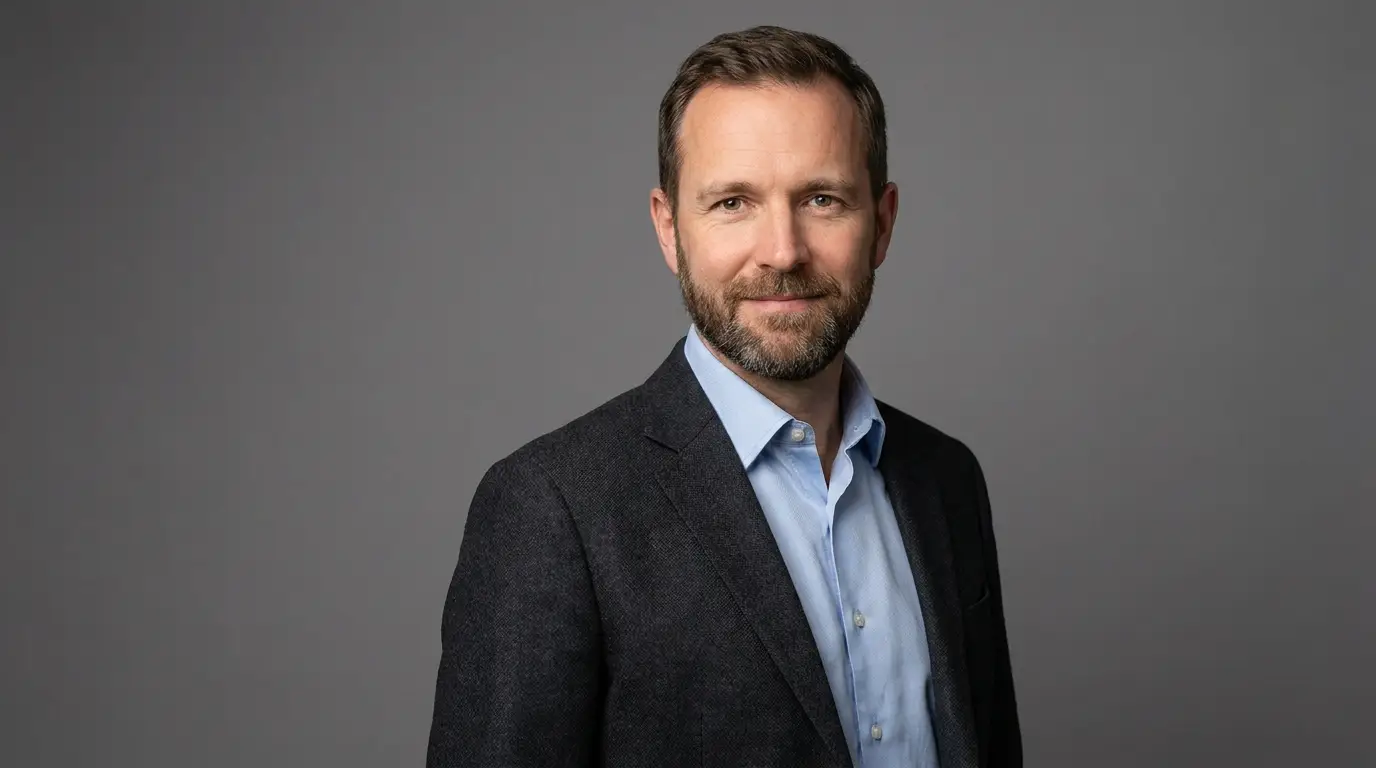
Building an avatar that holds up
Design the portrait like a shot, not a headshot. Frame chest-up with the face occupying roughly a third of the frame — extreme close-ups magnify every animation artifact, while tiny faces waste resolution. Prompt for soft, even lighting and a simple background; harsh side light creates shadows that shift oddly when the jaw moves.
Keep the mouth closed and expression neutral-to-pleasant in the source portrait. A wide grin or visible teeth in the base image fights the animation, because every viseme has to blend away from that fixed expression. Neutral lips give the model the widest range.
Voice selection is half the illusion
Viewers forgive slightly imperfect animation long before they forgive a mismatched voice. Audition several TTS voices against your avatar's apparent age, energy, and setting — a crisp corporate voice on a cozy-lit character reads as dubbed. Nidhogg's four TTS engines have different strengths; audition the same two sentences on each before committing a whole script.
Write for the ear: short sentences, contractions, and explicit punctuation. TTS engines lean on commas and periods for breath and pacing, so a well-punctuated script is the cheapest realism upgrade you can make.
Where talking avatars beat filming
Recurring formats are the sweet spot: weekly news recaps, onboarding sequences, multilingual support videos, and course modules where the presenter must look identical in episode one and episode forty. Regenerating a sentence costs seconds; re-booking a human presenter costs a week.
They also unlock personas that can't exist on camera — a mascot who narrates your changelog, a historical figure walking through a lesson, or an A/B test of three different spokespeople for the same ad script.