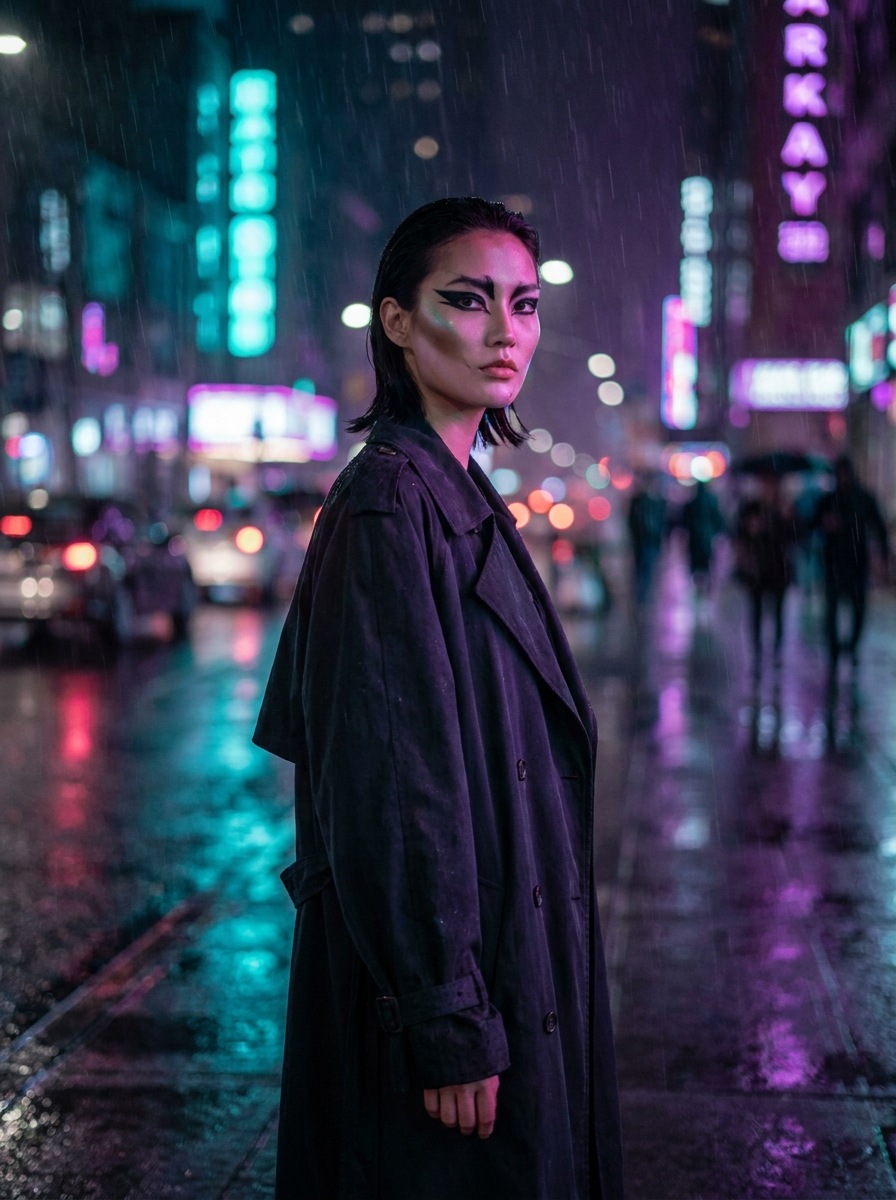
A talking avatar needs exactly two ingredients: a face and a voice. Lipsync Studio takes both and returns a video where the mouth, jaw and micro-expressions track the audio.
The two-minute version
Pick a source: upload a portrait (front-facing, mouth visible, decent resolution) or start from any image in your gallery — every artifact has a Lipsync button that carries it straight in.
Pick a voice: upload a recording, or generate one inline — type your script, choose a voice preset, and the TTS engine renders the track without leaving the panel.
Generate. Image-driven engines animate a still into a talking head; video-driven engines re-dub an existing clip so the lips match new words.
What makes it believable
Short lines beat monologues — energy stays natural under 20 seconds. Match voice character to face (a weathered face with a teenage voice breaks the spell). And light your source portrait like an interview: soft, frontal, no hard shadows across the mouth.