You generate a character you love, generate them again, and a stranger shows up. Faces drift because a text prompt underdetermines identity: “young woman, silver hair, freckles” matches a million different people, and the model samples a new one every time.
Fix 1 · Reference, don't re-describe
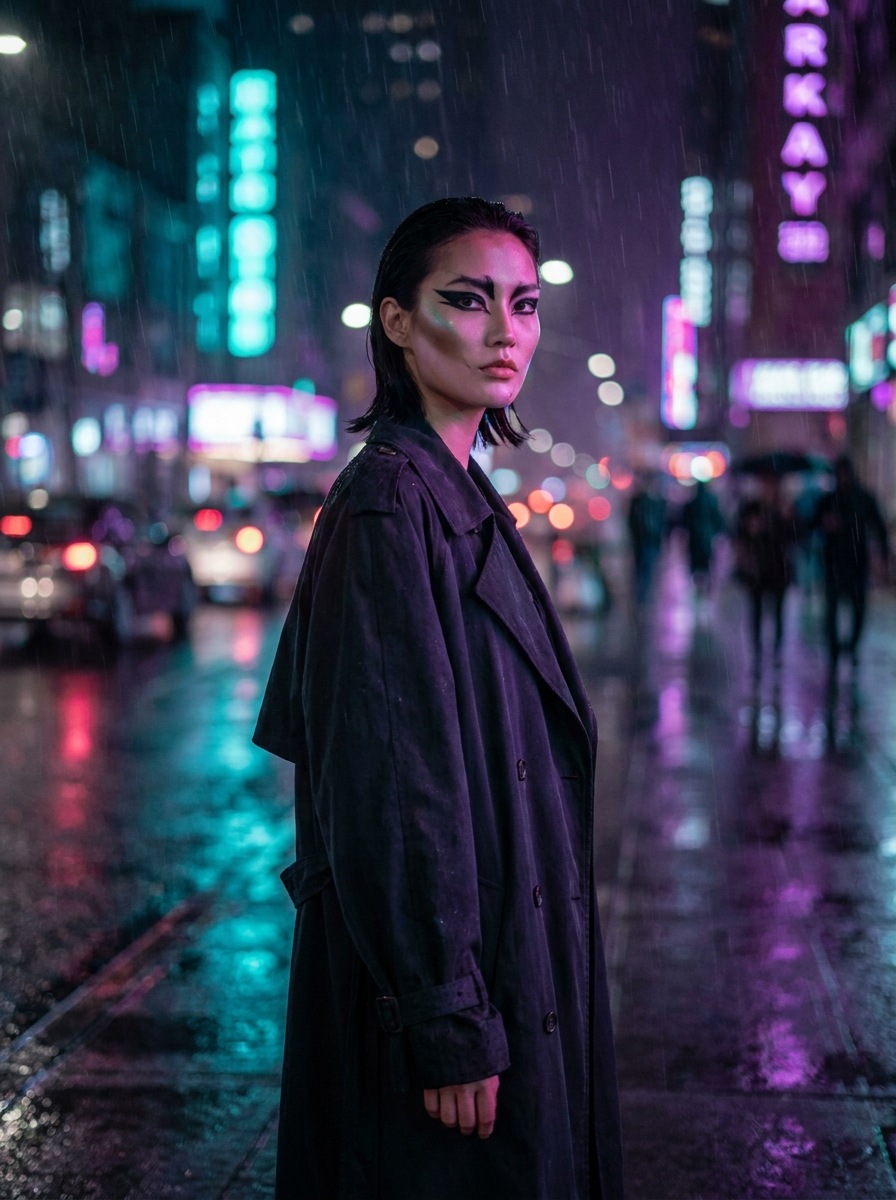
The cheapest fix is image-to-image: take your best portrait, use it as a reference, and describe only what should change (“same person, now in a rain jacket, city street at night”). Identity lives in the reference; the prompt only steers the scene.
Fix 2 · Train a character
For a character you'll reuse for weeks, train them in the Characters studio: upload 10–20 clean shots (varied angles, consistent identity), let training run, then summon them in the composer with one click. A trained character survives outfit changes, lighting changes and style changes that would break a reference chain.
Fix 3 · Keep a look bible
Whichever route you take, save your canonical portraits to favorites and treat them as the character's source of truth. When a batch drifts, don't argue with the prompt — go back to the bible frame and branch again. Consistency is a workflow habit, not a magic keyword.