
Announcement teasers before anything exists to film
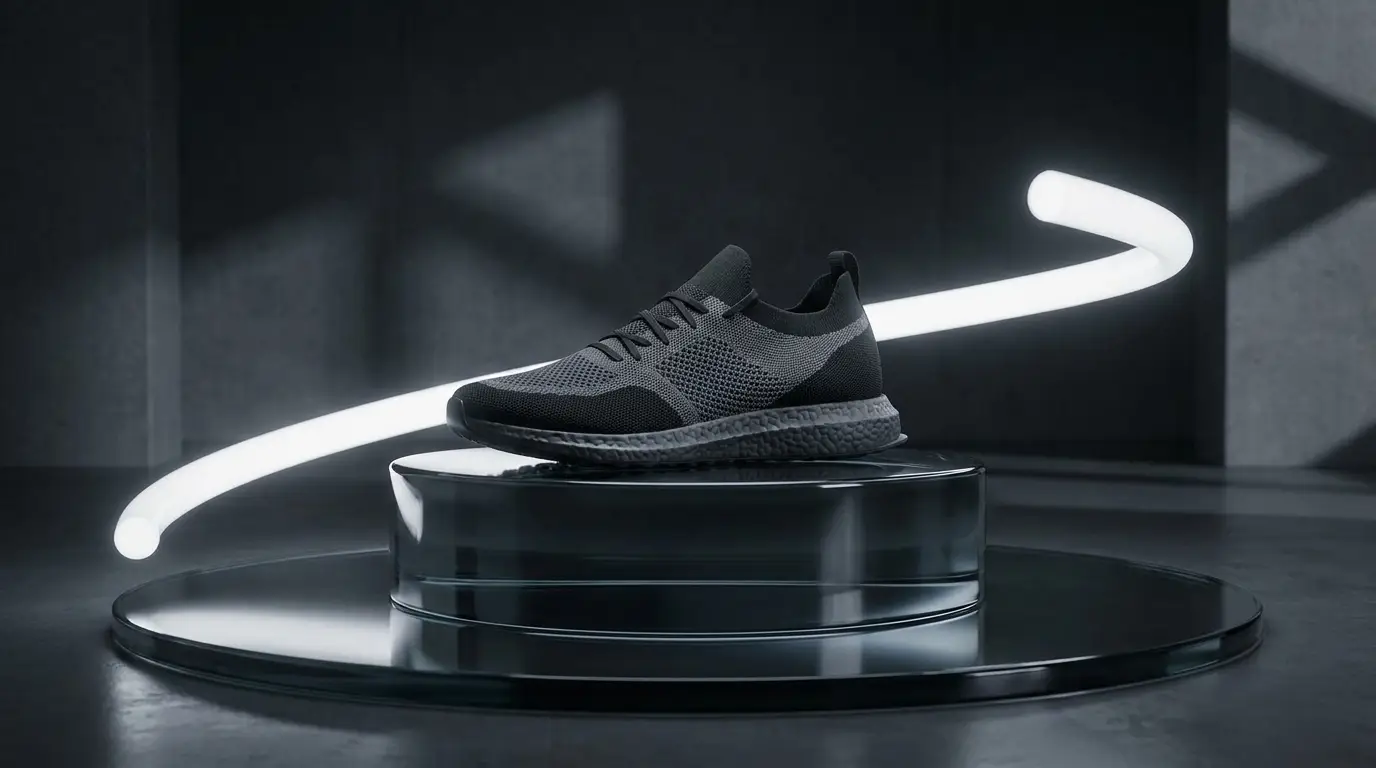
Work backwards from the feeling you're selling. A club night wants strobing color and crowd silhouettes; a product launch wants a dark stage and one dramatic reveal light; a gala wants slow-motion gold. Prompt the atmosphere concretely — 'sweeping stage lights over a cheering crowd, confetti falling, slow motion' — and pair it with an effect preset like CONFETTI RAIN or BLOOM BURST to push the celebratory physics.
One honest production note: generated video isn't the place for your date and venue text — lettering rendered inside AI video tends to warp. Generate the motion, then add event details as a clean text layer in your story editor or video tool, where it stays sharp and editable when the lineup changes.
Visuals for the event itself
Screens at the venue need content too, and generated loops are ideally suited: abstract ember drifts, slow particle fields, brand-colored light sweeps that sit behind speakers without stealing focus. Prompt for 'seamless, slow, continuous motion' and avoid one-off events like a burst or reveal, so the clip repeats without an obvious seam.
Match the palette to the brand — a prompt can carry exact color direction like 'deep navy background, warm gold particles' — and generate a family of three or four loops in the same visual language so screens across the venue feel art-directed rather than assorted.
One concept, every channel
Generate the hero clip in 16:9 for YouTube and the event page, then use the reframe tool to convert it to 9:16 for Stories and Reels rather than re-generating and hoping for a match. For the static side of the campaign, the same visual concept can become a poster: Nidhogg's image models handle real typography, and the event-poster app workflow is built for exactly this.
Keeping one prompt vocabulary across video teaser, screen loops, and poster is what makes a small event look like it hired an agency — every asset clearly belongs to the same night.
Model picks by budget and moment
Seedance Pro is the drafting workhorse — cheap enough to explore five directions for the teaser before committing. Kling Video is the dependable mid-tier for finished promo clips, and Kling 3 is worth the credits for the single hero shot the whole campaign leans on, especially where crowd detail and light behavior need to hold up.
For premium corporate launches where the teaser must read as live-action footage, Veo 3.1 Lite delivers the realism tier without the flagship price.