
What prompt-instructed editing means
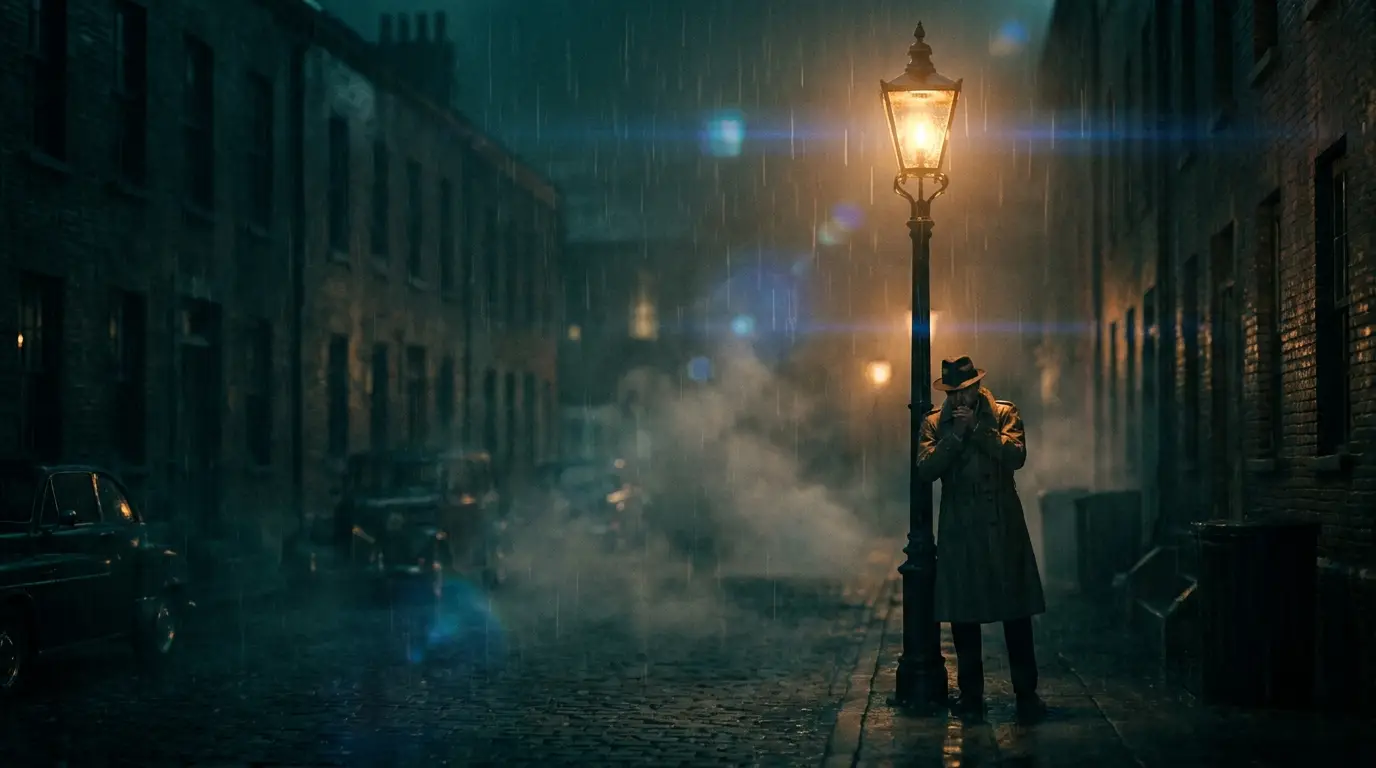
Traditional editors manipulate the recording; a prompt-instructed editor regenerates it. The model reads your clip, understands what's in it, and renders a new version with your instruction applied — the same person walks the same path through the frame, but it's raining now, or the storefront sign is gone, or the whole shot has become dusk.
Because the output is a re-render, review it like a new take: check that faces, logos, and details you didn't mention came through faithfully. Most edits do; when one drifts, rerunning with 'keep everything else unchanged' appended to the instruction tightens it up.
Edits it handles well
Environment changes are the sweet spot: time of day, weather, season, and background swaps hold up because the subject's motion anchors the shot. Wardrobe and color changes on a clear subject are similarly reliable — 'change the car to matte black', 'make her jacket red' — as is removing background distractions.
Style transformations work too — 'render this as hand-drawn animation' — with the honest caveat that heavier restyles vary more from run to run. Generate two or three takes of a big transformation, pick the winner, and finish it with the video upscaler.
Where it fits next to a timeline editor
Think of it as the shot-fixing layer under your normal edit. You still assemble, trim, and mix in a timeline tool; Nidhogg handles the changes inside the frame that a timeline can't touch without compositing skills. A practical loop: pull the shots that need fixing, run each through a prompt edit, then drop the fixed versions back into your cut.
The surrounding tools cover the rest of finishing: reframe converts a shot between aspect ratios when you need a vertical from a horizontal master, and the video upscaler brings the final clip up to delivery resolution.
Writing instructions that work
One change per pass. 'Make it night and remove the van and change his shirt' forces the model to juggle; three focused passes are more controllable and easier to judge. Name things the way you'd point them out to a person on set: 'the blue sedan parked on the left', not 'the vehicle'.
State what should stay: 'keep the camera movement and the subject's face unchanged' does real work in an instruction. And keep clips short — Nidhogg processes shots that run seconds, not minutes, so edit per shot and assemble the sequence afterward.