
The grammar of an establishing sequence
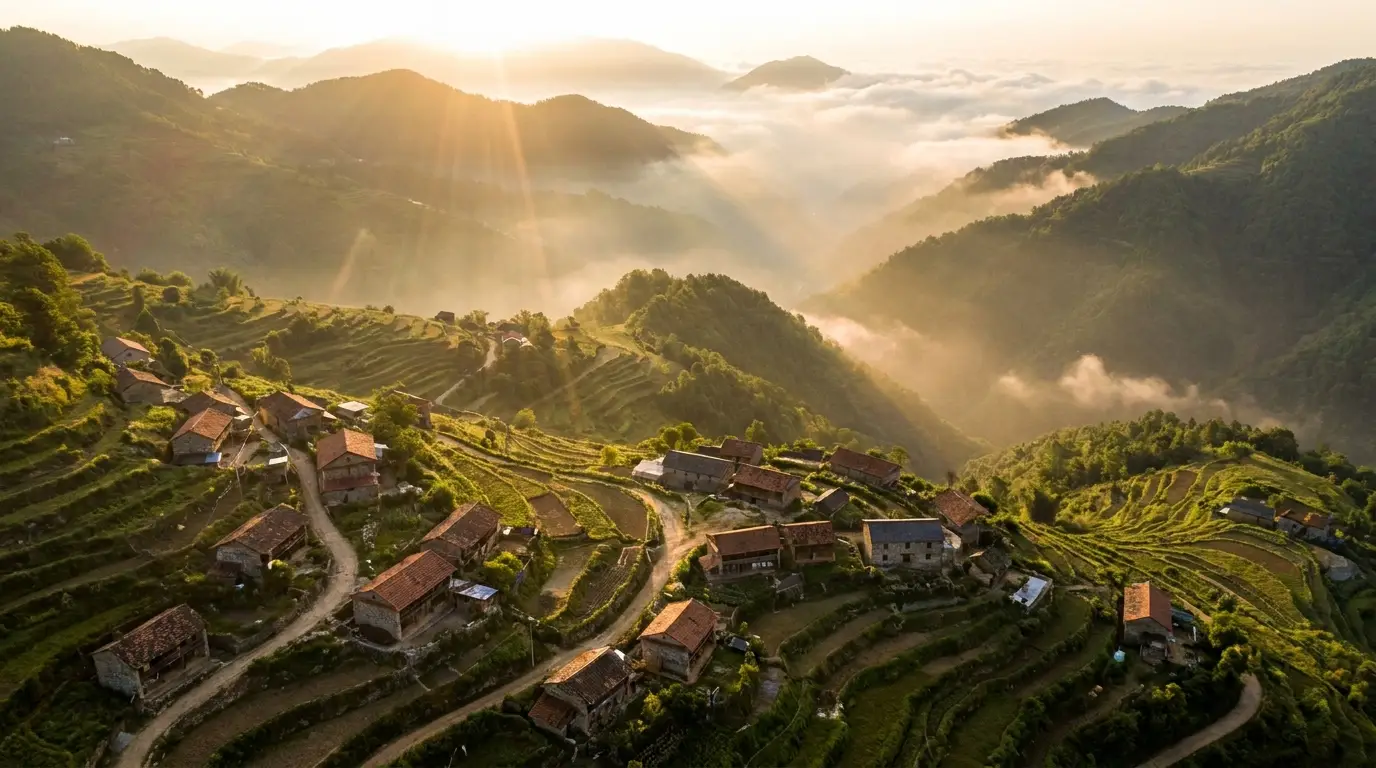
Professional travel edits open with a three-shot grammar: wide aerial establishing the place, medium shot setting the scene, detail shot creating intimacy. The aerial is the one creators most often can't capture — drone bans, weather, budget — and it's the one generation does best. The DRONE PULLBACK preset produces that signature revealing pull where a scene shrinks into vast landscape; FLYTHROUGH gives you the impossible glide down a canyon or through a market. Generate the missing tier and your real footage suddenly has a frame around it.
Match the light or the seam shows
Generated clips sit invisibly next to real footage only when the light matches. Before generating, note your real footage's conditions — golden hour, overcast, blue hour — and encode them in the prompt: "coastal cliffs at golden hour, long warm shadows, haze on the horizon". Then grade everything together in your editor with one shared look. Color continuity, more than resolution, is what makes mixed footage read as one shoot.
Disclose, and keep the story true
The travel audience buys authenticity; treat that as a constraint worth protecting. Use generated shots for atmosphere and transitions, not as proof of experiences you didn't have — and disclose AI-assisted visuals in your description or caption, which platforms increasingly require for realistic generated content anyway. Creators who are casually transparent about it ("aerials generated — no drone allowed in the park") consistently find audiences respect the honesty and the craft.