
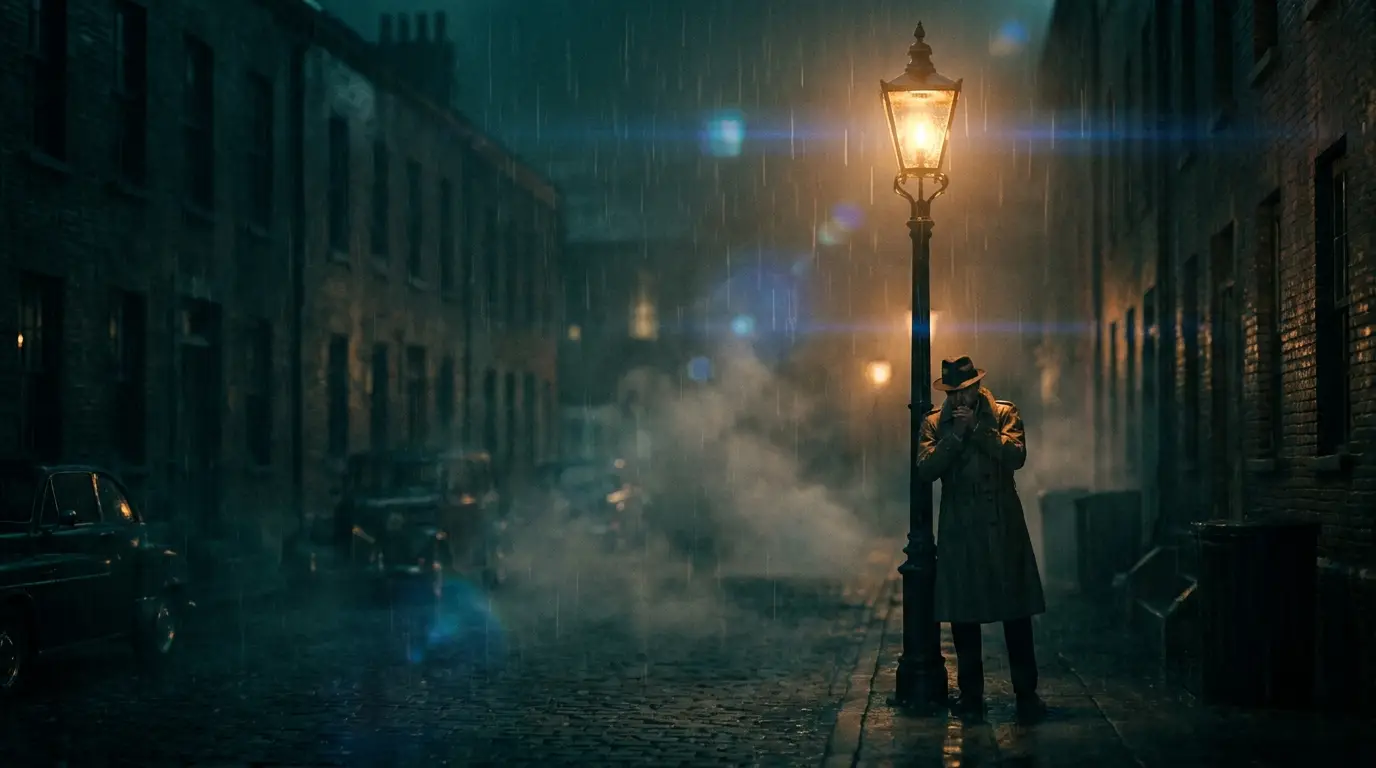
Build one visual world and stay in it
Great music videos feel like one place, even when scenes change. Before generating anything, pick your world in a sentence — "rain-soaked neon city at 2am" or "sun-bleached desert VHS memory" — and encode it as one or two presets you apply to every single clip: NEON CITY for the former, VHS REWIND for the latter. The preset is your production designer; changing it mid-video is how AI videos end up feeling like stock-footage collages.
Shot list by the bar, cut by the beat
Map the song's structure first: verses get slower, atmospheric shots; choruses get your most kinetic material — FPV DIVE, CRASH ZOOM, SPEED RAMP. The math is friendly: at 120 BPM, one bar is two seconds, so a 5-second clip covers two and a half bars and a four-bar phrase wants an 8-second shot. Generate clips to those lengths deliberately and they'll fall onto the beat grid in your editor almost by themselves.
Plan roughly 25–40 clips for a three-minute video. kling-3 is the flagship for hero shots; seedance-pro fills coverage fast and cheap.
Keep the artist recognizable
Same continuity rule as film: describe your performer with one exact descriptor string — hair, wardrobe, distinguishing details — and reuse it verbatim in every prompt. For fully consistent likeness across the whole video, use a reference image of the artist in Nidhogg's reference workflow so every generated shot anchors to a real face rather than a written description.