
Kling Text-to-Video
Cinematic text-to-video via fal.ai. Generate videos with Kling Text-to-Video on Nidhogg — one platform, every model, orchestrated automatically.
Output
Video
Provider
fal.ai
Max duration
10s
Resolutions
1280x720
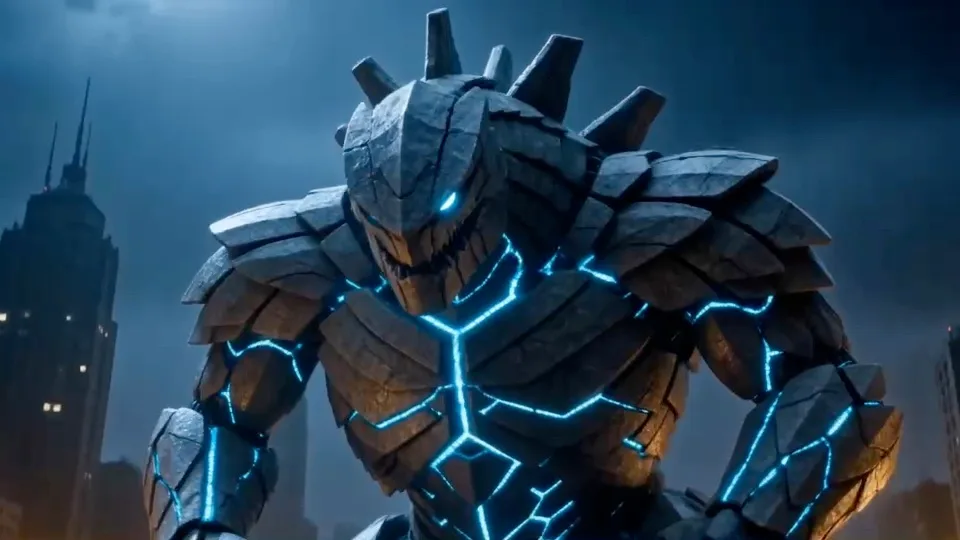
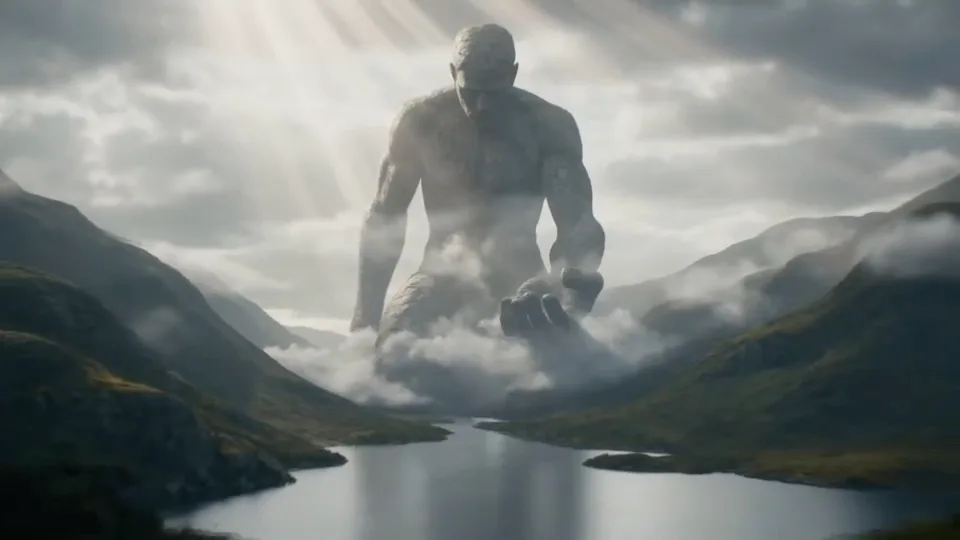
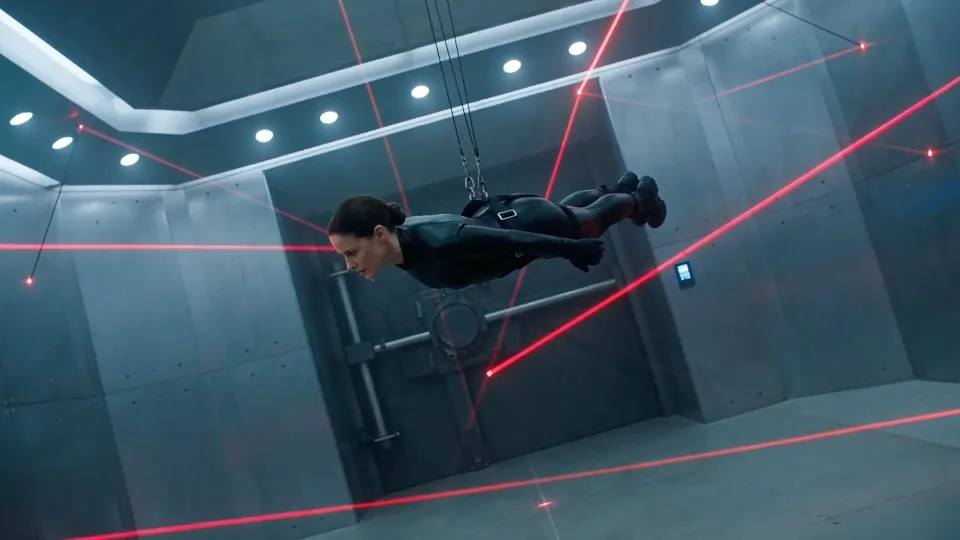
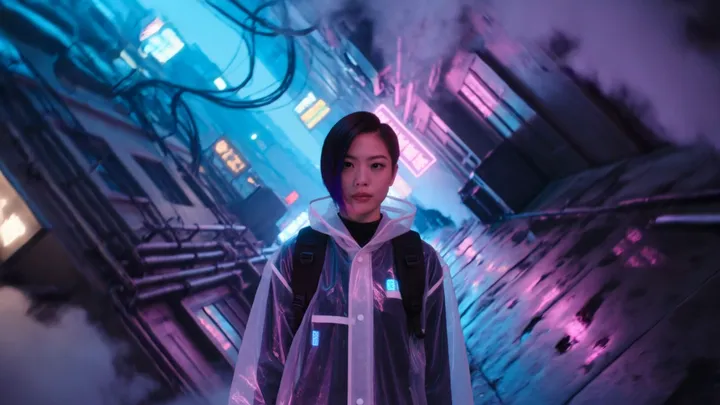
Made with Kling Text-to-Video
View all →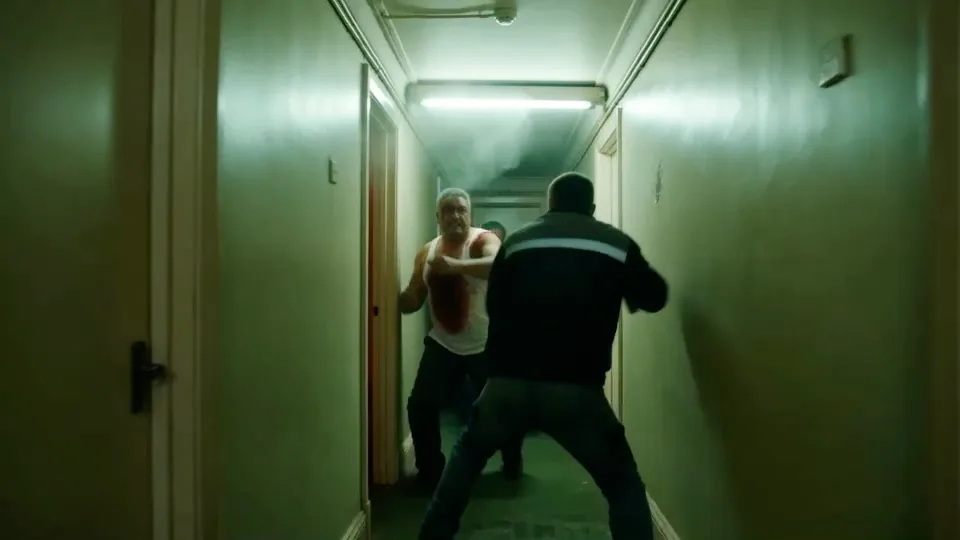
Frequently asked
How much does Kling Text-to-Video cost on Nidhogg?
40 credits per generation. During the closed beta new accounts get free credits, so you can try Kling Text-to-Video at no cost.
What can Kling Text-to-Video generate?
Kling Text-to-Video is a text-to-video model producing clips up to 10 seconds at 1280x720. Cinematic text-to-video via fal.ai.
How do I use Kling Text-to-Video?
Open the generator, pick Kling Text-to-Video as your model, write a prompt, and hit Generate. You can also browse what the community has made and recreate any result in one click.
Can I see examples made with Kling Text-to-Video?
Yes — there are 5 public videos made with Kling Text-to-Video in the Nidhogg community, each with the exact prompt used.